The Hidden Cost of “Cold Starts”: Defeating EBS Lazy Loading in AI Pipelines
In the world of MLOps, we often obsess over model inference time. We spend weeks optimizing PyTorch code to shave off 50 milliseconds per…
The Hidden Cost of “Cold Starts”: Defeating EBS Lazy Loading in AI Pipelines
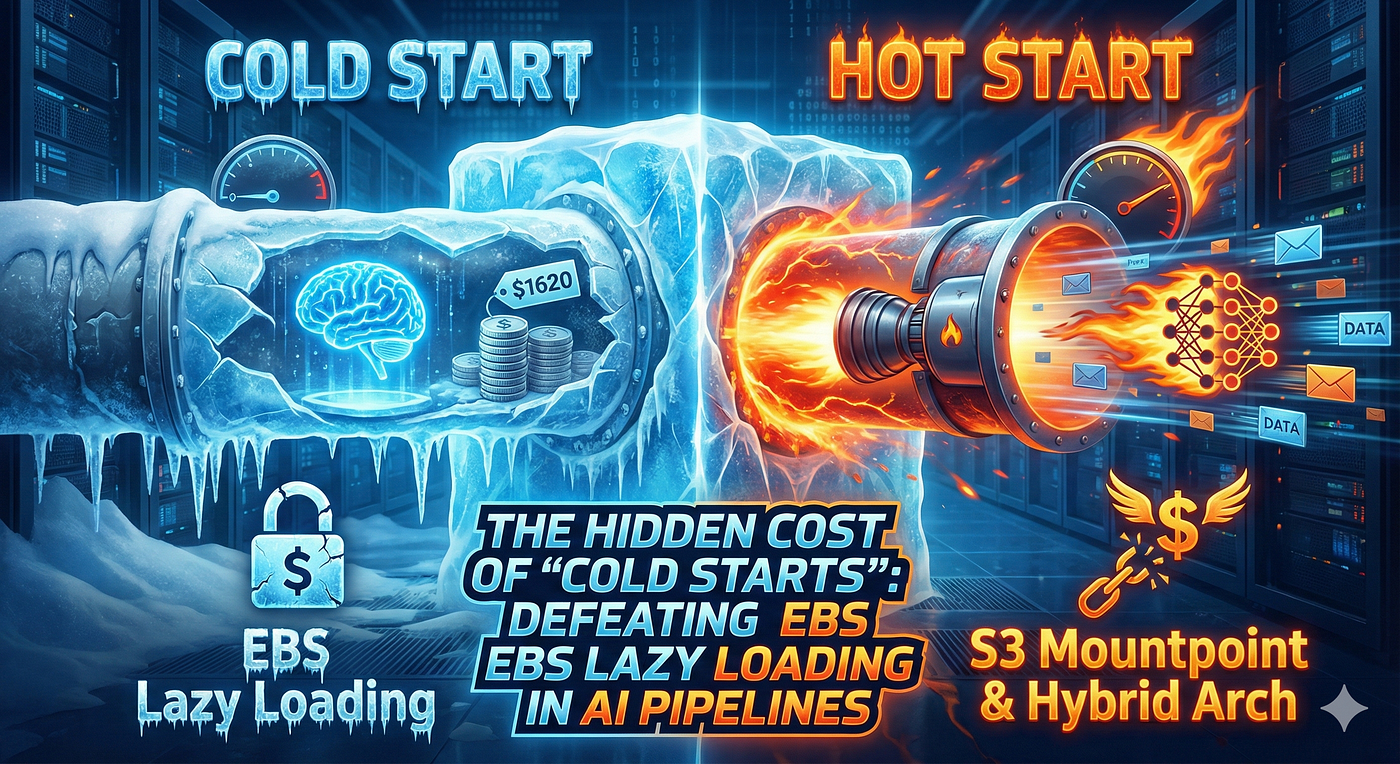
COLD Start Vs HOT Start
In the world of MLOps, we often obsess over model inference time. We spend weeks optimizing PyTorch code to shave off 50 milliseconds per prediction. But there is a silent killer in your pipeline that might be wasting minutes before your model even wakes up: Infrastructure Cold Starts.
If you are running batch processing on AWS with large container images and heavy model weights, you have likely faced the “Spin-up” problem. You scale from 0 to 100 nodes, but your GPU instances sit idle for 10 minutes before processing a single file.
This post explores the concept of “First Touch Latency”, why baking data into AMIs isn’t always the silver bullet, and how we architected a solution using Amazon S3 Mountpoint to save thousands of dollars per month while minimizing uptime.
The Scenario: A “Heavy” Workload
Let’s define a typical “Cold Start Heavy” scenario. We were building an asynchronous image processing pipeline using AWS Batch.
- The Compute: g6.xlarge and g6.4xlarge (GPU instances).
- The Software: NVIDIA Triton Inference Server (Docker Images size: ~30 GB).
- The Data: A suite of AI Models (Total size: ~150 GB).
- The Goal: When a job arrives in SQS, spin up infrastructure, process the data, and shut down immediately to save costs.
The Naive Approach: “Download on Boot”
The most obvious way to set this up is using a standard Amazon Linux AMI (GPU). When the instance boots, a User Data script runs:
docker pull <triton-image> (30 GB)
aws s3 cp <models> ./local-dir (150 GB)
Start processing.
The Problem: On a standard Gigabit connection, downloading GBs of data takes a long time. Even with AWS’s fast internal network, you are limited by the EBS write throughput. Your expensive GPU instance is sitting idle for 10 to 15 minutes just preparing to work. At scale, this is burning money.
The Trap: Baking AMIs and “EBS Lazy Loading”
To fix the download time, the logical next step is to “bake” everything into a Custom AMI (Amazon Machine Image). You spin up a machine, download the Docker image and models once, create an AMI, and use that for your Batch jobs.
Theoretically, the data is already on the disk. Startup should be instant, right?
Wrong.
When AWS launches an instance from an AMI (which is backed by an EBS Snapshot), it does not copy all the data from S3 to the physical disk immediately. It creates a “sparse” volume. Data is pulled from S3 to the disk block-by-block only when you try to read it.
This is called EBS Lazy Loading (or First Touch Latency).
When your application starts and tries to load that 150 GB model into GPU VRAM, the disk I/O spikes to 100%. But because the data isn’t physically there yet, the read speed is throttled by the backend connection between EBS and S3. Instead of reading at 500 MB/s, you might be reading at 20–30 MB/s.
We moved the bottleneck from “Network Download” to “Disk Hydration,” but the result was the same: High Latency.
The Expensive Fix: EBS Fast Snapshot Restore (FSR)
AWS offers a feature specifically for this: **EBS Fast Snapshot Restore (FSR).**
FSR forces AWS to pre-warm the volume fully. When you launch an instance, you get maximum provisioned performance instantly. No lazy loading.
The Catch? The Cost. FSR is billed per Snapshot, per Availability Zone (AZ), per hour.
- Cost: ~$0.75 per hour per AZ.
- If you run in 3 AZs (standard for high availability): $0.75 24 30 * 3 = ~$1,620 per month.
For a single AMI snapshot, paying ~$19,000 a year just for faster boot times is a tough pill to swallow (unless you really need it!).
The Winning Architecture: The “Split Strategy”
To solve this without breaking the bank, we realized we needed to treat our two artifacts differently: the Docker Image and the Model Weights.
1. The Docker Image (30 GB) -> Bake into AMI
We used EC2 Image Builder to create a custom AMI. We pull the Docker image during the build process.
Why: Docker images are accessed sequentially and cached by the OS. While lazy loading still applies, the impact is less severe than random-access model loading. The OS caches the layers, and the startup penalty is acceptable (approx 1–2 minutes).
2. The Model Weights (150 GB) -> Mountpoint for Amazon S3
This was the game-changer. Instead of downloading the models or baking them into the disk, we stream them.
**Mountpoint for Amazon S3** is a high-performance open-source file client that mounts an S3 bucket as a local file system. It is optimized for high-throughput read workloads (like ML training and inference).
How it works:
- We configured our Custom AMI to install mount-s3.
- We added a systemd service to mount our model bucket to /mnt/models on boot.
- We mapped this volume into our Docker container.
The Result:
- Startup Time: Instant. The directory is available immediately on boot.
- Throughput: Mountpoint bypasses the EBS disk throughput limits. It utilizes the EC2 instance’s Network Bandwidth (up to 12.5 Gbps on a g6.xlarge). It streams the model data directly from S3 into memory.
- Cost: $0. No FSR fees. No EBS storage costs for the model data. You only pay standard S3 request fees.
Why Not Amazon EFS? The “Throughput Trap”
You might be wondering: “Why not just use Amazon EFS? It’s designed for network mounting.”
While EFS is excellent for shared read/write workloads, it is the wrong tool for high-performance model loading for two reasons: Cost and Throughput.
- The Storage Tax: EFS Standard storage is roughly 10x to 15x more expensive than S3 Standard storage ($0.30/GB vs $0.023/GB). Storing redundant copies of models in EFS just to load them is a waste of budget.
- The Throughput Bottleneck: This is the killer. By default, EFS performance is tied to the amount of data you store. For a 150 GB dataset, your baseline throughput is a tiny ~650 KB/s. To load models at 500 MB/s, you would have to pay for expensive Provisioned Throughput.
With Mountpoint for S3, we keep the data in its cheapest home (S3) and utilize the EC2 instance’s massive network bandwidth to stream it, bypassing the EFS throughput limits entirely without paying a cent extra.
Key Takeaways
If you are dealing with large artifacts in a transient environment:
- Avoid downloading large files at runtime. It wastes expensive compute time.
- Beware of baking large data into AMIs. EBS Lazy Loading will throttle your read speeds unless you pay for FSR.
- Use Mountpoint for S3 for read-only large datasets. It effectively uses S3 as an infinitely fast, zero-latency hard drive attached to your instance.
By moving from a monolithic “bake everything” strategy to this hybrid approach, we reduced our startup latency by 85% and avoided $1,620/month in FSR costs.
메타데이터
- post_id
- ff784febba74
- slug
- the-hidden-cost-of-cold-starts-defeating-ebs-lazy-loading-in-ai-pipelines-ff784febba74
- url
- https://medium.com/@dcgmechanics/the-hidden-cost-of-cold-starts-defeating-ebs-lazy-loading-in-ai-pipelines-ff784febba74
- canonical_url
- https://medium.com/@dcgmechanics/the-hidden-cost-of-cold-starts-defeating-ebs-lazy-loading-in-ai-pipelines-ff784febba74
- author_url
- https://medium.com/@dcgmechanics
- status
- ok
- fetched_at
- 2026-06-09 15:37:30


