Computer Vision — Oriented Bounding Boxes Object Detection (YOLO26)
Computer Vision
Computer Vision — Oriented Bounding Boxes Object Detection (YOLO26)
This article provides an example of using Ultralytics YOLO26 for Oriented Bounding Boxes Object Detection using Python and OpenCV on Linux.
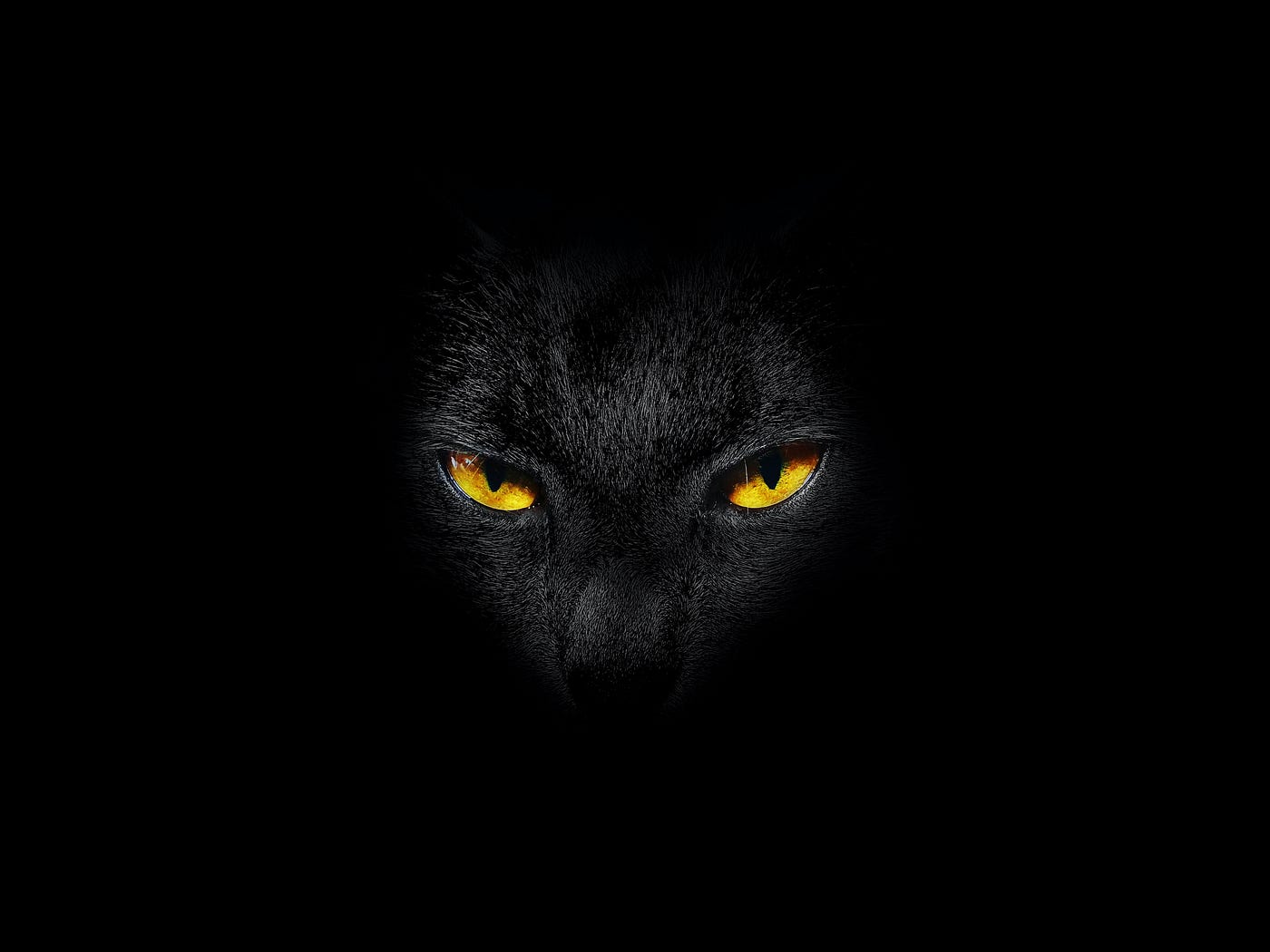
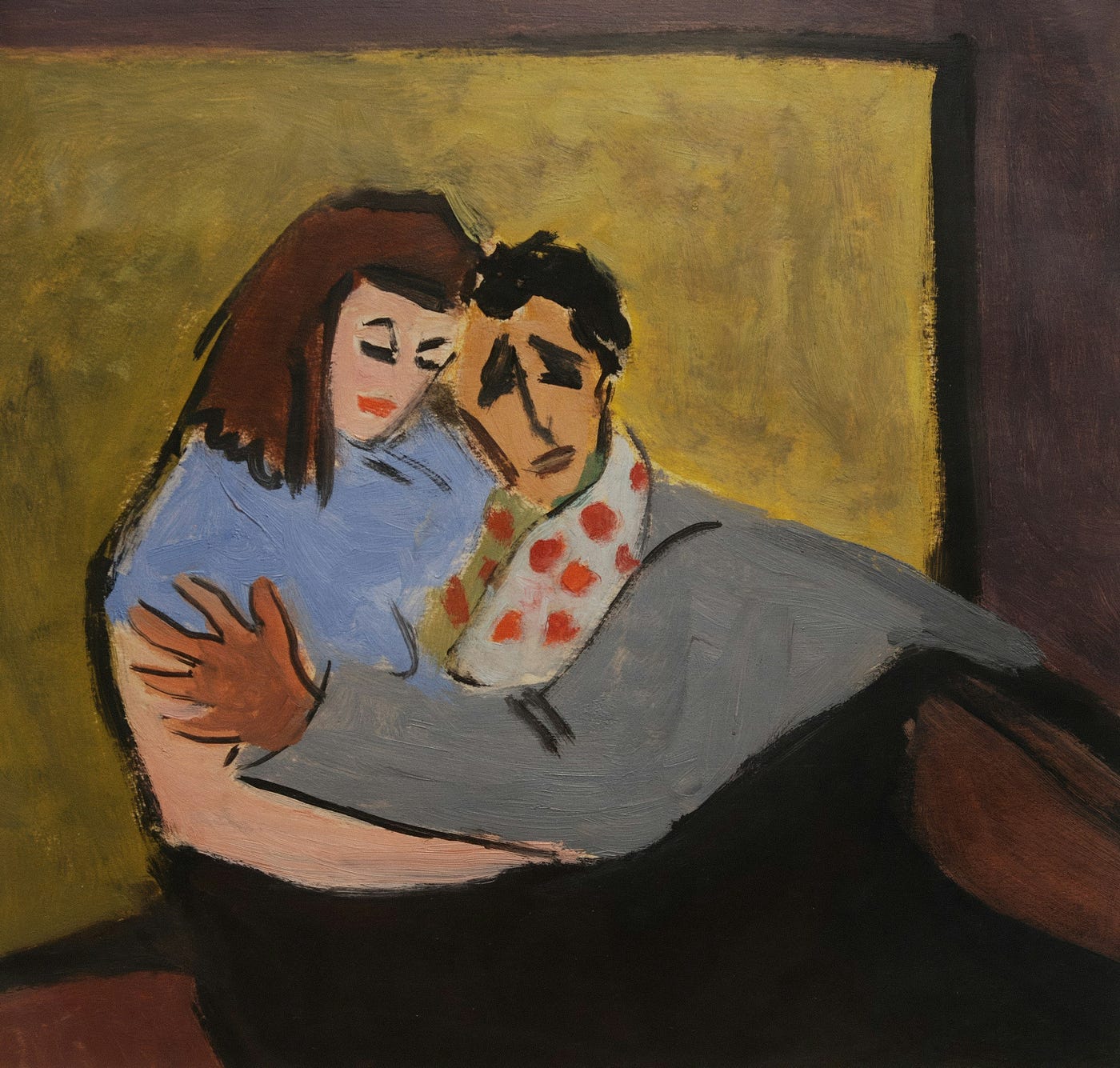
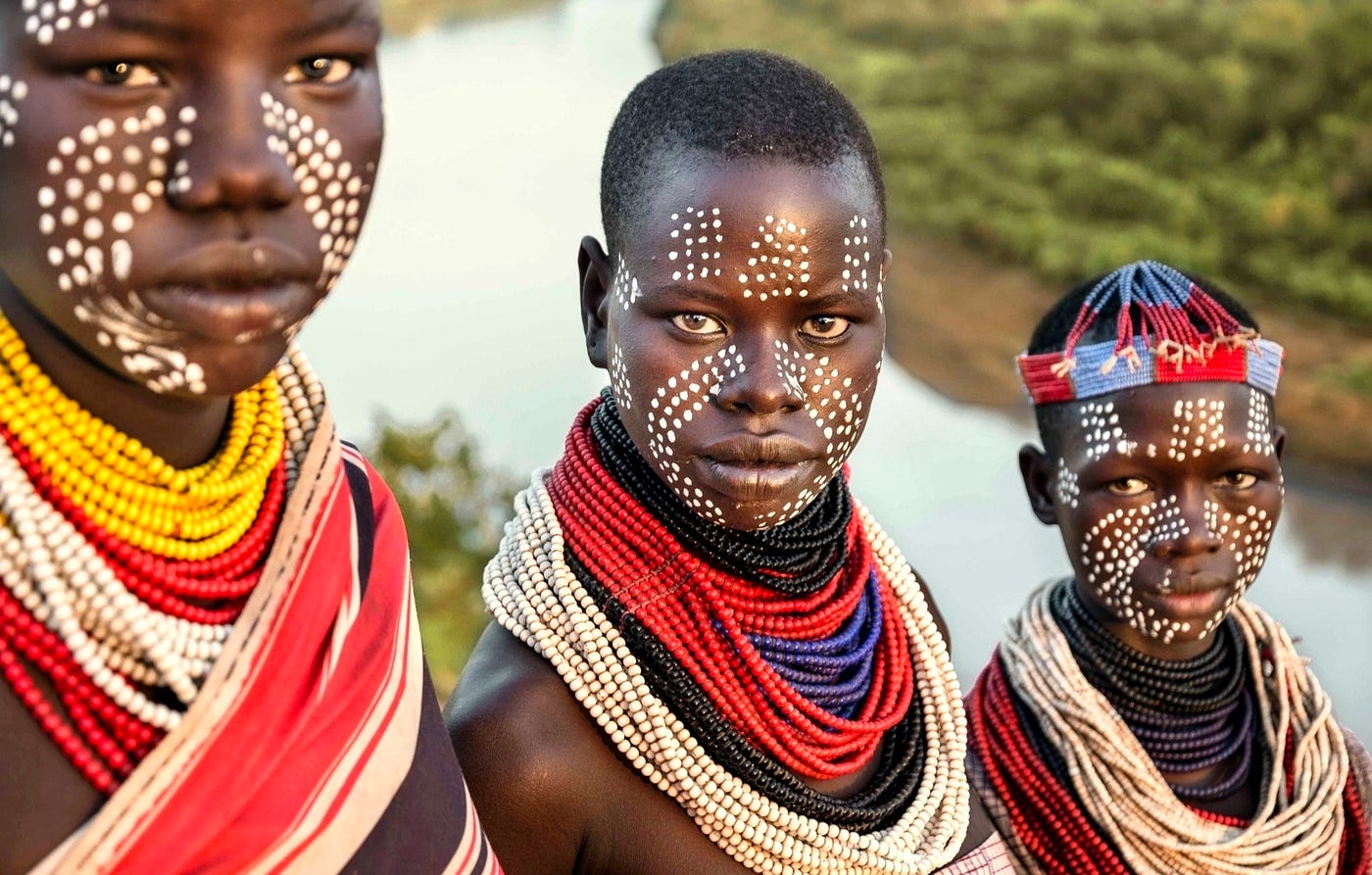
Oriented Bounding Boxes Object Detection is a Computer Vision task for identifying specific objects within an image. The detections consist of object class, confidence score, bounding box coordinates and rotation angle.
Prerequisites
The sample code in this article has the following software prerequisites:
- Python 3.13.5
- OpenCV 4.13.0.92
- ONNX Runtime 1.24.4
- Ultralytics Python API 8.4.32 (required for ONNX model conversion only)
We use the following to install the software prerequisites:
sudo apt-get update
sudo apt-get install python3 python3-venv -y
python3 -m venv ~/Python/.venv
source ~/Python/.venv/bin/activate
pip3 install --upgrade pip wheel
pip3 install pillow opencv-python onnxruntime ultralytics
The Oriented Bounding Boxes Object Detection model used is the Ultralytics YOLO26 Nano (yolo26n-obb). To convert the model from the original PyTorch format (.pt) to ONNX format (.onnx) we use the following:
yolo export model=yolo26n-obb.pt format=onnx && rm yolo26n-obb.ptYou can also select different YOLO26 variants (e.g. Small (
yolo26s-obb), Medium (yolo26m-obb), Large (yolo26l-obb) or Extra Large (yolo26x-obb)).
The YOLO26 model is trained on DOTA Dataset. This example uses a text version of the DOTA classes. You can download the list using the following:
wget https://raw.githubusercontent.com/ultralytics/ultralytics/refs/heads/main/ultralytics/cfg/datasets/DOTAv1.yamlOriented Bounding Boxes Object Detection
To run Oriented Bounding Boxes Object Detection inference using the YOLO26 model, we create the following Python files:
Program.py:
#!/usr/bin/python3

import cv2
import numpy
import sys
from PIL import Image
from YOLOModel import YOLOModel

# Display image
def DisplayImage(title: str, image: numpy.ndarray):
    cv2.namedWindow(title, cv2.WINDOW_AUTOSIZE)
    while True:
        cv2.imshow(title, image)
        key = cv2.waitKey(1) & 0xFF
        if key == 27 or key == ord("q"):
            break
    cv2.destroyAllWindows()

if __name__ == "__main__":
    fileName = sys.argv[1]
    model = YOLOModel(detectionThreshold=0.3)
    image = numpy.array(Image.open(fileName).convert("RGB"))
    image = model.Execute(image)
    DisplayImage(fileName, cv2.cvtColor(image, cv2.COLOR_RGB2BGR))
The Program.py file is the main Python application file. It contains the application entry point (if __name__ == "__main__":), which initializes the YOLO26 model class (model = YOLOModel(detectionThreshold=0.3)). Once the model is initialized, the application loads the input image specified as the first command line argument (sys.argv[1]), runs model inference (model.Execute(image)) and displays the results (DisplayImage()) in an OpenCV window.
YOLOModel.py:
#!/usr/bin/python3

import cv2
import numpy
import onnxruntime

# YOLO model (Type: Oriented Bounding Boxes Object Detection, Resolution: 1024×1024×3, Dataset: DOTAv1, Framework: ONNX)
class YOLOModel:

    # Initialization
    def __init__(self, detectionThreshold: float):
        super().__init__()
        self.__classNames = self.LoadClassNames("./DOTA_v1.txt")
        self.__session = onnxruntime.InferenceSession("./yolo26n-obb.onnx", providers=self.GetProviders())
        self.__inputWidth = self.__session.get_inputs()[0].shape[3]
        self.__inputHeight = self.__session.get_inputs()[0].shape[2]
        self.__detectionThreshold = detectionThreshold
        self.__textBackgroundColor = (255, 255, 255)

    # Load classes
    def LoadClassNames(self, fileName):
        with open(fileName, "r") as file:
            return [line.title() for line in file.read().split("\n")]

    # Return ONNX Runtime providers
    def GetProviders(self) -> list[str]:
        return [provider for provider in ("CUDAExecutionProvider", "CPUExecutionProvider") if provider in onnxruntime.get_available_providers()]

    # Execute model
    def Execute(self, image: numpy.ndarray) -> numpy.ndarray:
        (input, padding) = self.GetInput(image)
        output = self.__session.run(None, {self.__session.get_inputs()[0].name: input})
        return self.ProcessOutput(image, output, padding)

    # Return model input
    def GetInput(self, image: numpy.ndarray) -> tuple[numpy.ndarray, tuple[int, int]]:
        (image, padding) = self.LetterBoxInputImage(image, self.__inputWidth, self.__inputHeight)
        image = numpy.array(image) / 255.0
        image = numpy.transpose(image, (2, 0, 1))
        image = numpy.expand_dims(image, axis=0)
        image = image.astype(numpy.float32)
        return (image, padding)

    # Resize and reshape image while maintaining aspect ratio by adding padding
    def LetterBoxInputImage(self, image: numpy.ndarray, targetWidth: int, targetHeight: int) -> tuple[numpy.ndarray, tuple[int, int]]:
        shape = image.shape[:2]
        (imageHeight, imageWidth) = shape
        scaleRatio = min(targetHeight / imageHeight, targetWidth / imageWidth)
        padding = round(imageWidth * scaleRatio), round(imageHeight * scaleRatio)
        (paddingWidth, paddingHeight) = padding
        if shape[::-1] != padding:
            image = cv2.resize(image, padding, interpolation=cv2.INTER_LINEAR)
        (deltaWidth, deltaHeight) = (targetWidth - paddingWidth) / 2, (targetHeight - paddingHeight) / 2
        (top, bottom) = round(deltaHeight - 0.1), round(deltaHeight + 0.1)
        (left, right) = round(deltaWidth - 0.1), round(deltaWidth + 0.1)
        image = cv2.copyMakeBorder(image, top, bottom, left, right, cv2.BORDER_CONSTANT, value=(114, 114, 114))
        return image, (top, left)

    # Process model output (YOLOv10+)
    def ProcessOutput(self, image: numpy.ndarray, output, padding: tuple[int, int]) -> numpy.ndarray:
        predictions = output[0].squeeze(0)
        predictions = predictions[predictions[:, 4] >= self.__detectionThreshold, :]
        if len(predictions) > 0:
            boundingBoxes = predictions[:, 0:4]
            (imageHeight, imageWidth) = image.shape[:2]
            scale = min(self.__inputHeight / imageHeight, self.__inputWidth / imageWidth)
            boundingBoxes[:, 0] = (boundingBoxes[:, 0] - padding[1]) / scale
            boundingBoxes[:, 1] = (boundingBoxes[:, 1] - padding[0]) / scale
            boundingBoxes[:, 2] = boundingBoxes[:, 2] / scale
            boundingBoxes[:, 3] = boundingBoxes[:, 3] / scale
            classScores = predictions[:, 4]
            classIndices = predictions[:, 5]
            boundingBoxAngles = numpy.rad2deg(predictions[:, 6])
            for index, score, box, angle in zip(classIndices.astype(int), classScores, boundingBoxes, boundingBoxAngles):
                (x, y, width, height) = box
                image = self.DrawBoundingBoxRotated(image, f"{self.__classNames[index]}: {score:.0%}", x, y, width, height, angle)
        return image

    # Draw bounding box (rotated)
    def DrawBoundingBoxRotated(self, image: numpy.ndarray, title: str, x: float, y: float, width: float, height: float, angle: float) -> numpy.ndarray:
        box = cv2.boxPoints(((x, y), (width, height), angle)).astype(int)
        cv2.drawContours(image, [box], 0, self.__textBackgroundColor, thickness=1)
        return self.DrawTextRotated(image, title, x, y, -angle)

    # Draw text (top left aligned)
    def DrawTextRotated(self, image: numpy.ndarray, text: str, x: float, y: float, angle: float) -> numpy.ndarray:
        fontScale = 0.5
        thickness = 1
        (textWidth, _), baseline = cv2.getTextSize(text, fontFace=cv2.FONT_HERSHEY_SIMPLEX, fontScale=fontScale, thickness=thickness)
        textImage = numpy.zeros_like(image)
        cv2.putText(textImage, text, (int(x - textWidth / 2), int(y + baseline)), fontFace=cv2.FONT_HERSHEY_SIMPLEX, fontScale=fontScale, color=self.__textBackgroundColor, thickness=thickness, lineType=cv2.LINE_AA)
        rotationMatrix = cv2.getRotationMatrix2D((x, y), angle, 1)
        rotatedImage = cv2.warpAffine(textImage, rotationMatrix, (image.shape[1], image.shape[0]))
        return cv2.add(image, rotatedImage)
The YOLOModel class handles the following stages of the Oriented Bounding Boxes Object Detection task:
- Initialization: The
__init__()method loads the ONNX model (yolo26n-obb.onnx), creates an ONNX Inference Session (self.__session = onnxruntime.InferenceSession()) and loads the DOTA classes (LoadClassNames()). - Image Pre-processing: The image is transformed into the model input shape (e.g. (1, 3, 1024, 1024) BCHW) using the
GetInput()method. The image is resized and padded by maintaining the aspect ratio using theLetterBoxInputImage()method. - Model Inference: The model inference is performed in the
Execute()method by callingself.__session.run(). - Image Post-processing: The model output is decoded in the
ProcessOutput()method. The detections are filtered based on the specified confidence score threshold (e.g.predictions[:, 4] >= self.__detectionThreshold) and then displayed on the original image using theDrawBoundingBoxRotated()method. TheDrawBoundingBoxRotated()method draws the rotated detection bounding boxes and theDrawTextRotated()method draws the detected object class name next to the rotated bounding box.
BCHW stands for Batch, Channel, Height, Width.
To run the application we use the following (./Image.jpg is the path to an input image):
python3 Program.py ./Image.jpg
Model Output
References
메타데이터
- post_id
- ffc1cee43d4c
- slug
- computer-vision-oriented-bounding-boxes-object-detection-yolo26-ffc1cee43d4c
- url
- https://medium.com/@meriffa/computer-vision-oriented-bounding-boxes-object-detection-yolo26-ffc1cee43d4c
- canonical_url
- https://medium.com/@meriffa/computer-vision-oriented-bounding-boxes-object-detection-yolo26-ffc1cee43d4c
- author_url
- https://medium.com/@meriffa
- status
- ok
- fetched_at
- 2026-07-15 22:45:01