Veo 3 vs Runway Gen-3: Which AI Video Model Actually Feels Cinematic?
I gave both tools the same 12 prompts. One of them made my jaw drop. The other made me question the hype
Veo 3 vs Runway Gen-3: Which AI Video Model Actually Feels Cinematic?
I gave both tools the same 12 prompts. One of them made my jaw drop. The other made me question the hype

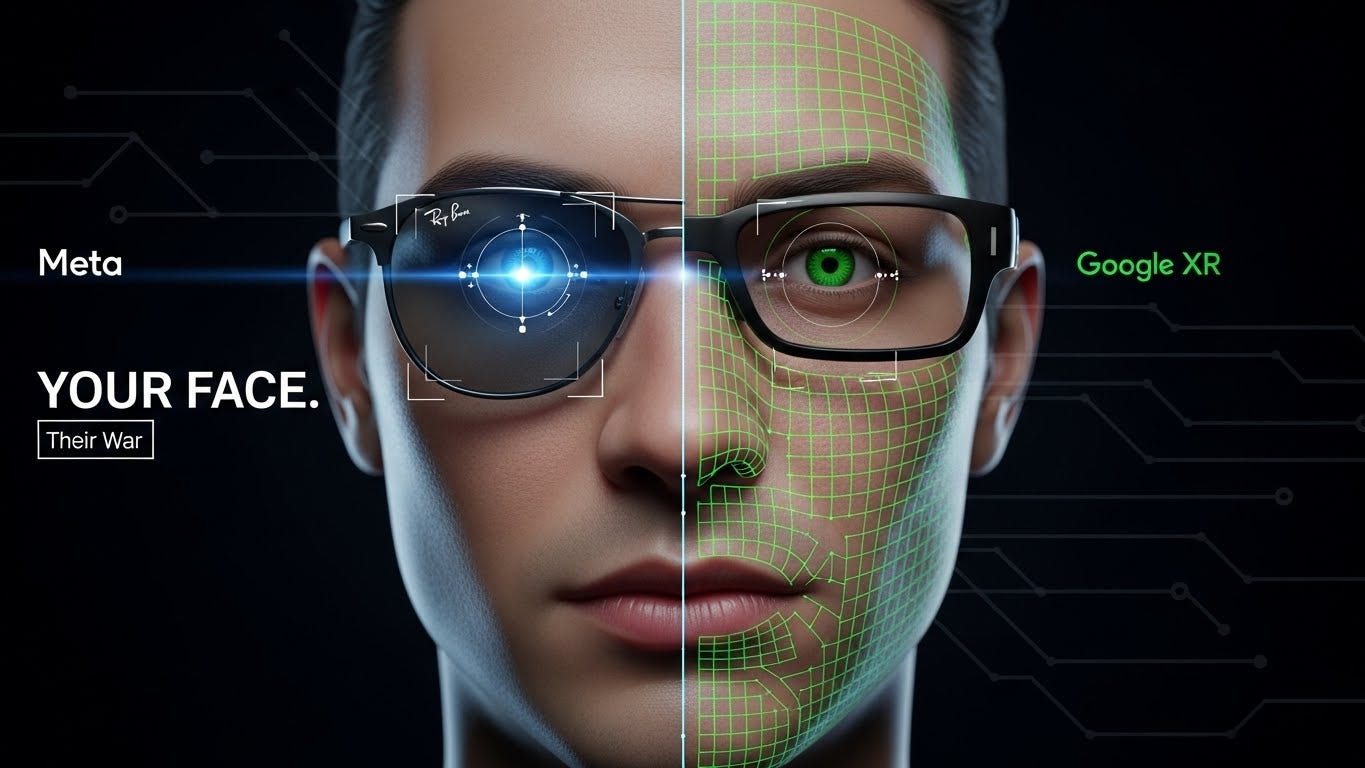
This image was generated by the author using Google’s Flow. All Creative rights and prompt designs belong to Mk Hub
Nobody Is Asking the Right Question
Every comparison I’ve read about AI video generators asks, "Which one is more realistic?”
Wrong question.
Realistic doesn’t mean cinematic. Your iPhone shoots realistic video. A $200 webcam shoots realistic video. Cinematic is something else entirely; it’s intentional light, motivated camera movement, and emotional weight in a single frame. It’s the difference between footage and film.
So when Veo 3 dropped and the internet lost its mind over the quality jump, I didn’t want to know if it looked real. I wanted to know if it looked directed.
I ran both tools through 12 identical prompts ranging from intimate close-ups to wide establishing shots to action sequences. Here’s what I found.
Initial Thoughts: There Is a Real but Complicated Gap
Something feels different when you run a prompt through Veo 3 for the first time. Not only has Google increased resolution and decreased artifacts, but it has also been trained to recognize the true qualities of excellent cinematography. The depth of field is understood by the model. It is aware of how a face is illuminated during golden hour. It recognizes that a camera is a living, breathing machine. Runway Gen-3 is a formidable machine. Since the middle of 2024, it has been the industry standard for AI video specialists. It is used by editors in production businesses. It is used by directors of music videos. Its reputation is well-deserved.
But putting them side by side in 2026 feels a little like comparing a talented journeyman to someone who just had a breakthrough year. The gap isn’t total, but it’s noticeable in specific ways that matter enormously if cinematic quality is your actual goal.
Where Veo 3 Wins: Light and Atmosphere
The single biggest difference between the two tools shows up in how they handle light.
I prompted both with: “A woman sitting alone in a Parisian café at dusk, rain on the window, soft warm interior light, melancholic mood.”
Runway Gen-3 produced a competent result. The woman existed. The café existed. The rain existed. But the lighting felt applied like someone had added a warm filter after the fact. The mood was suggested, not felt.
Veo 3’s output looked like a cinematographer had actually lit the scene. The warm interior light was motivated; it came from a specific direction, cast soft shadows, and interacted with the rain on the window in a way that created genuine visual depth. Watching it, I felt something. That’s not a technical achievement. That’s an artistic one.
This pattern repeated across almost every atmospheric prompt I ran. Veo 3 consistently produces light that feels like it comes from somewhere real. Runway’s light often feels like it was generated alongside the image rather than baked into the physics of the scene.
Where Runway Gen-3 Wins: Control and Consistency
Here’s where experienced users will push back, and they’re right to.
Runway Gen-3 gives you control that Veo 3 currently doesn’t. Motion brush lets you direct specific elements in the frame. You can tell the camera to push in slowly on a subject while keeping the background static. You can mask regions and control them independently. For a professional who needs precise output, this matters enormously.
I tested this with a product shot prompt: “A perfume bottle on a black marble surface, slow 360-degree rotation, studio lighting, shallow depth of field.”
Runway executed this with professional precision. The rotation was smooth. The depth of field behaved correctly. The lighting was consistent across all 360 degrees, which is genuinely hard to achieve even in real studio setups.
In many frames, Veo 3’s version was more exquisite, but in others, it was utterly erratic. During rotation, the bottle form was somewhat distorted. Unintentionally, the lighting changed. Runway’s output was the one that may be used by a company that needs to use this film. Runway’s superpower is consistency. Runway is considerably more reliable than Veo 3 when you need the same quality across 30 clips for a project.
The Camera Movement Test
This one surprised me.
I expected Veo 3 to win on camera movement because of how impressive the early demos looked. And for organic, narrative-style movement, a slow drift through a forest, a handheld-feeling walk through a crowded market, and Veo 3 is extraordinary. The movement feels intentional and motivated, like a human operator made deliberate choices.
But for specific, technical camera moves, a precise dolly zoom, and a crane shot with an exact arc, Runway’s motion control wins. You can specify the movement mathematically. Veo 3 interprets your movement description and gives you something close to what you asked for. Runway gives you what you actually specified.
The takeaway: Veo 3 is the better tool for feel. Runway is the better tool for precision. These are fundamentally different use cases living inside what looks like the same product category.
The Audio Factor Nobody Mentioned
Veo 3 generates native audio. This sounds like a minor feature until you actually experience it.
I prompted, "A thunderstorm rolling over an empty highway at night, wide shot, no cars, lightning in the distance.”
Veo 3 produced the video with ambient thunder, rain hitting asphalt, and the low-frequency rumble of distant lightning, all synchronized to the visual perfectly. Not added in post. Not a stock audio bed. Generated audio that matched the generated video frame by frame.
Runway Gen-3 produces silent video. You’re scoring it yourself in post.
For solo creators, short-form content makers, and anyone working without a sound designer, Veo 3’s audio generation is a category-defining advantage. It’s not just a feature; it changes the entire workflow.
Actual Prompting Outcomes: Successes and Failures
There were some obvious trends in all 12 of my prompts. I’ve never seen an AI video tool handle emotional and atmospheric prompts as well as Veo 3 did. Anything that featured human features, intricate lighting settings, or the tone of a story continually made an impression. Precise object behavior was where it faltered; anything that needed an object to move in a certain, predictable physical manner ran the risk of warping or drifting.
Runway Gen-3 handled product shots, architectural walkthroughs, and technical camera movements with professional reliability. Where it struggled was making anything feel genuinely emotional. The footage was clean. The footage was correct. But it rarely made me feel anything while watching it.
One honest note: Veo 3 is still not widely available. Access is rolling out through Google Labs and the Gemini ecosystem, and many creators are still on waitlists. Runway is available right now, today, to anyone with a subscription. For professionals with deadlines, availability isn’t a small detail.
Pricing and Access
Runway Gen-3 sits inside Runway’s standard subscription plans, starting around $15 per month for basic access, with professional tiers running $35–$95 per month depending on generation credits. It’s commercially licensable, and the terms are clear.
Veo 3 pricing is still settling. Early access through Google’s ecosystem has been partially free during the rollout period, but commercial terms for professional use are not yet fully transparent. For anyone building a business workflow around AI video, that ambiguity is a real consideration right now.
So Which One Actually Feels Cinematic?
Veo 3 does.
It’s not close when the prompt is emotional, atmospheric, or narrative. Google has built something that understands cinematography as a language, not just as a visual output. The light, the mood, and the native audio produce footage that feels like it was made by someone who cared about how it would land on the viewer.
But cinematic feeling and professional usability are not the same thing. Runway Gen-3 is the tool you can build a production workflow around today. It’s reliable, controllable, commercially clear, and available without a waitlist.
The real answer for 2026: use Veo 3 when you want to feel something. Use Runway when you need to deliver something.
If you only have time to learn one and access to both, start with Veo 3. The ceiling it’s showing us is where the entire industry is heading. Getting comfortable with it now means you’re ready when the access fully opens and the workflows mature.
The cinematic era of AI video isn’t coming. It’s already here. It just arrived in one tool a little earlier than the other.
메타데이터
- post_id
- ffcc71563fe2
- slug
- veo-3-vs-runway-gen-3-which-ai-video-model-actually-feels-cinematic-ffcc71563fe2
- url
- https://medium.com/activated-thinker/veo-3-vs-runway-gen-3-which-ai-video-model-actually-feels-cinematic-ffcc71563fe2
- canonical_url
- https://medium.com/activated-thinker/veo-3-vs-runway-gen-3-which-ai-video-model-actually-feels-cinematic-ffcc71563fe2
- author_url
- https://medium.com/@mkhub
- status
- ok
- fetched_at
- 2026-06-09 15:37:30