Running Your First Ansible Playbook inside WSL2 (Ubuntu)
If you’re new to managing multiple Linux hosts, Ansible can feel daunting. This guide simplifies the initial setup and provides two simple…
Running Your First Ansible Playbook inside WSL2 (Ubuntu)
If you’re new to managing multiple Linux hosts, Ansible can feel daunting. This guide simplifies the initial setup and provides two simple examples of host interactions.

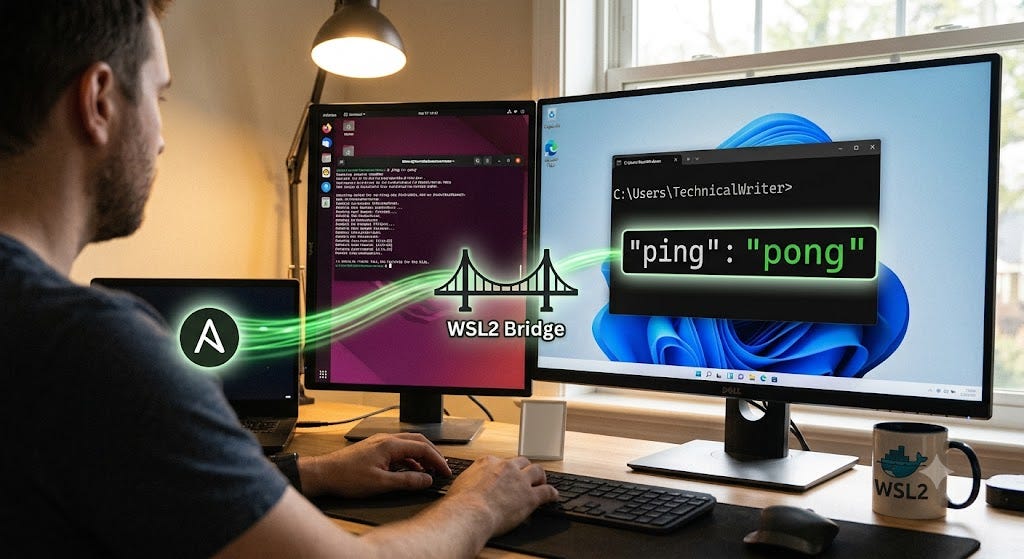
Image generated with AI using Gemini.
Initial Setup
Run the following commands from your home directory:
sudo apt install python3-venv

python3 -m venv .venv
source .venv/bin/activate
Your prompt will change:
(.venv) user@wsl_host:~/dev/ansible$Install Ansible:
pip install ansibleExample 1
Copy a Hello World file to all hosts.
Create an inventory file named inventory.yml:
all:
  vars:
    ansible_user: user
  hosts:
    wsl_host:
      ansible_host: localhost
    ubuntu_laptop:
      ansible_host: 192.168.xxx.xxx
Tip: Run ansible all -m ping -i inventory.yml — ask-pass to verify the connection before proceeding.
Create a playbook named playbook.yml:
- name: Play 1
  hosts: all
  tasks:
    - name: Create Hello World file
      ansible.builtin.copy:
        content: "Hello World"
        dest: /home/user/hello-world.txt
Run the playbook:
ansible-playbook -i inventory.yml playbook.yml --ask-passYou will be prompted to enter the appropriate password(s). This will create a hello-world.txt file on both hosts defined in your inventory.
Example 2
Fetch a file from the remote Linux host onto your WSL2 machine.
Create an INI inventory file named host.ini for the remote servers:
[remote_linux_servers]
192.168.xxx.xxx  ansible_user=user
Create a fetch playbook named fetch_playbook.yml:
- name: Fetch data.json file from Linux to WSL2
  hosts: remote_linux_servers
  tasks:
    - name: Download the remote file
      ansible.builtin.fetch:
        src: /home/user/data.json
        dest: ~/dev/ansible/
Run the playbook:
ansible-playbook -i host.ini fetch_playbook.yml --ask-passYou will be prompted to enter the appropriate password. This will fetch the data.json file and save it into your local ~/dev/ansible/ directory.
References
메타데이터
- post_id
- b1732078f20b
- slug
- running-your-first-ansible-playbook-inside-wsl2-ubuntu-b1732078f20b
- url
- https://medium.com/@cindyeric/running-your-first-ansible-playbook-inside-wsl2-ubuntu-b1732078f20b
- canonical_url
- https://medium.com/@cindyeric/running-your-first-ansible-playbook-inside-wsl2-ubuntu-b1732078f20b
- author_url
- https://medium.com/@cindyeric
- status
- ok
- fetched_at
- 2026-07-09 00:50:33