Day 2 — Variables and Data Types (Where Most Beginners Go Wrong)
Day 2 — Variables and Data Types (Where Most Beginners Go Wrong)
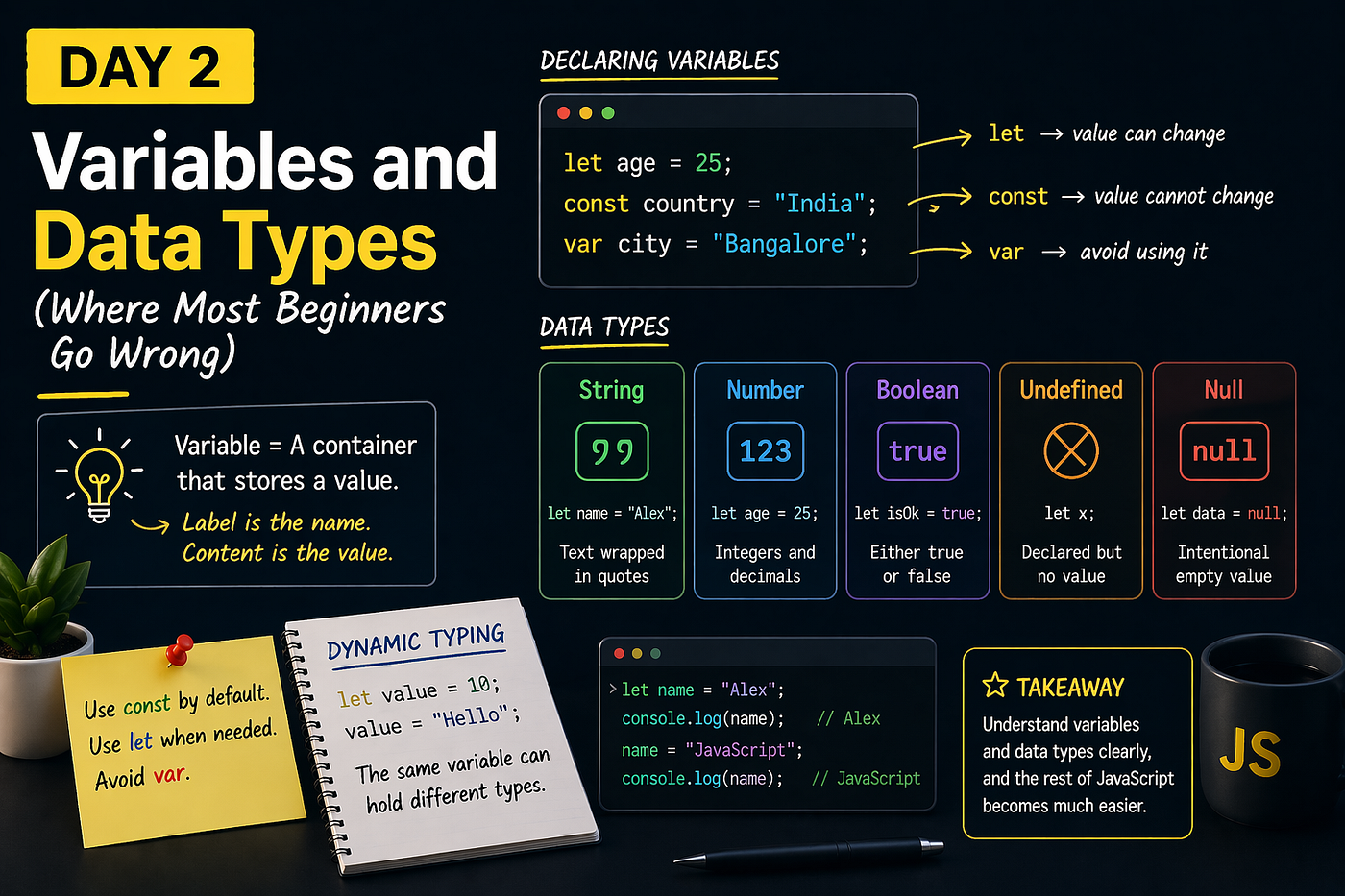
“Small concepts create big confusion — if you don’t understand them early.”
If Day 1 was about understanding what JavaScript is, today is where things start becoming practical.
And this is also where many beginners make mistakes — not because the topic is hard, but because it looks too simple to take seriously.
Variables and data types form the foundation of everything you’ll do in JavaScript. If this part is unclear, everything ahead starts feeling confusing.
What Is a Variable?
A variable is simply a container that stores a value.
You can think of it as labeling a box:
- The label is the variable name
- The content is the value inside it
In JavaScript, you create variables like this:
let name = "Alex";Here:
nameis the variable"Alex"is the value stored inside it
Once defined, you can use name anywhere in your code.
let, const, and var — What’s the Difference?
JavaScript gives you three ways to declare variables:
let age = 25;
const country = "India";
var city = "Bangalore";
They might look similar, but they behave differently.
let
Use let when the value can change later.
let score = 10;
score = 20;
const
Use const when the value should not change.
const pi = 3.14;Trying to reassign it will result in an error.
var (Best Avoided)
var is the older way of declaring variables and has behavior that can lead to unexpected bugs.
“Modern JavaScript avoids
var—and you should too.”
Data Types — What Can a Variable Store?
Every value in JavaScript has a type. Understanding these early will save you a lot of confusion later.
String (Text)
let name = "Alex";Anything inside quotes is a string.
Number
let age = 25;JavaScript uses a single type for both integers and decimals.
Boolean
let isLoggedIn = true;A boolean can only be true or false.
Undefined
let x;If a variable is declared but not assigned a value, it becomes undefined.
Null
let data = null;This represents an intentional absence of value.
A Subtle but Important Detail
These two might seem similar:
let a;
let b = null;
But they mean different things:
ais undefined → no value assigned yetbis null → intentionally empty
“One means ‘not assigned yet’, the other means ‘intentionally empty’.”
Dynamic Typing (A JavaScript Feature)
In many languages, once a variable has a type, it stays that way.
JavaScript allows this:
let value = 10;
value = "Hello";
The same variable now holds a number first, then a string.
This is called dynamic typing.
It makes JavaScript flexible — but also means you need to be careful.
Try This
Open your console and try:
let name = "Alex";
console.log(name);
name = "JavaScript";
console.log(name);Now try changing types:
let value = 10;
value = "Now I’m a string";
console.log(value);
Experiment with it. That’s where real understanding comes from.
A Common Beginner Mistake
Many beginners:
- Use
varwithout understanding it - Don’t think about whether a value should change
- Ignore data types entirely
This leads to confusion later.
A better approach is simple:
- Use
constby default - Use
letonly when needed - Be aware of what type of data you’re working with
Why This Matters
Variables and data types are not just basic concepts — they’re used in everything.
Every function, condition, and feature you’ll build depends on how well you understand this.
If this is clear, the rest of JavaScript becomes much easier to follow.
What’s Next?
In the next article, we’ll explore operators and type coercion — a topic where JavaScript starts behaving in unexpected ways.
“This is where things get interesting.”
See you in Day 3.
메타데이터
- post_id
- 09b4ce7cb199
- slug
- day-2-variables-and-data-types-where-most-beginners-go-wrong-09b4ce7cb199
- url
- https://medium.com/@codePeasant/day-2-variables-and-data-types-where-most-beginners-go-wrong-09b4ce7cb199
- canonical_url
- https://medium.com/@codePeasant/day-2-variables-and-data-types-where-most-beginners-go-wrong-09b4ce7cb199
- author_url
- https://medium.com/@codePeasant
- status
- ok
- fetched_at
- 2026-08-20 18:25:04






