🟢 SizedBox vs Container with ElevatedButton in Flutter (With RTL & Localization Best Practices)
When building production Flutter apps, especially with localization and RTL (Arabic) support, choosing the right layout widget matters.
🟢 SizedBox vs Container with ElevatedButton in Flutter (With RTL & Localization Best Practices)
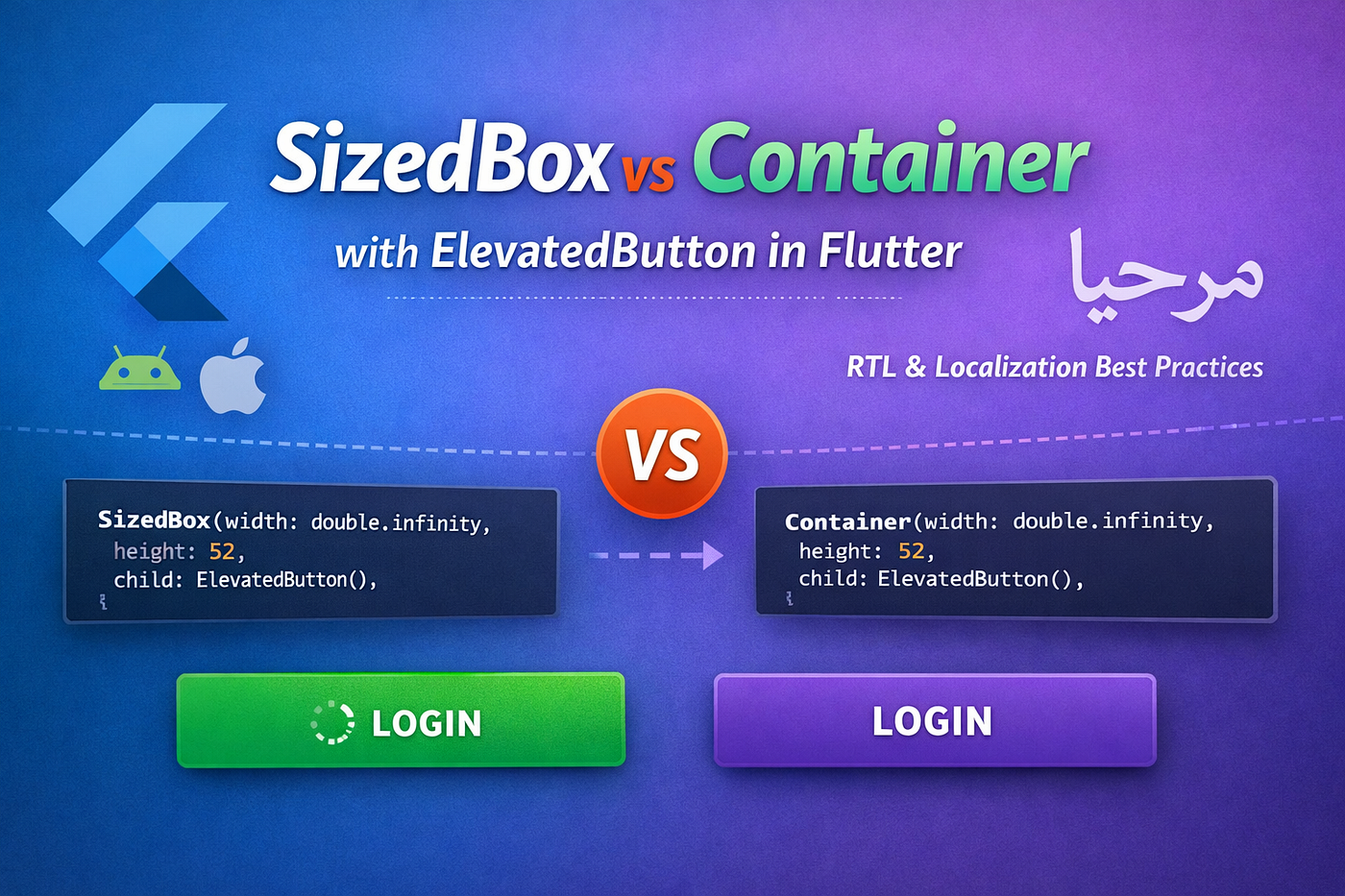
When building production Flutter apps, especially with localization and RTL (Arabic) support, choosing the right layout widget matters.
Many developers wrap buttons with SizedBox or Container — but which one should you use? And is there a better way?
Let’s break it down properly.
📦 Understanding SizedBox
SizedBox is a lightweight widget used to:
- Set a fixed width
- Set a fixed height
- Add spacing between widgets
It does only one thing: control size.
✅ Example: SizedBox with ElevatedButton
SizedBox(
  width: double.infinity,
  height: 52,
  child: ElevatedButton(
    onPressed: () {},
    child: const Text("Login"),
  ),
)
What happens here?
- Button width becomes full width
- Button height becomes 52px
- No extra styling added
- Clean and lightweight
🔎 When Should You Use SizedBox?
Use it when:
✔ You only need size control ✔ You need spacing between widgets ✔ You want a lightweight solution
📦 Understanding Container
Container is much more powerful.
It can:
- Set width & height
- Add padding
- Add margin
- Add decoration
- Add background color
- Add border & shadow
- Align child
Because of this flexibility, it is heavier than SizedBox.
✅ Example: Container with ElevatedButton
Container(
  width: double.infinity,
  height: 52,
  child: ElevatedButton(
    onPressed: () {},
    child: const Text("Login"),
  ),
)
This behaves the same as SizedBox for sizing.
🔥 But Container Can Do More
Container(
  width: double.infinity,
  height: 52,
  padding: const EdgeInsets.all(8),
  decoration: BoxDecoration(
    borderRadius: BorderRadius.circular(12),
  ),
  child: ElevatedButton(
    onPressed: () {},
    child: const Text("Login"),
  ),
)
Now you’re using advanced layout capabilities.
⚡ Key Differences
| Feature     | SizedBox        | Container        |
| ----------- | --------------- | ---------------- |
| Set width   | ✅               | ✅                |
| Set height  | ✅               | ✅                |
| Padding     | ❌               | ✅                |
| Margin      | ❌               | ✅                |
| Decoration  | ❌               | ✅                |
| Lightweight | ✅               | ❌                |
| Performance | Slightly better | Slightly heavier |
🚀 The Modern & Cleaner Approach (Recommended)
Here’s something many developers ov
You don’t need SizedBox or Container to size a button.
Flutter buttons support sizing directly through style.
✅ Best Practice Example
ElevatedButton(
  style: ElevatedButton.styleFrom(
    minimumSize: const Size(double.infinity, 52),
  ),
  onPressed: () {},
  child: const Text("Login"),
)
Why this is better:
- Cleaner widget tree
- Less nesting
- More readable
- More professional
- Easier to maintain
🌍 Important for Localization & Arabic (RTL Support)
If your app supports Arabic or other RTL languages:
❌ Avoid:
fixedSize: Size(double.infinity, 52)This can cause overflow when text is longer in Arabic.
✅ Use:
minimumSize: Size(double.infinity, 52)This allows the button to grow if needed.
🧭 RTL Best Practice Tip
Use directional padding instead of left/right:
EdgeInsetsDirectional.only(start: 16)Instead of:
EdgeInsets.only(left: 16)This ensures proper alignment in both LTR and RTL layouts.
🏗 Clean Reusable PrimaryButton Example
Here’s a production-ready reusable button:
class PrimaryButton extends StatelessWidget {
  final String text;
  final VoidCallback onPressed;
  final bool isLoading;
const PrimaryButton({
    super.key,
    required this.text,
    required this.onPressed,
    this.isLoading = false,
  });
  @override
  Widget build(BuildContext context) {
    return ElevatedButton(
      style: ElevatedButton.styleFrom(
        minimumSize: const Size(double.infinity, 52),
        backgroundColor: const Color.fromRGBO(0, 218, 131, 1),
        foregroundColor: Colors.white,
        shape: RoundedRectangleBorder(
          borderRadius: BorderRadius.circular(8),
        ),
        elevation: 0,
      ),
      onPressed: isLoading ? null : onPressed,
      child: isLoading
          ? const SizedBox(
              height: 20,
              width: 20,
              child: CircularProgressIndicator(
                strokeWidth: 2,
                valueColor: AlwaysStoppedAnimation<Color>(Colors.white),
              ),
            )
          : Text(
              text,
              textAlign: TextAlign.center,
              style: const TextStyle(
                fontSize: 16,
                fontWeight: FontWeight.w600,
              ),
            ),
    );
  }
}
🎯 Final Recommendation
✔ Use SizedBox for simple size or spacing
✔ Use Container when you need decoration or padding
✔ Prefer minimumSize inside ElevatedButton.styleFrom() for production apps
✔ Always test with long localized text
✔ Use EdgeInsetsDirectional for RTL support
Clean widget trees = better performance + better architecture.
메타데이터
- post_id
- 15fadc14a7f6
- slug
- sizedbox-vs-container-with-elevatedbutton-in-flutter-with-rtl-localization-best-practices-15fadc14a7f6
- url
- https://medium.com/@swift3.0devlopment/sizedbox-vs-container-with-elevatedbutton-in-flutter-with-rtl-localization-best-practices-15fadc14a7f6
- canonical_url
- https://medium.com/@swift3.0devlopment/sizedbox-vs-container-with-elevatedbutton-in-flutter-with-rtl-localization-best-practices-15fadc14a7f6
- author_url
- https://medium.com/@swift3.0devlopment
- status
- ok
- fetched_at
- 2026-06-09 15:37:30



