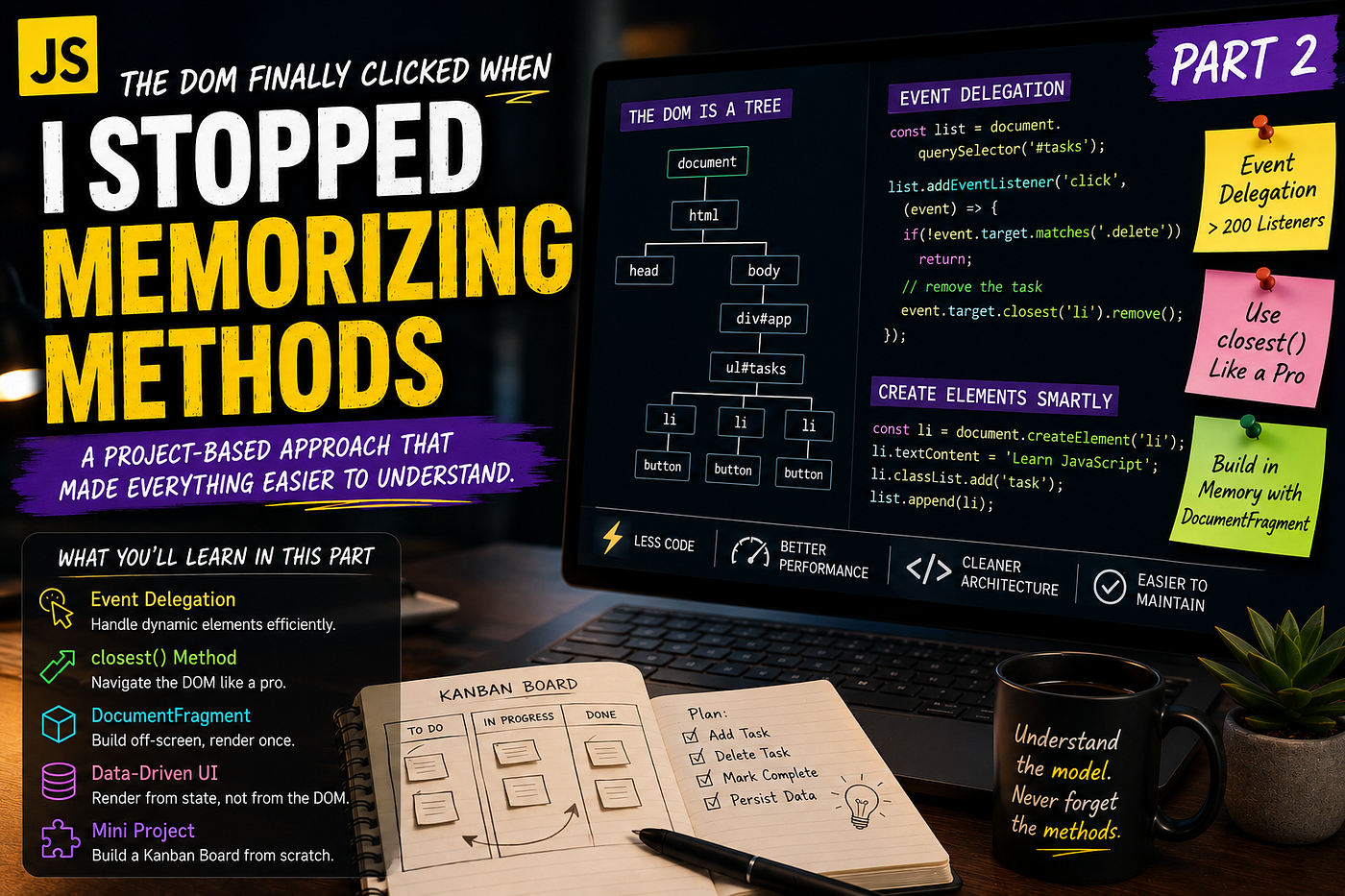
The DOM Finally Clicked When I Stopped Memorizing Methods
A project based approach that made everything easier to understand.
The DOM Finally Clicked When I Stopped Memorizing Methods
A project based approach that made everything easier to understand.

I still remember the browser tab that changed the way I looked at JavaScript.
It wasn’t a tutorial. It wasn’t documentation. It wasn’t another YouTube video promising to teach “The Complete DOM in 30 Minutes.”
It was a bug.
I had spent nearly three hours trying to understand why a button refused to update a simple list. I kept jumping between querySelector(), getElementById(), appendChild(), innerHTML, and dozens of Stack Overflow answers. Every solution worked for someone else. None worked for me.
At some point, I closed every tutorial, opened Chrome DevTools, and started asking one question instead.
What is actually happening inside this page?
That single question changed everything.
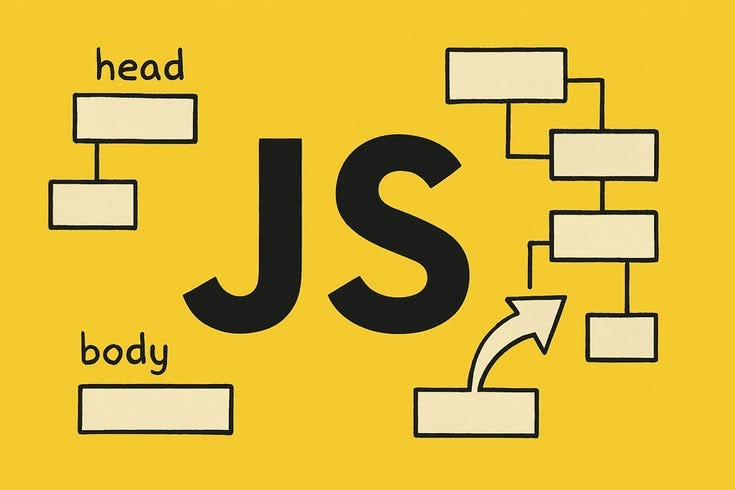
I stopped treating the DOM like a list of methods to memorize and started seeing it as a living tree that my JavaScript could manipulate.
Suddenly, methods I had forgotten made sense without memorization. Event bubbling wasn’t magic anymore. Creating dynamic interfaces became natural. Even debugging became enjoyable because I understood why something failed instead of randomly trying different methods until one worked.
Looking back after building dozens of JavaScript applications from dashboards and admin panels to automation tools I realized something interesting.
Most developers don’t struggle with the DOM because it’s difficult.
They struggle because they learn its API before understanding its model.
Once you understand the model, the API becomes obvious.
This article isn’t another DOM cheat sheet.
Instead, I’ll show you the exact mindset that finally made everything click for me and the small projects that transformed the DOM from something I had to memorize into something I could naturally reason about.
Stop Thinking About Methods. Think About Relationships.
When beginners learn JavaScript, they usually build a mental checklist.
- How do I select an element?
- How do I change text?
- How do I add a class?
- How do I remove something?
- Which method should I memorize?
That works…
Until your project grows.
Professional applications aren’t built by calling random DOM methods. They’re built by understanding relationships.
Think about a simple HTML page.
<body>
    <main>
        <section>
            <button id="save">Save</button>
        </section>
    </main>
</body>
This isn’t just markup.
It’s a hierarchy.
body
 └── main
      └── section
           └── button
Every node knows:
- its parent
- its children
- its siblings
Once you understand this tree, navigating the DOM becomes surprisingly intuitive.
const button = document.querySelector("#save");

console.log(button.parentElement);
console.log(button.closest("main"));
console.log(button.previousElementSibling);
Nothing here requires memorization.
You’re simply walking through a tree.
That shift alone removed almost half of the DOM methods I used to Google every week.
Project 1 — Build a Notification System Instead of Practicing Selectors
The mistake I made for months was practicing DOM methods individually.
I would create tiny examples like this:
document.querySelector("p").textContent = "Hello";Cool.
I learned one method.
Then I forgot it two days later.
Instead, build something that solves a real UI problem.
For example, a notification system.
Every application needs one.
- Login successful
- File uploaded
- Error occurred
- Settings saved
Let’s build the core.
<div id="notifications"></div>

<button id="notify">
    Show Notification
</button>
JavaScript becomes much more meaningful.
const container = document.querySelector("#notifications");

document.querySelector("#notify")
.addEventListener("click", () => {

    const message = document.createElement("div");

    message.textContent = "Profile updated successfully.";

    message.classList.add("toast");

    container.append(message);

    setTimeout(() => {
        message.remove();
    }, 3000);

});
Notice what you’re learning naturally.
Without trying, you’ve practiced:
createElement()append()classListtextContentremove()setTimeout()
Six DOM concepts.
One practical feature.
That’s exactly how professional developers learn.
The Biggest DOM Mistake I See Everywhere
If I could erase one habit from every JavaScript developer, it would be this.
list.innerHTML += `
<li>${item}</li>
`;
Looks innocent.
It’s actually one of the easiest ways to introduce subtle bugs.
Every time you use innerHTML +=, the browser rebuilds that entire section of HTML.
That means:
- event listeners disappear
- performance drops
- references become invalid
- unnecessary parsing happens repeatedly
Instead, create real elements.
const li = document.createElement("li");

li.textContent = item;

list.append(li);
It feels slightly longer.
It’s dramatically safer.
Whenever I review junior developers’ code, excessive innerHTML usage is almost always the first thing I notice.
Project 2 — Build a Live Search Instead of Reading More Documentation
Here’s something funny.
I read DOM documentation for weeks.
None of it taught me as much as building one search box.
Imagine a product catalog.
As the user types, results should update immediately.
HTML first.
<input id="search" placeholder="Search products">

<ul id="results"></ul>
Now some data.
const products = [
    "Keyboard",
    "Laptop",
    "Monitor",
    "Mouse",
    "Microphone"
];
The filtering logic stays surprisingly small.
const input = document.querySelector("#search");
const results = document.querySelector("#results");

input.addEventListener("input", () => {

    results.replaceChildren();

    const filtered = products.filter(product =>
        product
            .toLowerCase()
            .includes(input.value.toLowerCase())
    );

    filtered.forEach(product => {

        const li = document.createElement("li");

        li.textContent = product;

        results.append(li);

    });

});
This tiny project teaches far more than it appears.
You’re learning:
- event-driven programming
- dynamic rendering
- efficient DOM updates
- user interaction
- filtering data
- rendering lists
More importantly, you’re learning that the DOM is simply the visual representation of your application’s state.
Change the data.
Update the DOM.
That’s the entire pattern behind countless JavaScript frameworks.
A Professional Habit That Changed My Code Forever
At some point, I stopped asking:
“How do I update the DOM?”
Instead, I started asking:
“What changed in my data?”
That sounds like a tiny difference.
It isn’t.
Suppose a user completes a task.
A beginner often writes code like this:
checkbox.checked = true;
label.style.textDecoration = "line-through";
counter.textContent--;
A professional thinks differently.
task.completed = true;

renderTasks(tasks);
One source of truth.
One render function.
One predictable UI.
This idea powers modern libraries like React, Vue, Svelte, and many internal UI systems.
Ironically, once you understand this using plain JavaScript, those frameworks become dramatically easier to learn because you already understand the underlying philosophy not just the syntax.
메타데이터
- post_id
- 218f06915df5
- slug
- the-dom-finally-clicked-when-i-stopped-memorizing-methods-218f06915df5
- url
- https://javascript.plainenglish.io/the-dom-finally-clicked-when-i-stopped-memorizing-methods-218f06915df5
- canonical_url
- https://javascript.plainenglish.io/the-dom-finally-clicked-when-i-stopped-memorizing-methods-218f06915df5
- author_url
- https://medium.com/@mahadrajpoot911
- status
- ok
- fetched_at
- 2026-07-07 20:18:40