Rails + AI/ML: Building Smarter Apps with Ruby
Ruby on Rails (RoR) is well known for its rapid development and elegant simplicity — but can it keep up in the AI-driven era? Absolutely.
Rails + AI/ML: Building Smarter Apps with Ruby
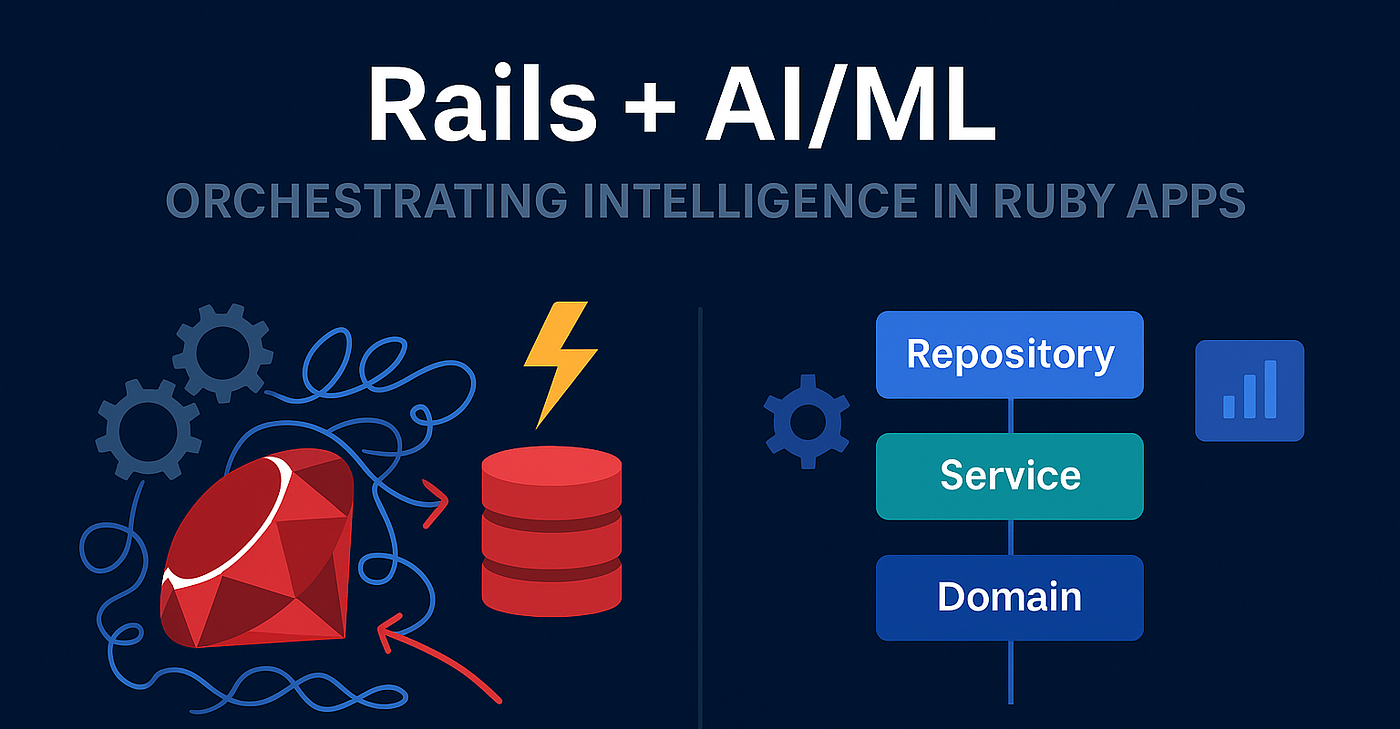
Rails + AI/ML: Building Smarter Apps with Ruby
Ruby on Rails (RoR) is well known for its rapid development and elegant simplicity — but can it keep up in the AI-driven era? Absolutely.
Thanks to powerful APIs, open-source libraries, and seamless Python integration, you can now bring AI and Machine Learning into Rails apps faster than ever. Whether it’s smart recommendations, automated insights, or natural language responses — Rails developers can do it all.
In this post, we’ll walk through how to:
- Integrate AI APIs (like OpenAI, Hugging Face)
- Connect Rails with Python ML models
- Build a smart chatbot using Rails + OpenAI
The Rise of AI in Rails Development
The perception that Ruby “can’t do AI” is outdated.
Here’s what’s changed:
Rails apps now integrate easily with external ML APIs via HTTParty, Faraday, or OpenAI gems.
Ruby 3+ offers faster async processing, great for background inference.
Gems like ruby-openai, torch.rb, and rumale make AI approachable in pure Ruby.
In short, you don’t have to switch stacks — bring AI to Rails instead.
Real GitHub Projects Powering AI with Rails
Here are a few open-source references you can explore:
- ChatGPT Ruby Client Official OpenAI Ruby SDK for connecting LLMs github.com/alexrudall/ruby-openai
- Rumale Ruby Machine Learning library (like scikit-learn) github.com/yoshoku/rumale
- Torch.rb Deep Learning with Ruby using LibTorch backend github.com/ankane/torch.rb
- Rails + Hugging Face Example Sample integration using Transformers API github.com/huggingface/huggingface_hub
Building a Smart Chatbot in Rails (with OpenAI)
Let’s build a simple AI-powered chatbot inside a Rails app using the ruby-openai gem.
Step 1: Add Gem
# Gemfile
gem "ruby-openai"
Then run:
bundle installStep 2: Configure OpenAI API Key
# config/initializers/openai.rb
OpenAI.configure do |config|
  config.access_token = ENV.fetch("OPENAI_API_KEY")
end
Step 3: Create Chat Service
# app/services/chat_service.rb
require "openai"
class ChatService
  def self.ask(prompt)
    client = OpenAI::Client.new
    response = client.chat(
      parameters: {
        model: "gpt-4o-mini",
        messages: [{ role: "user", content: prompt }]
      }
    )
    response.dig("choices", 0, "message", "content")
  end
end
Step 4: Connect to Controller
# app/controllers/chat_controller.rb
class ChatController < ApplicationController
  def ask
    @response = ChatService.ask(params[:query])
    render json: { answer: @response }
  end
end
Step 5: Simple Frontend View
<!-- app/views/chat/index.html.erb -->
<h2>Ask RubyBot</h2>
<form id="chat-form">
  <input type="text" name="query" placeholder="Ask something..." />
  <button type="submit">Send</button>
</form>
<div id="answer"></div>
<script>
document.querySelector("#chat-form").onsubmit = async (e) => {
e.preventDefault();
const q = e.target.query.value;
const res = await fetch("/chat/ask?query=" + q);
const data = await res.json();
document.querySelector("#answer").innerHTML = "💬 " + data.answer;
};
</script>That’s it — you just built an AI chatbot inside a Rails app using only a few lines of Ruby!
Example: Integrating Rails with Python ML Models
Want to use your trained TensorFlow or Scikit-Learn model? Just call it via REST or gRPC.
# app/services/predict_service.rb
require "net/http"
require "json"

class PredictService
  def self.run(input)
    uri = URI("http://localhost:5000/predict")
    response = Net::HTTP.post(uri, { text: input }.to_json, "Content-Type" => "application/json")
    JSON.parse(response.body)["prediction"]
  end
end
This allows Rails to delegate ML inference to Python, keeping the UI, routing, and user flow in Ruby.
Example: Simple Sentiment Analysis in Pure Ruby
If you want to stay Ruby-only, you can use Rumale:
require "rumale"

# Example: sentiment classification
x = Rumale::Utils.binarize([[0.1, 0.9], [0.8, 0.2], [0.2, 0.8]])
y = Rumale::Utils.binarize([1, 0, 1])

model = Rumale::LinearModel::LogisticRegression.new
model.fit(x, y)

puts model.predict([[0.4, 0.6]])
This snippet demonstrates how to train and predict using Ruby ML libraries — ideal for small in-app intelligence tasks.
메타데이터
- post_id
- 2ff757f3092f
- slug
- rails-ai-ml-building-smarter-apps-with-ruby-2ff757f3092f
- url
- https://medium.com/@rahulonrails/rails-ai-ml-building-smarter-apps-with-ruby-2ff757f3092f
- canonical_url
- https://medium.com/@rahulonrails/rails-ai-ml-building-smarter-apps-with-ruby-2ff757f3092f
- author_url
- https://medium.com/@rahulonrails
- status
- ok
- fetched_at
- 2026-06-17 18:46:00