GDTV Skill Builder Quest 3 — Part 4
So, I’ve realized a few things I was doing wrong. I forgot to actually set my destinations container, which explained why it was generally…
GDTV Skill Builder Quest 3 — Part 4
So, I’ve realized a few things I was doing wrong. I forgot to actually set my destinations container, which explained why it was generally nothing. When I added destinations for the enemies, I was accidentally adding the wrong field (blame me having a private field of _destinations and then letting the function pass in destinations…). And… yeah, it was a bit of a mess. On the plus side, I learned a bit from it, and now my enemies spawn from the beginning rather than being part of the level, which simplifies NavMesh Surface generation.
public class GameManager : MonoBehaviour
{
    [SerializeField] Timer _timer;

    [SerializeField] NavMeshWaypointMovement _enemyPrefab;
    [SerializeField] Transform _enemyContainer;
    [SerializeField] Vector3[] _spawnPoints;
    [SerializeField] Transform _destinationsContainer;
    Transform[] _destinations;

    public static GameManager Instance { get; private set; }

    private void Awake()
    {
        // If there is an instance, and it's not me, delete myself.

        if (Instance != null && Instance != this)
        {
            Destroy(this);
        }
        else
        {
            Instance = this;

            if (!_destinationsContainer)
            {
                _destinationsContainer = GameObject.Find("Enemies").transform;
            }

            _destinations = _destinationsContainer.GetComponentsInChildren<Transform>();
            SpawnEnemies();
        }
    }

    private void SpawnEnemies()
    {
        foreach (Vector3 position in _spawnPoints)
        {
            NavMeshWaypointMovement enemy = Instantiate(_enemyPrefab, position, Quaternion.identity, _enemyContainer);
            enemy.AddDestinations(_destinations);
        }
    }

    public void Restart()
    {
        _timer.Restart();
        SpawnEnemies();
    }
}
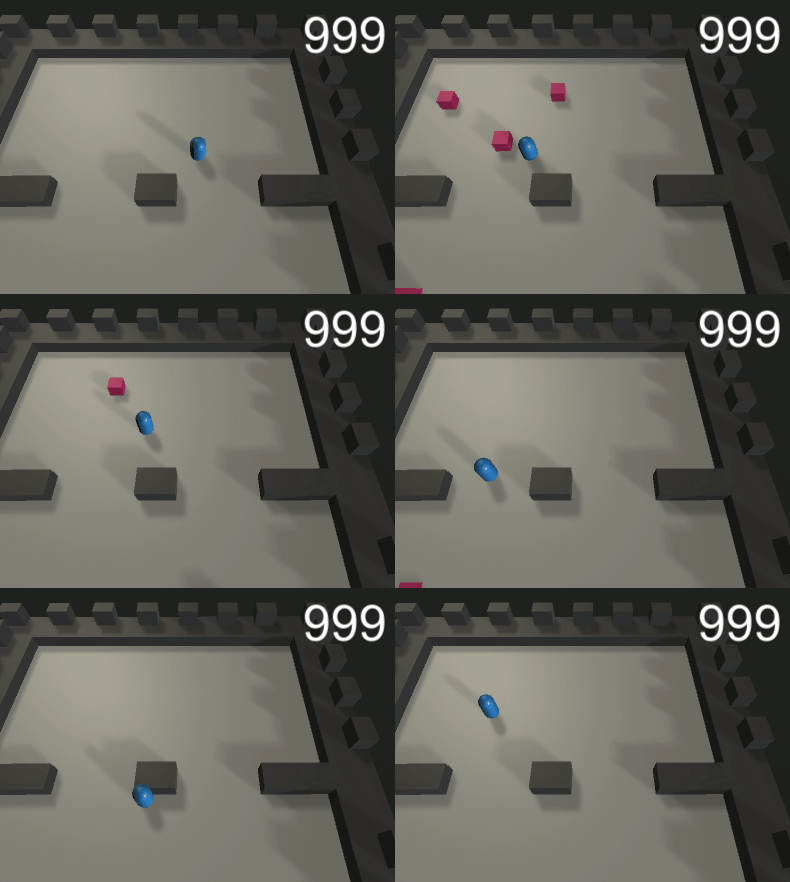
Really kind of silly that I messed that up so badly… but let’s see it in action.
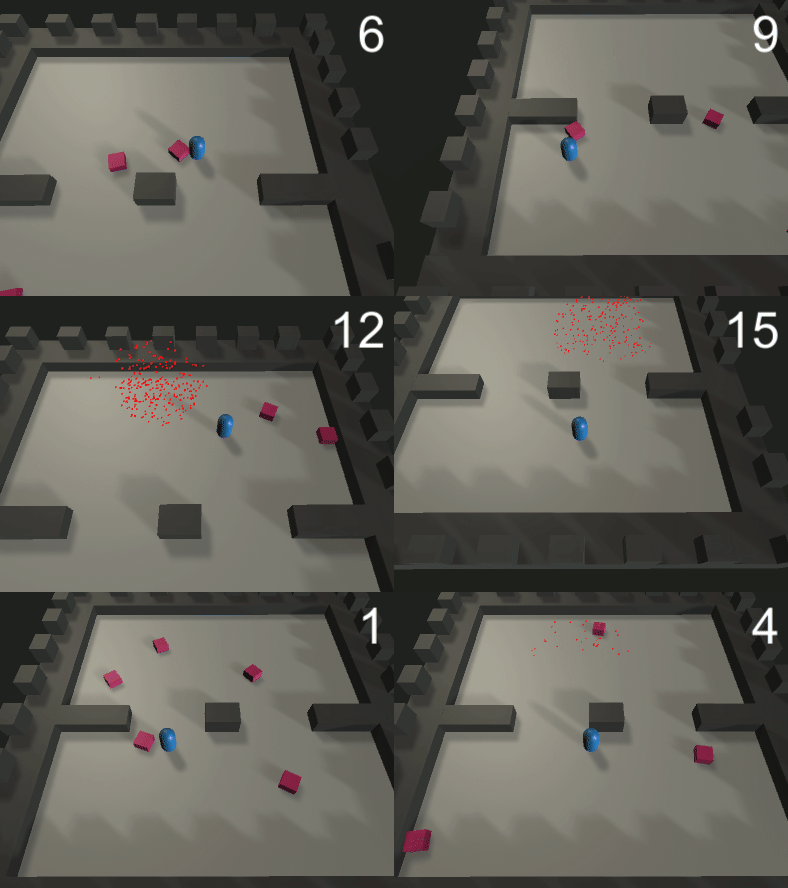
It’s not perfect… the enemies are actually now getting more hung up on the architecture in places, but it’s definitely better.
Bullet Time
Ah, this can be a fun thing to add to a game, having time slow down on an event. I normally pull DoTween in for this, because it’s very handy… you know what, let’s do that. Using it is incredibly easy. Here’s my bullet time code.
Sequence timeSequence = DOTween.Sequence();
timeSequence.Append(DOTween.To(() => Time.timeScale, x => Time.timeScale = x, _killSlowAmount, _killSlowDuration).SetEase(Ease.InQuad).SetUpdate(true));
timeSequence.Append(DOTween.To(() => Time.timeScale, x => Time.timeScale = x, 1f, _killSlowDuration).SetEase(Ease.InQuad).SetUpdate(true));
Basically, when we hit this bit of code, we gently ease the time scale to a target number for a period, then ease it back. Let’s try it with time scale 0.2 and half a second.

That looks suitably dramatic. Maybe I’ll adjust it so that there’s lead-in and lead-out time because I think it works better if it quickly ramps to slower time, then takes a little longer to speed up.

Hmm.. this may require some adjustment, but it’s a good start. Let’s also add a bit of a screen effect by having a panel on the canvas turn translucent.
public void BulletTime()
{
    Sequence timeSequence = DOTween.Sequence();
    timeSequence.Append(DOTween.To(() => Time.timeScale, x => Time.timeScale = x, _killSlowAmount, _killSlowRampIn).SetEase(Ease.InQuad).SetUpdate(true));
    timeSequence.Append(DOTween.To(() => Time.timeScale, x => Time.timeScale = x, 1f, _killSlowRampOut).SetEase(Ease.InQuad).SetUpdate(true));

    Sequence panelSequence = DOTween.Sequence();
    panelSequence.Append(_fadePanel.DOColor(_fadeColor, _killSlowRampIn));
    panelSequence.Append(_fadePanel.DOColor(Color.clear, _killSlowRampOut));
}
That will do. Next article, we’ll try to add something a little more special… not certain what, but I’m sure we can come up with something.
메타데이터
- post_id
- 3b3a957f53b3
- slug
- gdtv-skill-builder-quest-3-part-4-3b3a957f53b3
- url
- https://medium.com/@sean.duggan/gdtv-skill-builder-quest-3-part-4-3b3a957f53b3
- canonical_url
- https://medium.com/@sean.duggan/gdtv-skill-builder-quest-3-part-4-3b3a957f53b3
- author_url
- https://medium.com/@sean.duggan
- status
- ok
- fetched_at
- 2026-08-08 19:13:33