Day 49 of My Cloud Engineering Journey: Go Fundamentals, Linux Security, and Troubleshooting Access…
Today was a mix of continuing my Go learning while also completing Linux administration tasks that required independent research…
Day 49 of My Cloud Engineering Journey: Go Fundamentals, Linux Security, and Troubleshooting Access Issues
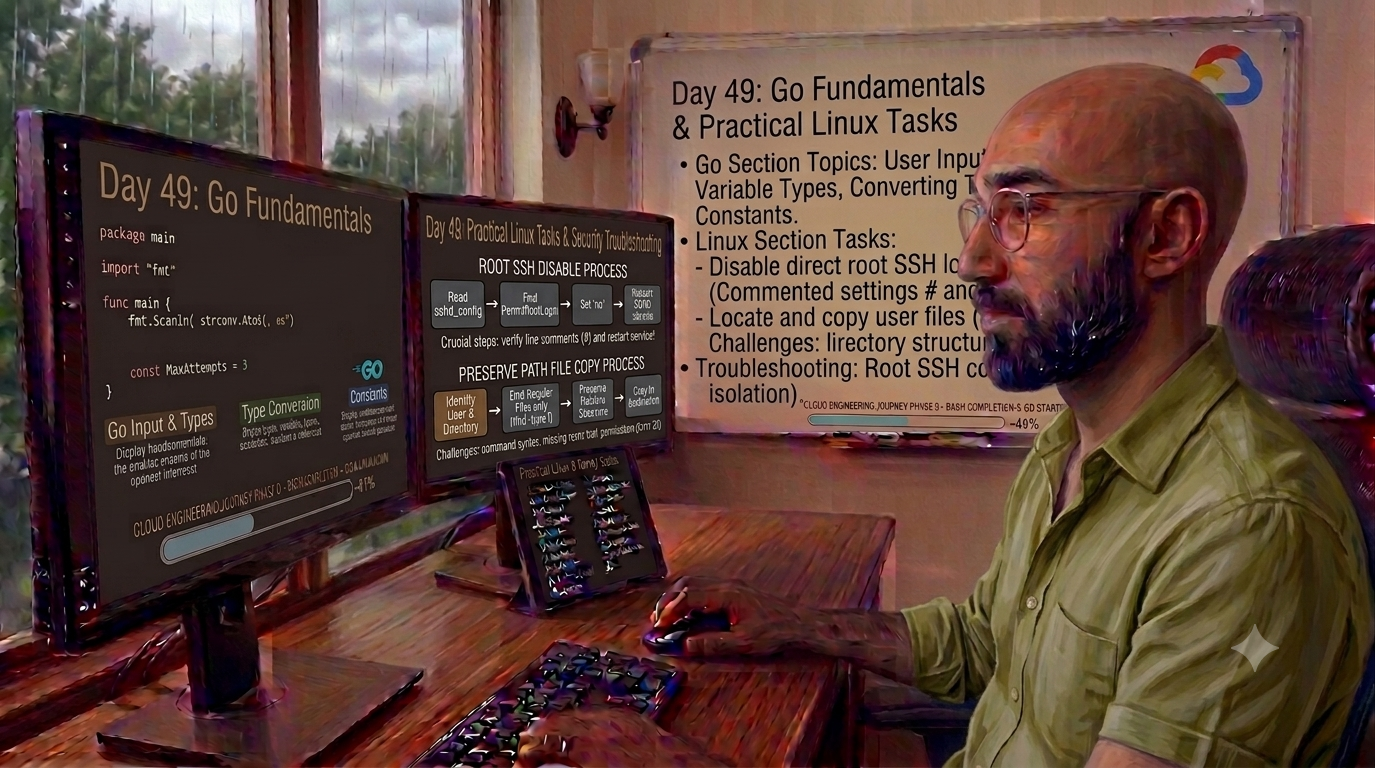
Today was a mix of continuing my Go learning while also completing Linux administration tasks that required independent research, troubleshooting, and verification.
These tasks were different from guided labs because I was not given step-by-step instructions. I had to read the requirements, identify the correct servers, research the proper approach, make the changes, troubleshoot mistakes, and confirm the final result.
I am still learning, but this is the kind of work that helps the concepts become practical. It is one thing to study Linux commands in a course. It is another thing to apply them carefully while working through configuration issues, permissions, services, and validation.
Today’s Go topics included:
• User input
• Variable types
• Converting between types
• Constants
I am still moving through Go slowly, but I am okay with that. Right now, I am focused on understanding the building blocks instead of rushing through the course. Learning how Go handles input, types, conversions, and constants feels like a good foundation before moving into more advanced topics.
Outside of Go, the Linux tasks were where most of the troubleshooting happened today.
The first task was security-related. I had to disable direct root SSH login across all App servers because the security team was rolling out new protocols. The goal was to prevent direct SSH access as root, which makes sense from a security standpoint. Administrators should not be logging in directly as root when access can be controlled through individual user accounts and privilege escalation.
This task took multiple verification checks before I got it right.
The main mistake I made was overlooking the # symbol in the SSH configuration file. Even though I had the correct setting written, the line was still commented out, so the system ignored it completely. That means the configuration looked right at a glance, but it was not actually active.
The second mistake was forgetting to restart the SSH service after making the change.
Because I made the same mistake across multiple servers, I had to SSH back into each server, correct the configuration, restart the service, and verify everything again.
I do not think it is a bad thing to admit when something goes wrong. Real work is not perfect every time. What matters is catching the issue, understanding why it happened, correcting the problem, and learning from it.
This was a strong reminder that the command line does not care about intention. One small symbol can completely change how a configuration behaves. In this case, a single comment symbol kept the SSH setting disabled and would have caused the security requirement to fail if it had not been caught.
That lesson is going to stick with me.
Before saving and exiting a configuration file, especially one related to security, I need to slow down and review the file carefully. There is nothing wrong with taking extra time to harden a system properly, even if the task seems small. Small configuration mistakes can create real security problems.
The second assigned task involved locating all regular files owned by a specific user within a directory on a server, then copying those files to a specific directory while preserving the original directory structure.
This task was more technically challenging than I expected.
First, I had to SSH into the correct server and make sure I was working in the correct directory. The source directory contained mixed data, so the task required filtering only the files owned by the specified user while excluding directories.
Some of the challenges I faced included:
• Finding the correct command structure to isolate only regular files
• Excluding directories completely
• Preserving the original relative folder paths
• Avoiding flattening all files into one destination directory
• Working with strict one-line command syntax
• Handling missing tools in the environment
• Troubleshooting permission issues
At first, I found that rsync would make the task much easier because it can accept file lists from a pipe and preserve folder structures more naturally. The problem was that rsync was not installed by default, so I had to figure out how to install it first.
Once I started working through the copy process, I also ran into Linux security barriers. I hit Error Code 23, which pointed to permission issues when reading source files or applying metadata. That forced me to think through permissions and understand when administrative privileges were required.
This task helped me understand why the right tool matters.
You can sometimes force a command like cp to do the job, but it may require loops, extra arguments, or manual directory creation. In this case, rsync made more sense because it was designed to handle this kind of file copying while preserving directory structure.
Both Linux tasks today reinforced the same bigger lesson: technical work is not always clean the first time through.
Sometimes you miss a small symbol. Sometimes you forget to restart a service. Sometimes the tool you need is not installed. Sometimes permissions block the command from working the way you expected.
That is where a lot of the learning happens.
These tasks are helping me practice more than commands. They are helping me practice reading requirements, verifying infrastructure details, researching solutions, troubleshooting errors, correcting mistakes, and validating the final result.
Today was not perfect, but it was productive. I learned more Go, reinforced Linux administration, handled security configuration, dealt with file permissions, and got another reminder that verification matters.
Every mistake caught is a lesson earned.
메타데이터
- post_id
- 4554d846702b
- slug
- day-49-of-my-cloud-engineering-journey-go-fundamentals-linux-security-and-troubleshooting-access-4554d846702b
- url
- https://medium.com/@Kwindisch/day-49-of-my-cloud-engineering-journey-go-fundamentals-linux-security-and-troubleshooting-access-4554d846702b
- canonical_url
- https://medium.com/@Kwindisch/day-49-of-my-cloud-engineering-journey-go-fundamentals-linux-security-and-troubleshooting-access-4554d846702b
- author_url
- https://medium.com/@Kwindisch
- status
- ok
- fetched_at
- 2026-07-13 06:23:13