Stop Wasting Tokens: Practical Token Optimization Techniques for Codex, Windsurf, and GitHub…
Better prompts aren’t enough. Here’s how I optimized token usage and context for AI coding agents.
Stop Wasting Tokens: Practical Token Optimization Techniques for Codex, Windsurf, and GitHub Copilot
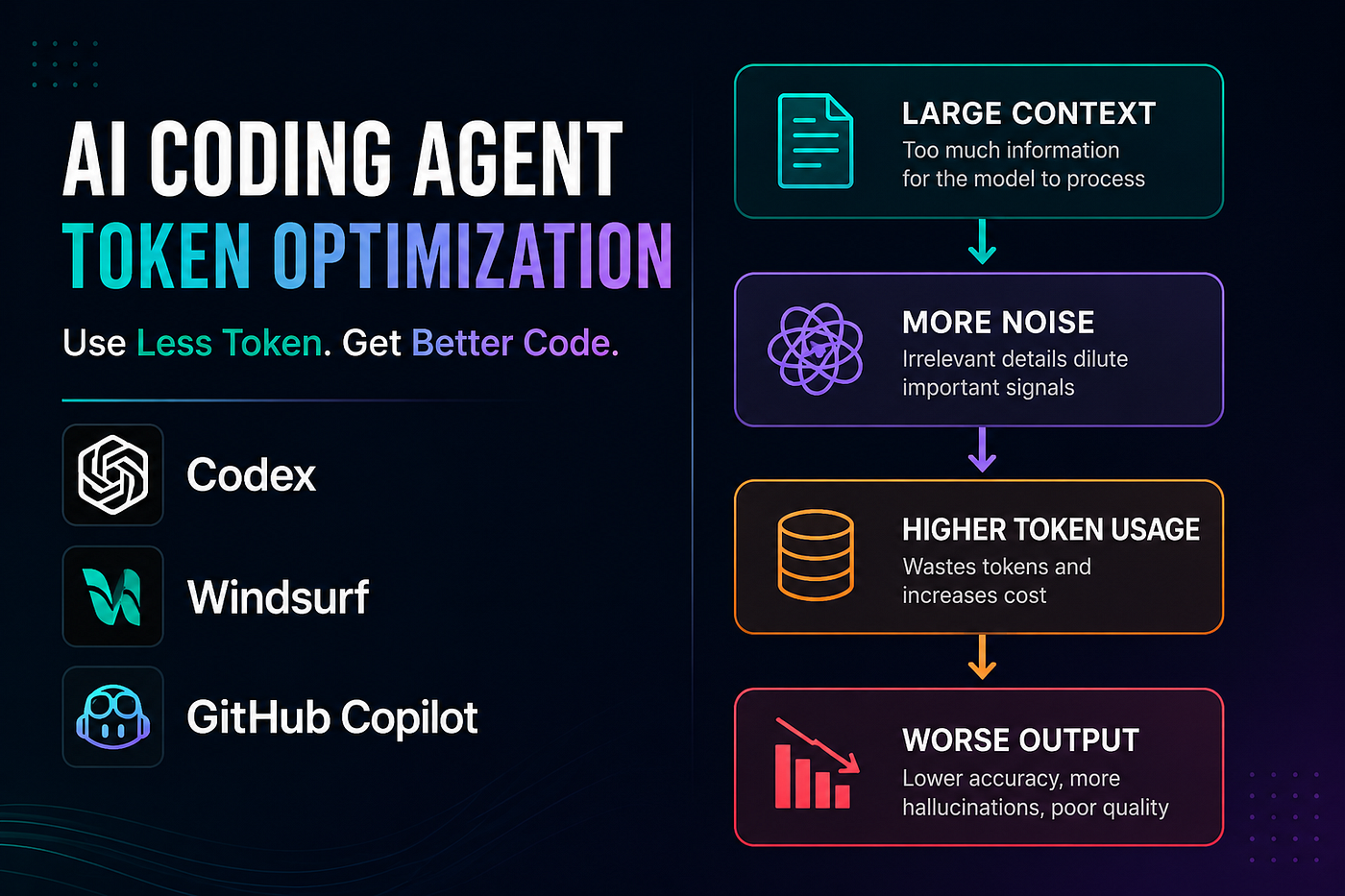
Most engineers using AI coding tools like Codex, Windsurf, Claude Code, or GitHub Copilot are trying to solve one problem:
“How do I generate code faster?”
But after a few weeks of real-world usage, another problem starts appearing:
- exploding token usage
- slow responses
- irrelevant code generation
- context pollution
- unnecessary repository scanning
- degraded output quality
- rising costs
I realized that writing better prompts was only part of the solution.
The real skill is:
Context engineering and token optimization.
This article covers practical techniques I started using while working with AI coding agents for backend development, debugging, test generation, and architectural tasks.
These techniques significantly improved:
- response quality
- development speed
- token efficiency
- code accuracy
- diff cleanliness
Why Token Optimization Matters
Most engineers assume:
“More context = better output.”
That is often false.
Large context windows create several problems:
- slower reasoning
- noisier outputs
- unrelated code suggestions
- unnecessary file scanning
- weaker architectural focus
Every additional:
- file
- stack trace
- conversation message
- log dump
- repository scan
consumes part of the model’s attention budget.
Eventually the agent starts losing focus.
This becomes especially noticeable in:
- large repositories
- monorepos
- long debugging sessions
- multi-agent workflows
How AI Coding Agents Actually Work
Tools like:
- Codex
- Windsurf
- GitHub Copilot
- Claude Code
typically work by:
- retrieving repository context
- searching relevant files
- building prompts dynamically
- maintaining conversational memory
- generating responses using accumulated context
The problem is that long sessions slowly accumulate noise.
A debugging session can eventually include:
- unrelated files
- previous bugs
- outdated assumptions
- obsolete instructions
- unnecessary logs
The larger the context becomes, the worse the signal-to-noise ratio gets.
This directly impacts output quality.
1. Restrict File Scope Aggressively
One of the biggest mistakes developers make is asking agents to inspect the entire repository.
Bad:
Analyze the whole repo and fix the issueBetter:
Only inspect:
- src/auth/session.ts
- src/auth/token.ts
- tests/auth.spec.ts
Ignore:
- frontend/
- docs/
- scripts/
- generated files/This improves:
- accuracy
- speed
- token usage
- architectural focus
AI agents perform significantly better when the problem space is constrained.
2. Use Repository Rules Instead of Repeating Instructions
Instead of repeating the same instructions in every prompt, define persistent repository rules.
Examples:
- AGENTS.md
- .windsurfrules
- CLAUDE.md
Example:
Use existing architecture patterns.
Avoid unrelated refactors.
Prefer smallest possible diffs.
Do not introduce dependencies without approval.
Preserve API compatibility.
Benefits:
- lower token usage
- consistent outputs
- cleaner implementations
- fewer repeated instructions
This is one of the highest ROI optimizations.
3. Ask for Planning Before Implementation
Many developers immediately ask AI agents to generate code.
That usually creates:
- oversized diffs
- hallucinated implementations
- unnecessary refactors
- poor architectural decisions
Instead of immediately asking AI agents to generate code, I started asking them to analyze the problem first.
Bad:
Fix this issueBetter:
Analyze the root cause first.List:
- required files
- probable causes
- smallest possible fixDo not implement yet.This dramatically improves output quality.
It also reduces expensive correction loops later.
4. Use the “Smallest Diff Possible” Strategy
Large diffs create massive context pollution.
This is especially problematic in:
- long sessions
- monorepos
- multi-step debugging workflows
I started explicitly telling agents:
Make the smallest possible change.Avoid:
- formatting unrelated files
- opportunistic cleanup
- renaming variables unnecessarily
- broad refactorsThe result:
- cleaner pull requests
- lower token usage
- easier reviews
- better maintainability
Small diffs scale better with AI-assisted workflows.
5. Avoid Long Session Pollution
This is a huge hidden problem.
Old conversations remain part of the working memory.
Over time the session accumulates:
- outdated assumptions
- irrelevant debugging context
- obsolete architectural discussions
- unrelated features
I now follow a simple rule:
New task = new session
Same bug = same session
For Codex and similar tools:
- use /compact
- use /clear
- periodically reset sessions
Fresh context improves reasoning quality significantly.
6. Summarize Instead of Dumping Logs
Another common mistake:
Developers paste entire logs into the prompt.
Bad:
5000-line stack traceBetter:
Failure occurs during token refresh.Observed behavior:
- Redis lookup timeout
- happens under concurrent load
- only affects refresh flowRelevant stack:
...Concise summaries outperform raw data dumps surprisingly often.
The goal is not maximum context.
The goal is relevant context.
7. Use Different Models for Different Tasks
Not every task needs the strongest model.
I started separating workloads like this:
TaskPreferred Model TypeArchitecturereasoning-heavyDebuggingreasoning-heavyRefactoringstrong coding modelTest generationcheaper/faster modelDocumentationlightweight modelCRUD boilerplatefast coding model
This reduces:
- latency
- costs
- unnecessary token burn
while keeping quality high where it matters.
8. Use AI Like an Architect, Not Autocomplete
Weak usage:
Generate codeStronger usage:
- architecture review
- debugging analysis
- scalability evaluation
- operational risk analysis
- code review
- design validation
The biggest productivity gains come from:
- reasoning
- planning
- reviewing
- refining
— not just generating code faster.
My Results After Optimizing Workflows
After changing how I interacted with AI coding agents:
- token usage dropped significantly
- response quality improved
- hallucinated refactors reduced
- debugging became faster
- pull requests became cleaner
- context pollution reduced dramatically
Most importantly: the AI started behaving more like a focused engineering partner instead of a noisy autocomplete engine.
Final Thoughts
The future of AI-assisted engineering is not just about using better models.
It is about managing context effectively.
Engineers who learn:
- context engineering
- scoped prompting
- token optimization
- workflow orchestration
will build faster, cheaper, and more reliable systems than engineers who simply throw entire repositories at AI agents.
AI coding tools are powerful.
But the engineers who use them efficiently will have the biggest advantage.
I’d love to hear how other engineers are optimizing AI coding workflows and managing context efficiently.
What techniques are working for you?
메타데이터
- post_id
- 48ba16b7350a
- slug
- stop-wasting-tokens-practical-token-optimization-techniques-for-codex-windsurf-and-github-48ba16b7350a
- url
- https://medium.com/@gyanendrapatro02/stop-wasting-tokens-practical-token-optimization-techniques-for-codex-windsurf-and-github-48ba16b7350a
- canonical_url
- https://medium.com/@gyanendrapatro02/stop-wasting-tokens-practical-token-optimization-techniques-for-codex-windsurf-and-github-48ba16b7350a
- author_url
- https://medium.com/@gyanendrapatro02
- status
- ok
- fetched_at
- 2026-06-09 15:37:30



