Why Location-Based Currency Switching is a Key to Success for Global Stores
Ever visited an online store and saw prices in an unfamiliar currency? Chances are, you hesitated — maybe even left. That small moment of…
Why Location-Based Currency Switching is a Key to Success for Global Stores
Ever visited an online store and saw prices in an unfamiliar currency? Chances are, you hesitated — maybe even left. That small moment of confusion is where many online stores lose international customers.
In today’s global e-commerce landscape, location-based currency switching isn’t optional — it’s essential. It transforms your WooCommerce store from feeling “foreign” to being perfectly localized for every shopper.
💱 What Is Location-Based Currency Switching?
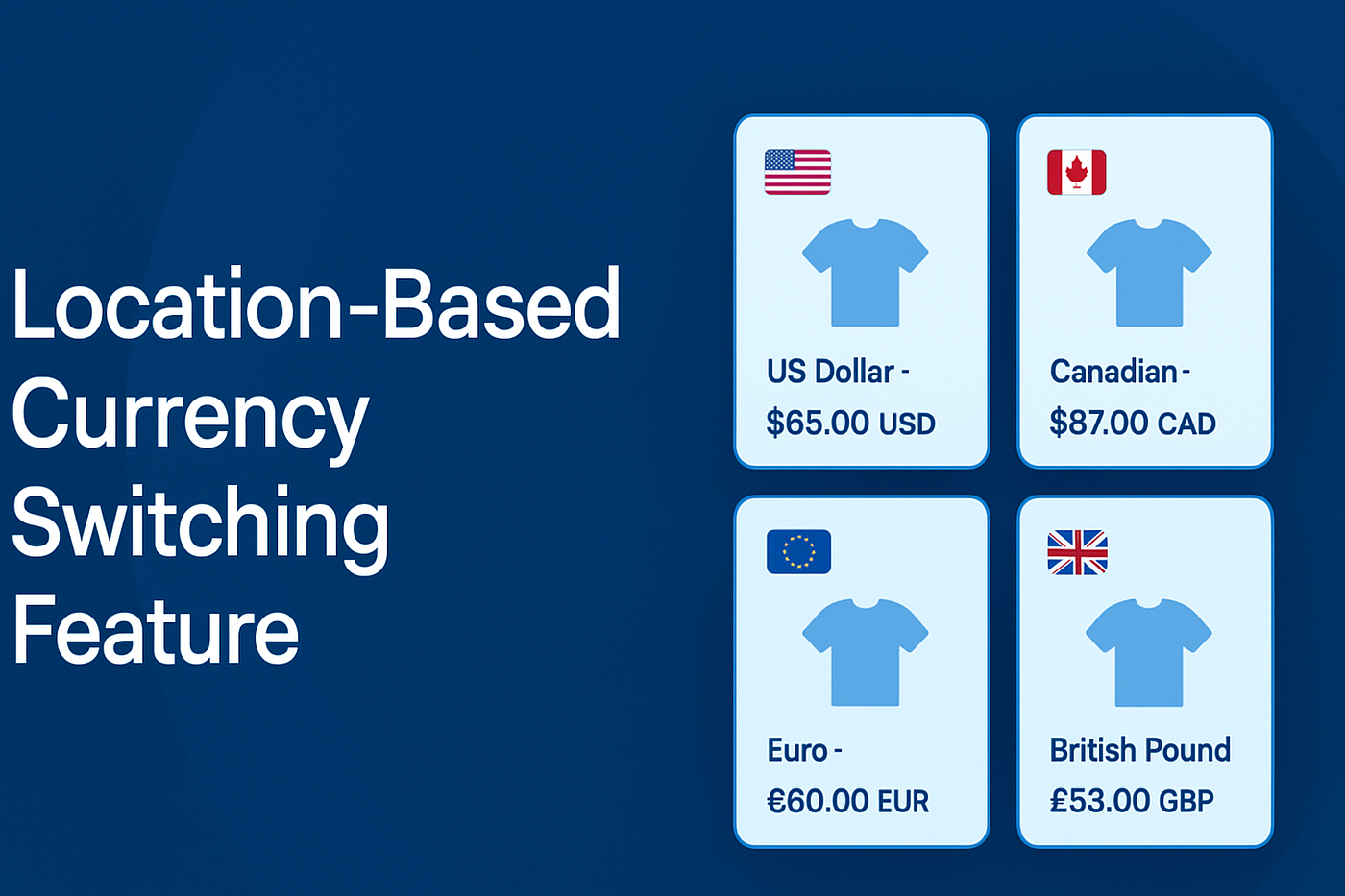
When visitors land on your store, a currency switcher plugin for WooCommerce automatically detects their country using their IP address and shows prices in their local currency — no clicks, no dropdowns, no confusion.
- 🇨🇦 Canadian visitors see CA
- 🇪🇺 European visitors see EUR
- 🇬🇧 UK visitors see GBP
This seamless experience makes international shoppers feel right at home.
🚀 Why It Matters for Global Sales
According to Mailmodo, 48% of shoppers abandon carts due to unexpected costs — and unclear currency is a major culprit. Showing prices in the shopper’s own currency: ✅ Builds instant trust ✅ Improves transparency ✅ Increases conversion rates
Manual switchers add friction. Automated currency switching removes it — creating a smoother checkout experience and reducing cart abandonment.
📱 A Must for Mobile Shoppers
With over 1.65 billion people shopping via mobile, small screens leave no room for complex dropdowns or manual conversions. Automatic currency detection ensures clarity and convenience across all devices.
🏆 Compete Globally, Effortlessly
Major platforms like Amazon and Shopify already use location-based pricing. By adding Currency Switcher for WooCommerce, your store instantly gains the same professional edge — helping you attract, convert, and retain international buyers.
🔧 Getting Started
Implementing location-based currency in WooCommerce is simple:
- Enable the Currency by Location feature.
- Set up exchange rate sources.
- Test with VPNs to confirm accuracy.
Once configured, monitor analytics — you’ll likely see reduced bounce rates and increased global conversions.
✨ Final Thoughts
Location-based currency switching isn’t just a convenience — it’s a conversion strategy. It builds trust, simplifies shopping, and positions your WooCommerce store for global success.
Read the full guide here 👉 **Why Location-Based Currency Switching is a Key to Success for Global Stores**
메타데이터
- post_id
- 6ab9a9a4b508
- slug
- why-location-based-currency-switching-is-a-key-to-success-for-global-stores-6ab9a9a4b508
- url
- https://medium.com/@tahamehmood/why-location-based-currency-switching-is-a-key-to-success-for-global-stores-6ab9a9a4b508
- canonical_url
- https://medium.com/@tahamehmood/why-location-based-currency-switching-is-a-key-to-success-for-global-stores-6ab9a9a4b508
- author_url
- https://medium.com/@tahamehmood
- status
- ok
- fetched_at
- 2026-08-05 15:49:43


