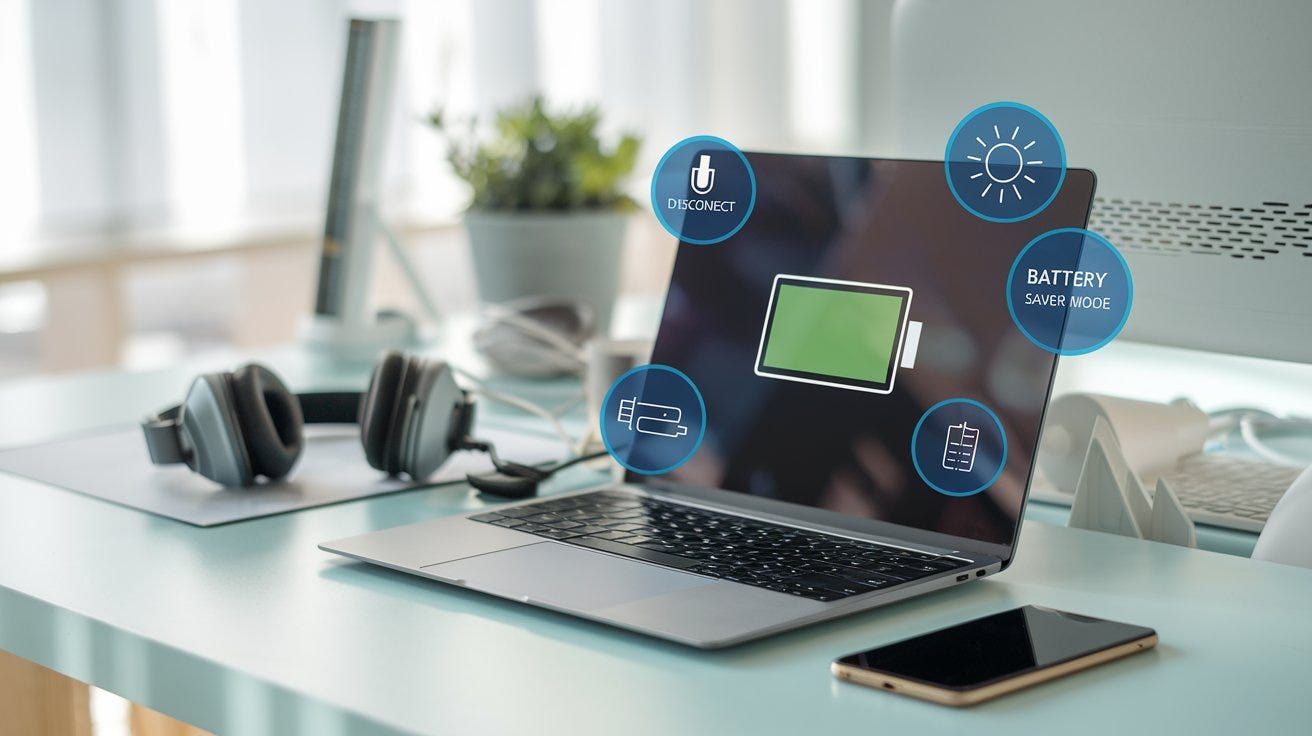
Best Battery Practices for a Laptop
If you’ve ever found yourself tethered to a power outlet, anxiously watching your laptop’s battery percentage plummet, you’re not alone. In…
Best Battery Practices for a Laptop

Best Battery Practices for a Laptop
If you’ve ever found yourself tethered to a power outlet, anxiously watching your laptop’s battery percentage plummet, you’re not alone. In our increasingly mobile world, maintaining optimal laptop battery health is more crucial than ever. Drawing from personal experience and industry insights, this comprehensive guide will walk you through the best practices to extend your laptop’s battery life, ensuring it remains reliable when you need it most.
Understanding Laptop Battery Basics
Lithium-Ion Batteries: The Standard
Most modern laptops utilize lithium-ion batteries, known for their high energy density and longevity. However, they are sensitive to certain conditions and usage patterns that can affect their performance over time.
Charge Cycles and Battery Degradation
A charge cycle refers to a full 100% discharge and recharge of the battery. Over time, these cycles contribute to battery wear. Typically, a lithium-ion battery can handle between 300 to 500 full charge cycles before its capacity diminishes significantly .
Charging Habits: Do’s and Don’ts
Do: Maintain a Charge Between 20% and 80%
Keeping your battery charge within this range can significantly prolong its lifespan. Charging to 100% or letting it drop to 0% frequently can accelerate wear .
In my experience, setting my laptop to notify me at 80% charge helped me unplug on time, preserving battery health.
Don’t: Keep Your Laptop Plugged In Constantly
While modern laptops are designed to prevent overcharging, consistently keeping them plugged in can maintain the battery at a high voltage, leading to faster degradation .
I noticed a decline in battery performance after leaving my laptop plugged in for extended periods. Now, I unplug it once it hits 80%.
Temperature and Environment
Keep It Cool
Heat is a battery’s enemy. Ensure your laptop has proper ventilation and avoid using it on soft surfaces that can block air circulation.
Using a cooling pad reduced my laptop’s temperature by several degrees, which I believe contributed to better battery longevity.
Avoid Extreme Temperatures
Storing or using your laptop in very hot or cold environments can negatively impact the battery. Aim to use and store your laptop in temperatures between 10°C and 35°C (50°F to 95°F) .
Software and Settings Optimization
Utilize Battery Saver Modes
Both Windows and macOS offer battery saver modes that adjust system settings to reduce power consumption.
Activating battery saver mode extended my laptop’s usage by nearly an hour during long flights.
Adjust Display Settings
Lowering screen brightness and reducing screen timeout settings can conserve battery life.
I found that reducing brightness to 70% was sufficient for most tasks and noticeably improved battery endurance.
Recommended Tools and Accessories
Anker PowerCore+ 26800 PD 45W
- Features: High-capacity portable charger with USB-C Power Delivery.
- Pros: Can charge laptops, fast charging capabilities.
- Cons: Bulky and heavy.
- Price: Approximately $130.
- Best For: Travelers needing extra power on the go.
- Cooler Master NotePal X3
- Features: Built-in fan for laptop cooling, ergonomic design.
- Pros: Effective cooling, quiet operation.
- Cons: Requires external power source.
- Price: Around $40.
- Best For: Users looking to reduce laptop heat during intensive tasks.
- Frequently Asked Questions
Q: Should I let my laptop battery drain completely before charging?
A: No, it’s better to keep the charge between 20% and 80% to prolong battery life .
Q: Is it okay to use my laptop while it’s charging?
A: Yes, but avoid intensive tasks that generate heat, as this can stress the battery.
Q: How often should I calibrate my laptop battery?
A: Modern laptops typically don’t require battery calibration. However, if you notice inaccurate battery readings, calibrating once every few months can help .
Mini Buyer’s Guide: Battery-Friendly Laptops
When shopping for a new laptop with battery longevity in mind, consider the following:
- Battery Capacity: Look for laptops with higher mAh ratings.
- Efficient Processors: Intel’s U-series or AMD’s Ryzen 4000 series are known for energy efficiency.
- Display Type: Opt for laptops with OLED or energy-efficient LED screens.
- Operating System Features: Ensure the OS has robust battery management settings.
- When I switched to a laptop with an AMD Ryzen 7 processor, I noticed a significant improvement in battery life during my daily tasks.
Conclusion
Maintaining your laptop’s battery health doesn’t require drastic changes — just mindful habits and occasional adjustments. By keeping your charge between 20% and 80%, avoiding constant plugging in, managing temperatures, and optimizing settings, you can extend your battery’s lifespan and enjoy a more reliable computing experience.
Remember, a little care goes a long way. Your laptop (and your future self) will thank you.
메타데이터
- post_id
- 71ca78d942c9
- slug
- best-battery-practices-for-a-laptop-71ca78d942c9
- url
- https://medium.com/@yaseen_1/best-battery-practices-for-a-laptop-71ca78d942c9
- canonical_url
- https://medium.com/@yaseen_1/best-battery-practices-for-a-laptop-71ca78d942c9
- author_url
- https://medium.com/@yaseen_1
- status
- ok
- fetched_at
- 2026-08-02 09:08:29