Function Calling in .NET Semantic Kernel in 5 Minutes
Function calling is a way to enable LLM to call your functions in the code. Semantic Kernel does this elegantly and simply.
Function Calling in .NET Semantic Kernel in 5 Minutes
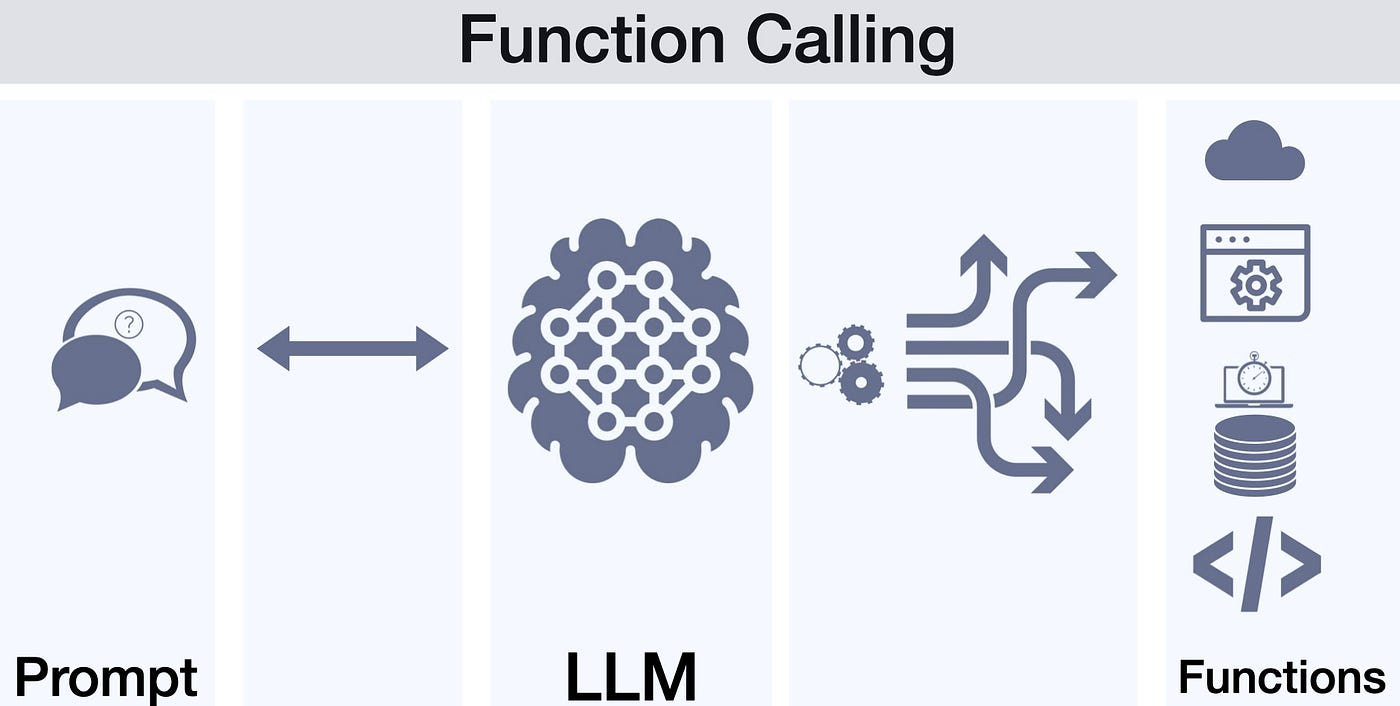
Function calling is a way to enable LLM to call your functions in the code. Semantic Kernel does this elegantly and simply.
What is this?
Instead of simply generating text, the model can call real functions in your code — send emails, read databases, call APIs.

Quick Start
1. Install the package:
dotnet add package Microsoft.SemanticKernel2. Create a plugin:
public class WeatherPlugin
{
    [KernelFunction]
    [Description("Get weather for a city")]
    public string GetWeather(string city)
    {
        return $"In {city} it's currently 68°F, sunny";
    }
}
3. Use it:
var kernel = Kernel.CreateBuilder()
    .AddOpenAIChatCompletion("gpt-4", apiKey)
.Build();kernel.Plugins.AddFromType<WeatherPlugin>();var result = await kernel.InvokePromptAsync(
"What's the weather in Prague?");Why Do You Need This?
- 🔌 Integrate AI with your business logic
- 🎯 Precise actions instead of hallucinations
- 🚀 Rapid AI agent development
Conclusion
Semantic Kernel turns function calling from a complex task into 10 lines of code. Try it yourself!
Useful Links:
메타데이터
- post_id
- 7e99a94a4194
- slug
- function-calling-in-net-semantic-kernel-in-5-minutes-7e99a94a4194
- url
- https://medium.com/@jdjdj8034/function-calling-in-net-semantic-kernel-in-5-minutes-7e99a94a4194
- canonical_url
- https://medium.com/@jdjdj8034/function-calling-in-net-semantic-kernel-in-5-minutes-7e99a94a4194
- author_url
- https://medium.com/@jdjdj8034
- status
- ok
- fetched_at
- 2026-07-14 03:07:18




