NetSuite Configuration Explained: A Practical Guide for Growing Businesses
A successful NetSuite configuration often relies on configuration rather than custom development. With native features such as workflows…
NetSuite Configuration Explained: A Practical Guide for Growing Businesses
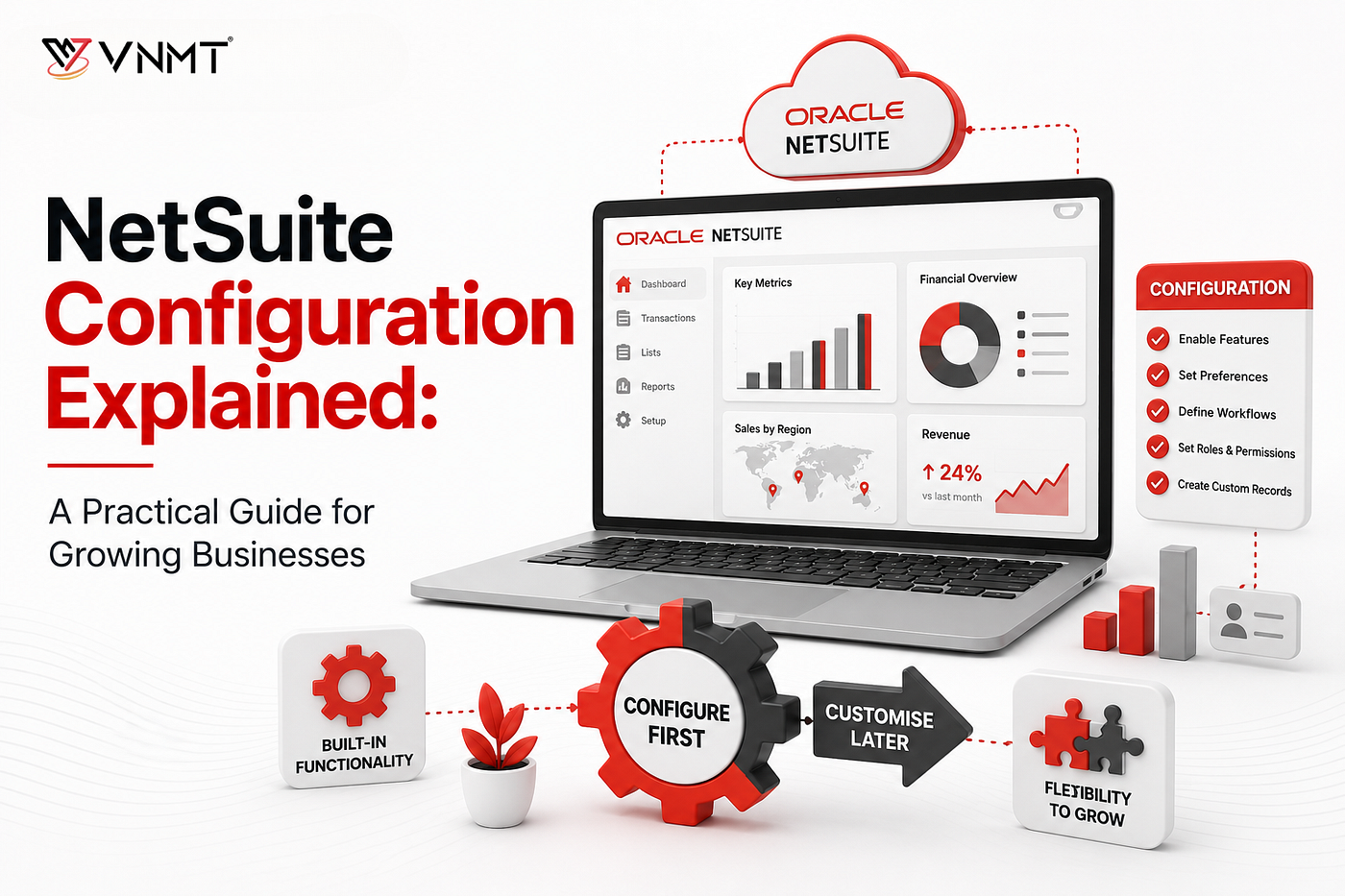
A successful **NetSuite configuration** often relies on configuration rather than custom development. With native features such as workflows, dashboards, reports, custom forms, role-based access controls, and approval workflows, organizations can tailor the platform to their operational needs without extensive coding. This configuration-first strategy improves scalability, reduces long-term maintenance, streamlines upgrades, and enhances the overall user experience.
Key Takeaways
- Most business requirements can be addressed through NetSuite ERP configuration rather than customization.
- A configuration-first approach often delivers faster ROI than extensive customization.
- Native features provide flexibility while maintaining upgrade compatibility.
- NetSuite workflow automation eliminates repetitive manual tasks.
- Properly configured NetSuite roles and permissions improve both security and productivity.
- An effective NetSuite dashboard setup gives users access to real-time business insights.
- Following NetSuite configuration best practices reduces implementation risks.
- A structured NetSuite configuration checklist helps ensure a smoother go-live.
Why a Configuration-First Approach Matters
One of the biggest misconceptions about **ERP implementation** is that every unique business process needs customization. In reality, experienced consultants usually find that many requirements can be addressed using NetSuite’s built-in capabilities. Reporting requirements, notifications, process automation, user access controls, and approval routing can all be configured without introducing custom code.
This plays an important role because excessive customization usually creates long-term challenges. It can lead to an increase in implementation costs, require ongoing technical maintenance, and complicate upgrades.
Businesses that prioritize NetSuite configuration before customization typically benefit from:
Benefit
Business Impact
Quicker deployment
Minimizes implementation timelines
Lower costs
Reduces development expenses
Easier upgrades
Maintains compatibility with future releases
Improved scalability
Supports future business growth
Simplified maintenance
Minimizes administrative complexity
The aim should always be to maximize standard functionality before considering custom development.
Understanding NetSuite ERP Configuration
Before exploring how to configure NetSuite ERP, it is important to understand what configuration actually involves. NetSuite ERP configuration refers to adapting the system using built-in tools and settings rather than modifying the platform through code. Common configuration areas include the following:
- Workflow automation
- Company preferences
- Forms and fields
- User roles and permissions
- Approval processes
- Notifications and alerts
- Dashboards and KPIs
- Reports and saved searches
These capabilities enable businesses to tailor NetSuite to their operations while preserving the advantages of a cloud-based ERP platform.
Step 1: Begin with Business Processes, Not System Settings
The most effective NetSuite setup guide begins long before anyone logs into the system. Successful implementations begin by understanding how business processes flow across the organization.
Main questions include the following:
- Which manual processes create delays?
- What reporting requirements exist?
- Where do operational bottlenecks occur?
- Who needs visibility into specific data?
- How are transactions approved?
For instance, a growing distribution company may believe it requires custom development to improve procurement. After reviewing the process, the real issue may simply be delayed approvals. A workflow-based solution can often solve the problem without customization.
Investing time in process mapping helps ensure configuration decisions support business objectives rather than merely replicate outdated procedures.
Step 2: Configure NetSuite Roles and Permissions
Security and usability go hand in hand. One of the most critical aspects of any NetSuite configuration guide is establishing appropriate NetSuite roles and permissions. Rather than giving broad system access to every user, organizations should create role-based access that aligns with actual responsibilities.
Department
Typical Access Requirements
Finance
Financial records, approvals, reporting
Sales
Customer data, opportunities, forecasts
Operations
Inventory, purchasing, fulfillment
Executives
KPIs, dashboards, strategic reports
When permissions are properly configured, employees can quickly access the information they need while sensitive data remains protected. A common mistake is assigning excessive permissions simply to avoid access requests. While convenient in the short term, this approach usually creates security and compliance concerns later.
Step 3: Leverage NetSuite Workflow Automation
If there is one feature that demonstrates the power of configuration, it is **NetSuite workflow automation**. Workflows allow organizations to automate approvals, notifications, task routing, and repetitive business processes using a visual interface instead of custom code.
Common workflow use cases include:
- Task assignments
- Status changes
- Expense approval routing
- Record updates
- Customer notifications
- Purchase request approvals
- Escalation procedures
Consider a finance team processing hundreds of purchase requests each month. Without automation, requests move through emails, spreadsheets, and manual follow-ups. Approval delays become common, and visibility is limited. With workflow automation, notifications are triggered instantly, requests automatically route to the appropriate approvers, and every action is recorded within the system. The result is a faster, more consistent process with fewer administrative bottlenecks.
Step 4: Optimize Forms and Data Entry Screens
Usually, organizations assume improving usability requires customization. In practice, NetSuite’s native form configuration capabilities can significantly enhance the user experience. Administrators can:
- Create department-specific forms
- Rearrange fields
- Hide unnecessary information
- Add custom fields
- Simplify data entry processes
For instance, warehouse employees typically don’t need to view accounting details while receiving inventory. Eliminating irrelevant fields helps reduce confusion and improve accuracy. Small usability improvements often have a surprisingly large impact on user adoption.
Step 5: Configure Reports and Saved Searches
A well-configured ERP system should make information easier to access. NetSuite offers robust reporting and saved search capabilities that can be configured without development. Organizations commonly create reports for the following:
- Customer activity
- Financial management
- Open orders
- Revenue analysis
- Vendor performance
- Inventory performance
Saved searches are particularly valuable because they provide real-time visibility into operational data. Instead of manually compiling information from multiple sources, stakeholders can access accurate insights directly from the system. This not only enhances decision-making but also minimizes reliance on spreadsheets.
Step 6: Complete Your NetSuite Dashboard Setup
An ERP system delivers the most value when users can quickly find the information they need. A thoughtful **NetSuite dashboard setup** ensures employees experience relevant metrics immediately after logging in. Common dashboard components include:
- Saved searches
- Workflow notifications
- KPI scorecards
- Reminders
- Report snapshots
- Trend graphs
Role-based dashboards improve user experience by presenting relevant information for each department.
For instance
Role
Dashboard Focus
Finance Manager
Cash flow, receivables, profitability
Sales Director
Pipeline, forecasts, opportunities
Operations Manager
Inventory levels, fulfillment metrics
Executive Team
Strategic KPIs and company performance
Well-designed dashboards minimize time spent searching for information and help users make faster decisions.
NetSuite Configuration Best Practices
Organizations that achieve successful ERP outcomes typically follow several proven principles.
- Prioritize Standard Functionality
Before considering customization, determine whether the need can be met through native configuration tools.
- Keep Configurations Simple
Complex configurations are more difficult to maintain and troubleshoot.
- Document Configuration Decisions
Maintain clear records of workflows, permissions, approvals, and reporting structures.
- Test Real-World Business Scenarios
Testing should reflect actual operational processes rather than isolated transactions.
- Train Users Early
User adoption improves significantly when employees understand how the configured system supports their daily responsibilities.
These NetSuite configuration best practices help minimize implementation risks while improving long-term system performance.
NetSuite Configuration Checklist
Before going live, review the following NetSuite configuration checklist:
Configuration Area
Complete
Business requirements documented
✓
Company preferences configured
✓
Roles and permissions assigned
✓
Workflow automation tested
✓
Reports validated
✓
Dashboards configured
✓
User acceptance testing completed
✓
End-user training delivered
✓
Data accuracy verified
✓
Following a structured checklist helps ensure critical configuration tasks are not overlooked.
Who Should Use a Configuration-First Strategy?
A configuration-first approach is particularly valuable for:
- Manufacturers
- Retail companies
- Growing businesses
- Professional services firms
- Wholesale distributors
- Multi-location organizations
- Multi-entity organizations
These organizations often find that standard NetSuite functionality can support the majority of their operational requirements without introducing unnecessary complexity.
Frequently Asked Questions
- What is NetSuite configuration? NetSuite configuration is the process of tailoring NetSuite using built-in tools such as workflows, dashboards, forms, reports, and permissions rather than custom coding.
- Can I configure NetSuite without technical development skills? Many configuration tasks can be completed by trained administrators or implementation consultants using NetSuite’s built-in tools.
- What are NetSuite roles and permissions? NetSuite roles and permissions control user access to records, reports, transactions, and system functions based on job responsibilities.
- Why is the NetSuite dashboard setup important? A well-planned NetSuite dashboard setup provides real-time visibility into KPIs, operational metrics, and business performance data.
- What is NetSuite workflow automation? NetSuite workflow automation enables businesses to automate approvals, notifications, task assignments, and record updates using a visual workflow engine.
- How does NetSuite ERP configuration differ from customization? NetSuite ERP configuration uses native functionality, while customization involves scripting or development to create new functionality beyond the standard platform.
- What are the most important NetSuite configuration best practices? Prioritizing standard functionality, keeping configurations simple, documenting decisions, and testing thoroughly are among the most important best practices.
- When should customization be considered? Customization should be considered only after all configuration options have been evaluated and proven insufficient for the business requirement.
Final Words
A successful NetSuite configuration project is not about modifying the platform to mirror every existing business process. Instead, it emphasizes maximizing NetSuite’s native capabilities to create streamlined, scalable, and future-ready operations that support long-term business growth.
Businesses that follow a structured NetSuite configuration guide, implement strong NetSuite roles and permissions, leverage NetSuite workflow automation, and invest in effective NetSuite dashboard setup can achieve significant operational improvements without relying on custom code.
Summary
- Start with business requirements before configuring the system.
- Use standard functionality whenever possible.
- Implement workflow automation to reduce manual effort.
- Configure dashboards and reports around user needs.
- Follow established NetSuite configuration best practices.
- Use a comprehensive NetSuite configuration checklist before go-live.
- Consider customization only when the native configuration cannot meet the business requirement.
By taking a configuration-first approach, businesses can maximize the value of NetSuite while maintaining the flexibility needed to support future growth.
메타데이터
- post_id
- 9679ad3cc59d
- slug
- netsuite-configuration-explained-a-practical-guide-for-growing-businesses-9679ad3cc59d
- url
- https://medium.com/@vnmt-solutions/netsuite-configuration-explained-a-practical-guide-for-growing-businesses-9679ad3cc59d
- canonical_url
- https://medium.com/@vnmt-solutions/netsuite-configuration-explained-a-practical-guide-for-growing-businesses-9679ad3cc59d
- author_url
- https://medium.com/@vnmt-solutions
- status
- ok
- fetched_at
- 2026-08-22 05:40:46


