Why Engineers Still Manage BOMs in Excel (And What It Actually Costs Them)
It’s not the spreadsheet. It’s everything the spreadsheet doesn’t talk to.
Why Engineers Still Manage BOMs in Excel (And What It Actually Costs Them)
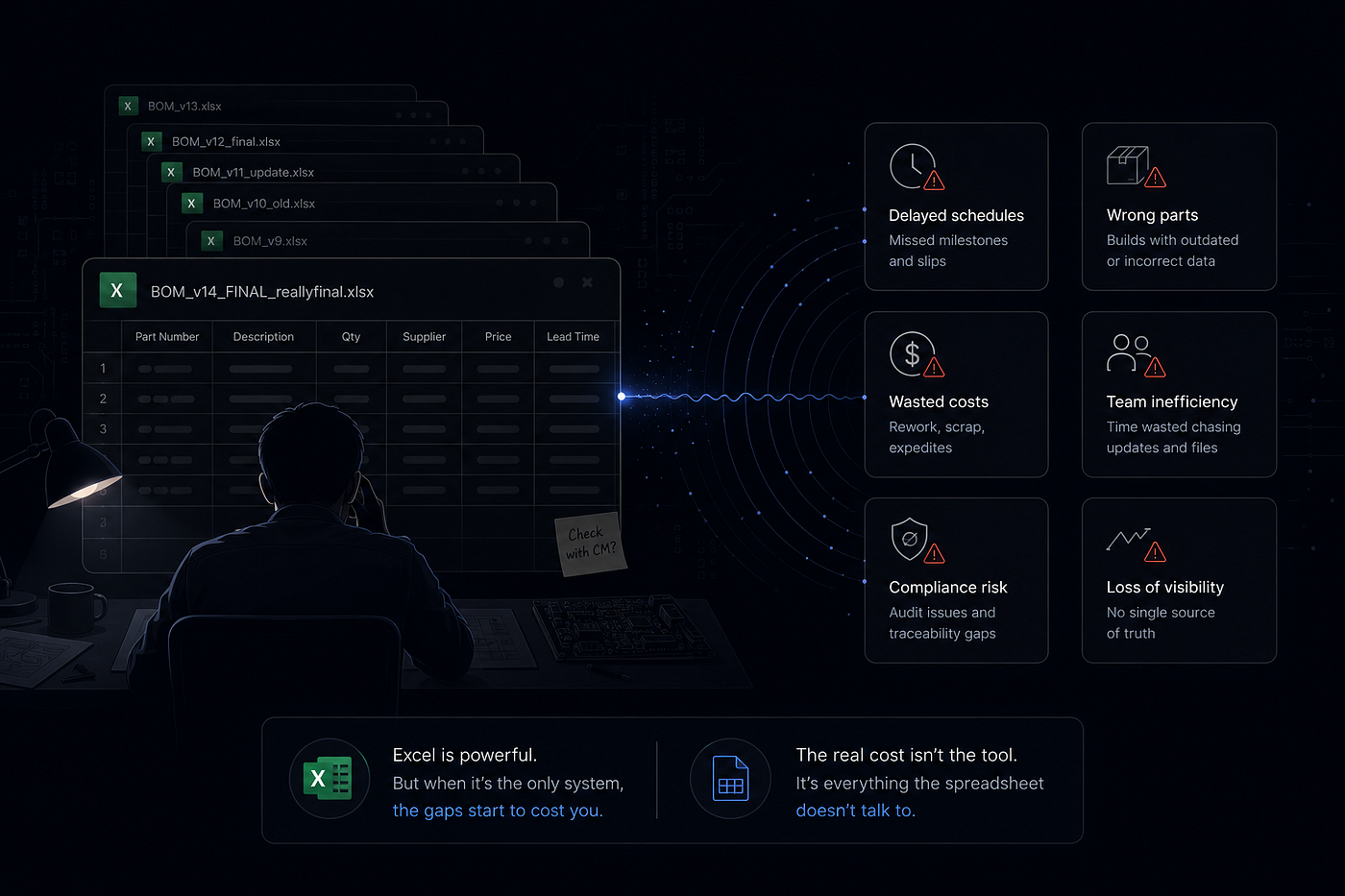
It’s not the spreadsheet. It’s everything the spreadsheet doesn’t talk to.
Somewhere on your laptop right now there’s a file called BOM_v14_FINAL_reallyfinal.xlsx, and there's a decent chance it's already wrong.
Not because you’re bad at your job. Because nobody told the CM you sent a new revision on Tuesday, and the build kicked off Wednesday morning off whatever was in their inbox.
I’ve watched this exact scene play out more than once — a contract manufacturer builds a run off an outdated line item, a 0402 cap swapped for a part that was never qualified for that footprint, and the first anyone hears about it is a yield report that doesn’t add up. Nobody did anything wrong, exactly. Everyone was just looking at a different version of the truth.
Excel isn’t the villain here

Every hardware engineer I know has a BOM spreadsheet they’d never put in a design review, and also, secretly, trust more than whatever “official” system the company paid for.
There’s a reason for that. Excel is fast. It opens in two seconds, it doesn’t ask you to define a workflow before you can add a row, and it does exactly what you tell it to do — nothing more, nothing less. When you’re three weeks from EVT and the mechanical engineer just swapped a connector, you don’t want a change-request form. You want to fix the row and move on.
So let’s not pretend the fix is “stop using spreadsheets.” That advice has been given for fifteen years and hardware teams keep using spreadsheets anyway, because the advice is aimed at the wrong problem. The spreadsheet was never the failure. The failure is what happens around it.
The actual cost isn’t the tool. It’s the copies.

Here’s what a BOM in Excel really looks like once a product gets past a breadboard: there isn’t one file. There are six.
There’s the engineering BOM the designer maintains. There’s the one procurement is quoting against, which is two revisions behind because nobody pinged them after the last ECN. There’s the version that got emailed to the CM, sitting in an inbox next to forty other threads. There’s the one in the shared drive that three people think is current and one person knows isn’t. There’s a printed copy taped to a monitor on the factory floor with pen corrections nobody entered anywhere. And there’s the one in your head, which is usually the most accurate and the least transferable.
None of these files know the other ones exist. That’s the actual cost — not the spreadsheet software, but the fact that a BOM in Excel has no idea what changed around it. It doesn’t know a supplier put a part on 20-week lead time. It doesn’t know an ECN was approved this morning that makes it obsolete. It doesn’t know the schedule assumed a resistor that got swapped for a different footprint. It just sits there, static, correct on the day someone last touched it and slowly wrong every day after.
I’ve seen a team lose nine calendar days at PVT because a long-lead connector swap was logged in the BOM but never touched the project schedule. The BOM was technically right. The plan built on top of it was already fiction, and nobody found out until the milestone came and went.
That’s the pattern worth naming: the BOM doesn’t fail loudly. It fails quietly, in the gap between the file and everything that depends on it.
What “structured” BOM management actually means

Not a bigger spreadsheet. Not a fancier UI. Three specific properties, and if a system doesn’t have all three, it’s not really solving the problem — it’s just a nicer-looking version of the same six-file mess.
One canonical version, not one canonical format. The BOM engineering edits, procurement quotes against, and the CM builds from has to be the same underlying record, viewed differently by each team. The moment there are two copies, you’ve recreated Excel with extra steps.
Revision control that’s enforced, not remembered. Every hardware team says they follow rev control. Almost none of them can tell you, without checking, whether the CM has Rev C or Rev D right now. If a person has to remember to notify the right people when a line item changes, the system doesn’t have revision control — it has revision hope.
Live links to the things a BOM change actually affects. A part swap isn’t just a line-item edit. It’s a potential schedule slip, a procurement re-quote, an ECN that needs to go out, and a compliance check if the new part isn’t RoHS-qualified in that market. A BOM sitting alone in a spreadsheet can’t tell you any of that. It just sits there, agnostic, waiting for a human to notice.
That third one is the part almost nobody builds for, because it’s genuinely hard — it means the BOM and the schedule have to be the same object instead of two documents that happen to describe the same product. When a long-lead part slips, the milestone that depends on it should move automatically, not surprise someone three weeks later in a status meeting. That’s the specific problem I ended up rebuilding a chunk of OpenPlan ai around, after watching that nine-day PVT slip happen to a team that swore their BOM was under control. You don’t need our tool to get this right — you can approximate it today with a shared field between whatever BOM system and whatever project tracker you already run. The discipline matters more than the software.
What to actually do about it Monday morning

If you’re not ready to move off Excel — and most early-stage hardware teams aren’t, and shouldn’t be forced to be — you can still close most of the gap:
Pick one file as canonical and put it somewhere everyone edits directly, not somewhere everyone downloads a copy from. A shared, permissioned file beats an emailed attachment every time; the moment a BOM leaves as an email attachment, it’s already a fork.
Put the revision number in the filename and in a cell inside the file, and make “who has which revision” a five-second check, not an email thread. If checking takes longer than five seconds, nobody will actually do it under deadline.
Tie every BOM revision to the reason it changed. Not “v14,” but “v14 — swapped C17 footprint per ECN-0032.” Future you, six months from now trying to figure out why a part changed, will thank present you.
And the biggest one: whenever a component changes, ask out loud whether it touches the schedule, procurement, or compliance — because it usually does, and the spreadsheet will never ask that question for you.
The spreadsheet isn’t what’s failing you. The silence around it is.
I’m Sekhar javvadi, co-founder of OpenPlan AI, a hardware-native PLM for teams that outgrew Excel but aren’t ready for enterprise PLM pricing or process overhead.
메타데이터
- post_id
- 9c6af727a31f
- slug
- why-engineers-still-manage-boms-in-excel-and-what-it-actually-costs-them-9c6af727a31f
- url
- https://medium.com/@sekharatece/why-engineers-still-manage-boms-in-excel-and-what-it-actually-costs-them-9c6af727a31f
- canonical_url
- https://medium.com/@sekharatece/why-engineers-still-manage-boms-in-excel-and-what-it-actually-costs-them-9c6af727a31f
- author_url
- https://medium.com/@sekharatece
- status
- ok
- fetched_at
- 2026-07-29 11:52:52




