The Complete Guide to NPM, NPX, and NVM for Node.js Developers
Everything beginner and intermediate developers need to understand package management, CLI tools, and Node.js version control without…
The Complete Guide to NPM, NPX, and NVM for Node.js Developers
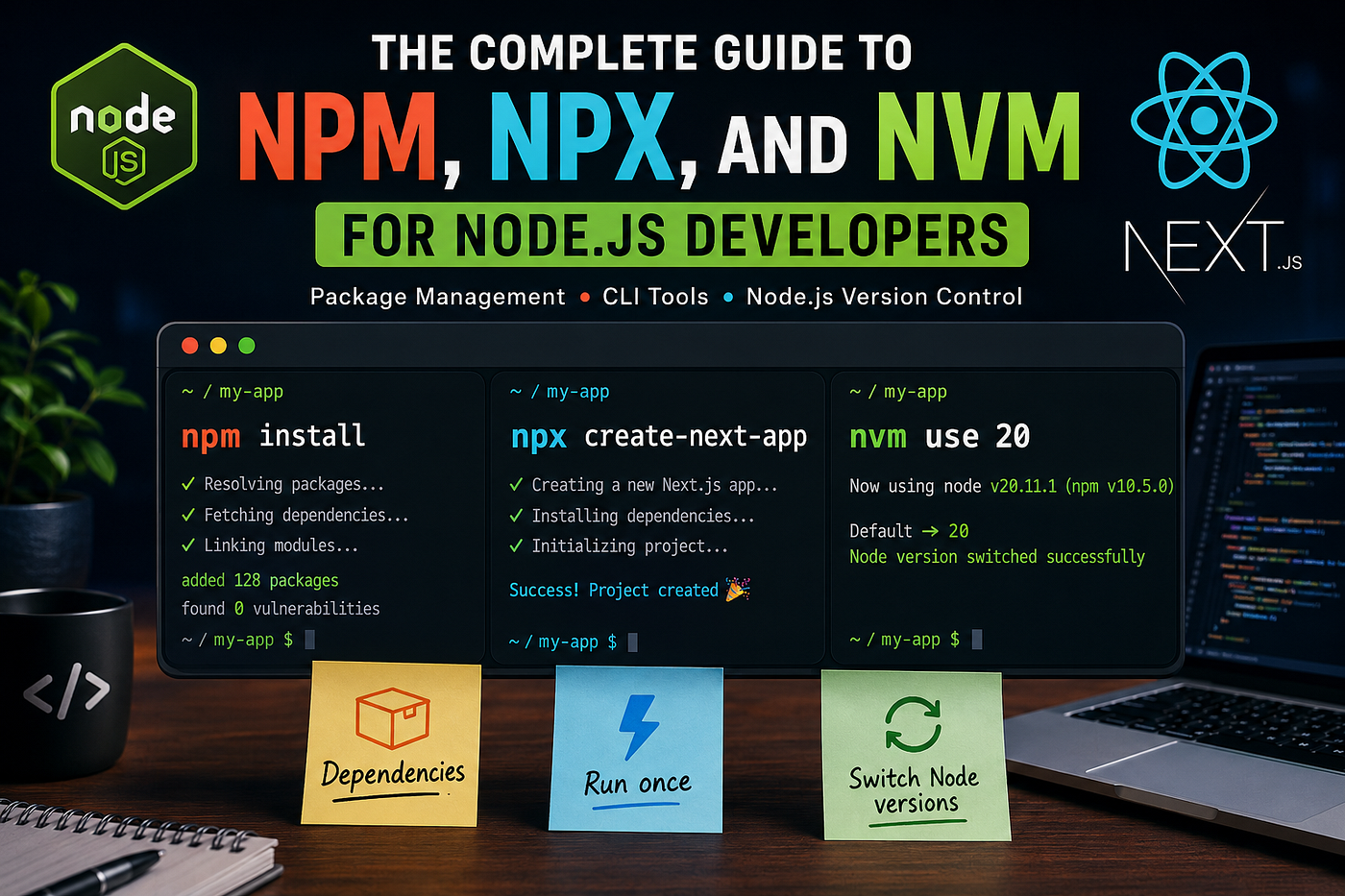
The Complete Guide to NPM, NPX, and NVM for Node.js Developers
Everything beginner and intermediate developers need to understand package management, CLI tools, and Node.js version control without confusion.
The Complete Guide to NPM, NPX, and NVM for Node.js Developers
If you’re learning Node.js, React, Next.js, or backend development, you’ve probably seen commands like:
npm install
npx create-react-app
nvm use 20
And honestly, in the beginning, they all look confusing.
A lot of developers use these tools daily without fully understanding:
- what each one actually does
- when to use them
- why they matter in real projects
- and how they can save you from painful bugs
I’ve seen developers break projects simply because they installed the wrong Node.js version or globally installed outdated packages.
This article will make all of this simple.
By the end, you’ll clearly understand:
- What NPM is
- What NPX is
- What NVM is
- Real-world practical examples
- Common mistakes developers make
- Best practices used in production projects
Let’s start from the foundation.
Understanding the Node.js Ecosystem
Before diving into commands, think of the ecosystem like this:
ToolPurposeNode.jsRuntime to run JavaScript outside browserNPMPackage managerNPXPackage executorNVMNode.js version manager
These tools work together.
If you build React apps, APIs, Next.js projects, or backend services, you’ll use them almost every day.
What is NPM?
NPM = Node Package Manager
NPM comes bundled with Node.js.
Its main job is:
- installing packages
- managing dependencies
- handling project scripts
- publishing packages
You can think of NPM as the “App Store” for JavaScript libraries.
Why NPM Matters
Modern JavaScript development depends heavily on packages.
For example:
- React
- Express
- Axios
- Mongoose
- TypeScript
- Next.js
Without NPM, installing and managing these manually would be a nightmare.
Check if NPM is Installed
Run:
npm -vExample output:
10.5.0Initialize a Project with NPM
Create a new project:
mkdir my-app
cd my-app
npm init
This creates a package.json file.
What is package.json?
This file is the heart of your Node.js project.
Example:
{
  "name": "my-app",
  "version": "1.0.0",
  "scripts": {
    "start": "node index.js"
  }
}
It stores:
- dependencies
- scripts
- project metadata
- versions
Installing Packages with NPM
Install a Package
npm install expressShortcut:
npm i expressThis installs Express.js into:
node_modules/And updates:
"dependencies": {
  "express": "^4.19.2"
}
Install Development Dependencies
Some packages are only needed during development.
Example:
- TypeScript
- Nodemon
- ESLint
Install using:
npm install --save-dev nodemonShortcut:
npm i -D nodemonReal-World Example: Express Server
Install Express:
npm i expressCreate server.js:
const express = require("express");const app = express();app.get("/", (req, res) => {
res.send("API is running");
});app.listen(3000, () => {
console.log("Server running on port 3000");
});Run:
node server.jsUnderstanding package-lock.json
This file locks exact package versions.
Why it matters:
Without it:
- your app may work on your machine
- but fail on your teammate’s system
With package-lock.json, everyone installs the exact same dependency versions.
This improves:
- consistency
- stability
- deployment reliability
NPM Scripts (Super Useful)
Instead of typing long commands repeatedly, use scripts.
Example:
"scripts": {
  "dev": "nodemon server.js",
  "start": "node server.js"
}
Run with:
npm run devor:
npm startThis becomes incredibly useful in larger projects.
What is NPX?
This is where many beginners get confused.
NPX = Node Package Execute
NPX lets you run packages without installing them globally.
That’s extremely useful.
Why NPX is Important
Before NPX, developers often did this:
npm install -g create-react-appProblems with global installs:
- outdated versions
- version conflicts
- messy environments
- hard-to-debug issues
NPX solves this.
Practical Example: Create a React App
Instead of globally installing Create React App:
npx create-react-app my-appNPX:
- downloads the package temporarily
- runs it
- removes unnecessary clutter
Cleaner and safer.
Another Real Example with Next.js
npx create-next-app@latestThis ensures you always use the latest version.
Very useful in production environments.
NPX vs NPM (Simple Difference)
ToolPurposenpmInstall packagesnpxExecute packages
Example:
Install package permanently
npm install lodashRun package once
npx cowsay "Hello Developer"Output:
_________________
< Hello Developer >
 -----------------
        \   ^__^
         \  (oo)\_______
            (__)\       )\/\
                ||----w |
                ||     ||
Fun example, but it helps understand the difference quickly.
What is NVM?
NVM = Node Version Manager
This tool saves developers from version chaos.
And trust me, version chaos is real.
Why Developers Need NVM
Different projects use different Node.js versions.
Example:
ProjectNode VersionOld Express APINode 16New Next.js AppNode 20Legacy Client ProjectNode 14
Without NVM:
- switching versions becomes painful
- projects randomly break
- dependency compatibility issues appear
NVM fixes this elegantly.
Install NVM
Mac/Linux
Install via curl:
curl -o- https://raw.githubusercontent.com/nvm-sh/nvm/v0.39.7/install.sh | bashRestart terminal.
Check:
nvm --versionInstall Node.js Using NVM
Install Node 20:
nvm install 20Use Node 20:
nvm use 20Check version:
node -vList Installed Versions
nvm lsExample:
->     v20.11.1
       v18.20.2
default -> 20
Set Default Node Version
nvm alias default 20Now every new terminal uses Node 20 automatically.
Real Production Scenario
Imagine:
You join a company project built 2 years ago.
The app only works on Node 16.
Your machine already uses Node 22.
Without NVM:
- dependencies fail
- builds crash
- package conflicts appear
With NVM:
nvm use 16Done.
This is one of those tools that feels optional until you actually work on multiple projects.
Using .nvmrc (Highly Recommended)
Inside project root:
echo "20" > .nvmrcNow developers can run:
nvm useAnd automatically switch to the correct version.
This is a very common production practice.
Common Mistakes Developers Make
1. Installing Everything Globally
Bad:
npm install -g typescriptPrefer:
npx tscor local project dependencies.
2. Ignoring Node Versions
Many bugs come from incompatible Node versions.
Always check:
node -vbefore debugging strange errors.
3. Deleting package-lock.json Randomly
Some developers remove it during conflicts.
Bad idea.
It exists for reproducible installs.
4. Using Old NPM Versions
Update NPM periodically:
npm install -g npm@latestPro Tips for Real Projects
Use npm ci in Production
Instead of:
npm installUse:
npm ciWhy?
- faster
- cleaner installs
- better for CI/CD pipelines
- uses exact lockfile versions
Keep Dependencies Updated Carefully
Check outdated packages:
npm outdatedUpdate:
npm updateBut avoid blindly updating major versions in production apps.
Use Semantic Versioning Properly
Example:
"express": "^4.19.2"Meaning:
- patch updates allowed
- minor updates allowed
- major breaking changes blocked
Understanding version ranges prevents deployment surprises.
Useful Commands Every Developer Should Know
NPM Commands
npm init
npm install
npm uninstall
npm run dev
npm update
npm outdated
NPX Commands
npx create-next-app
npx tsc --init
npx prisma init
NVM Commands
nvm install 20
nvm use 20
nvm ls
nvm alias default 20
Recommended Workflow for Modern Developers
Here’s a clean setup I personally recommend:
Step 1: Install NVM
Manage Node versions properly from day one.
Step 2: Install Correct Node Version
nvm install 20Step 3: Create Projects with NPX
npx create-next-app@latestStep 4: Manage Dependencies with NPM
npm install axios mongooseSimple, clean, scalable.
Final Thoughts
Understanding NPM, NPX, and NVM removes a huge amount of confusion from JavaScript development.
These tools may seem small initially, but they become critical once you start working on:
- React apps
- Next.js projects
- Express APIs
- TypeScript codebases
- team projects
- production deployments
If you learn them properly early on, you’ll avoid many frustrating issues later.
The biggest takeaway?
- Use NPM to manage packages
- Use NPX to execute packages
- Use NVM to manage Node versions
Master these three tools, and your Node.js workflow becomes much smoother.
메타데이터
- post_id
- abd1a62748aa
- slug
- the-complete-guide-to-npm-npx-and-nvm-for-node-js-developers-abd1a62748aa
- url
- https://medium.com/@thestackdeveloper01/the-complete-guide-to-npm-npx-and-nvm-for-node-js-developers-abd1a62748aa
- canonical_url
- https://medium.com/@thestackdeveloper01/the-complete-guide-to-npm-npx-and-nvm-for-node-js-developers-abd1a62748aa
- author_url
- https://medium.com/@thestackdeveloper01
- status
- ok
- fetched_at
- 2026-06-12 18:14:10