Understand your GPU for GenAI and LLMs — Part 1 (Difference between GPUs and CPUs)
The Role of GPUs and CPUs in GenAI & LLM Workloads
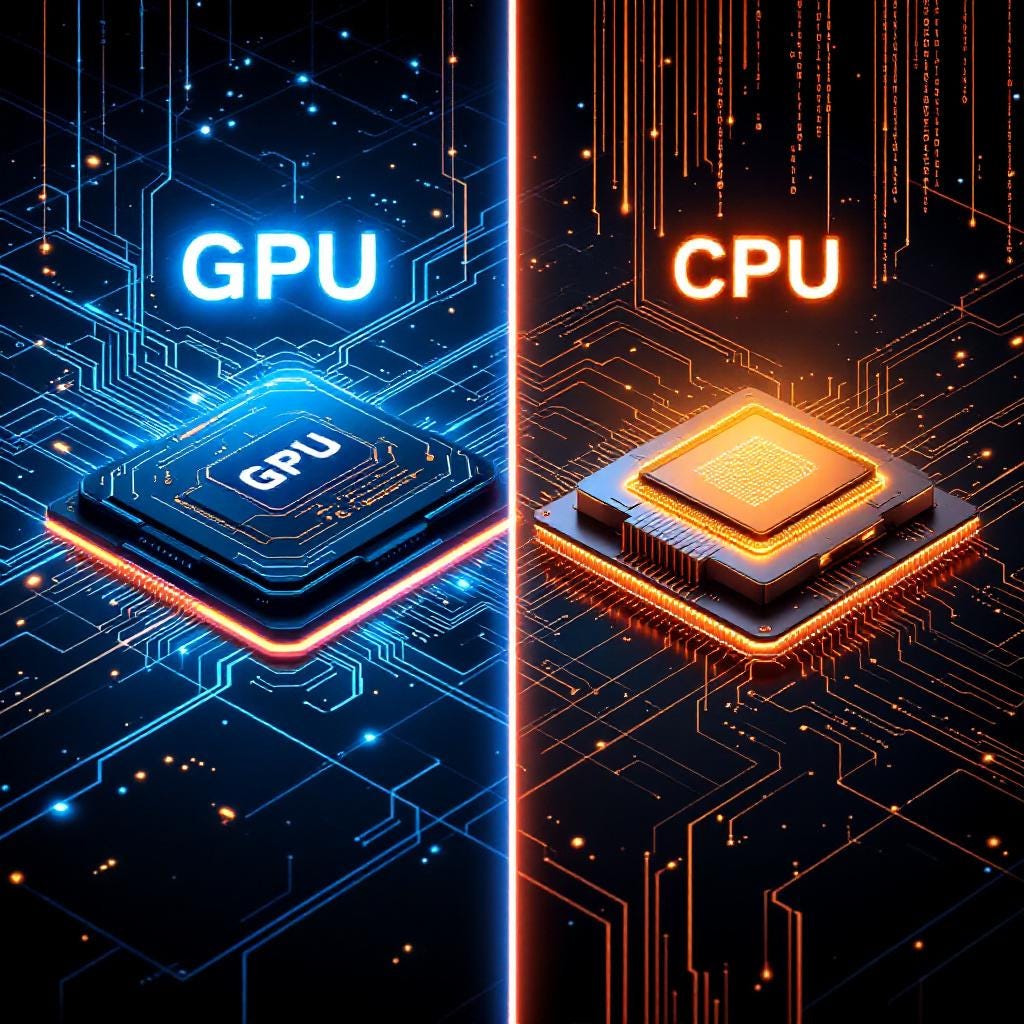
Image created by author using Flux (Pro) Image Generation Model
Understand your GPU for GenAI and LLMs — Part 1 (Difference between GPUs and CPUs)
The Role of GPUs and CPUs in GenAI & LLM Workloads
I’m starting a new series of articles to explore GPUs in detail— from their architecture to how they handle an incredible number of operations. We’ll start from all the way from basics and step by step take it to the more advance level. I believe understanding GPUs is essential if you really want to take their full advantage for Generative AI (GenAI) and Large Language Models (LLMs) Application.
In the first article of this series, we’ll learn about GPU Basics and how it’s different from CPU and what’s really makes it so powerful, if you are curious about these questions too then you’re really going to enjoy reading further.
Difference between GPUs and CPUs
Let’s start by understanding the fundamental differences between GPUs and CPUs.
The Graphics Processing Unit (GPU), housed inside a graphics card, typically contains over 10,000 cores. In contrast, the Central Processing Unit (CPU), mounted on the motherboard, has an integrated chip with only about 4 to 64 cores (modern CPUs may go up to 128 cores in some cases). At first glance, it might seem like the GPU is far more powerful than the CPU. After all, 10,000 cores versus 64 sounds like an easy win, right? However, it’s more complicated than that.
CPUs are highly versatile and can handle a wide range of programs and instructions. On the other hand, GPUs are less flexible, optimized for executing simple, repetitive instructions like basic arithmetic. They excel at handling specific workloads but are not capable of running operating systems or interfacing directly with input devices and networks.
CPU vs. GPU Breakdown
Every computer has a CPU, which typically consists of a few powerful cores and is connected to RAM (Random Access Memory). The CPU communicates with RAM to perform operations, a process we are all familiar with.
GPUs, however, differ from CPUs in architecture and memory design:
- Cores: GPUs have many simpler cores compared to the few powerful cores in a CPU.
- Memory: GPUs use High Bandwidth Memory (HBM), which is faster than traditional DRAM but limited in capacity
CPU
- Cores: Modern CPUs have 4–64 cores, designed for sequential task execution. Each core is highly optimized for a wide range of instructions.
- Clock Speed: Typically operates at a high clock speed (3–5 GHz), enabling quick execution of individual tasks.
- Cache Memory: CPUs have larger caches (L1, L2, L3) for low-latency access to frequently used data.
- Instruction Set: Optimized for complex instructions with advanced branch prediction and out-of-order execution.
GPU
- Cores: A GPU contains thousands of smaller, simpler cores (e.g., CUDA cores for NVIDIA, Stream processors for AMD) designed for massive parallelism.
- Clock Speed: Lower clock speeds (1–2 GHz) compared to CPUs.
- Cache Memory: Smaller caches compared to CPUs but highly optimized for graphics workloads.
- Instruction Set: Specialized for floating-point arithmetic and parallel operations.
Final Breakdown
The CPU: A Latency-Optimized Machine
CPUs are designed to minimize latency for a single thread of execution. They have fewer threads and focus on reducing the time it takes to switch between tasks. This makes CPUs ideal for applications where a single thread needs to run as fast as possible.
The GPU: A Throughput-Optimized Machine
GPUs, on the other hand, are designed for throughput. They have thousands of threads and are optimized for running many tasks simultaneously. This allows GPUs to hide latency by keeping the computational units busy with other work while waiting for memory access. GPUs are oversubscribed, meaning they have more threads than they can run at any given time, ensuring that there is always work to do.
The Key Difference: Threads vs. Latency
The fundamental difference between CPUs and GPUs lies in how they handle latency. CPUs focus on reducing latency for a single thread, while GPUs focus on adding more threads to hide latency. This makes GPUs ideal for applications that can be parallelized across many threads, such as graphics rendering, Data processing and machine learning.
Which is Faster?
So, which is faster: the CPU or the GPU? It depends on the type of task.
- For Parallel Tasks: If you’re working on tasks requiring simultaneous processing of large datasets — such as training a large language model (LLM) — a GPU is much faster. Its ability to execute thousands of operations simultaneously makes it ideal for such workloads.
- For Serial Tasks: When working with smaller datasets or tasks requiring low-latency processing, a CPU is faster due to its higher clock speeds, sophisticated caching mechanisms, and advanced architectures.
- For Versatility: If your workload includes running an operating system, managing network connections, or handling a variety of applications and hardware, a CPU is indispensable.
Conclusions
- CPUs excel at serial tasks due to their high clock speed and low latency.
- GPUs shine at parallel tasks thanks to their massive core count and high memory bandwidth.
- GPUs and CPUs are intended for fundamentally different types of workloads. CPUs are typically designed for multitasking and fast serial processing, while GPUs are designed to produce high computational throughput using their massively parallel architectures.
메타데이터
- post_id
- af72b69672b6
- slug
- understand-your-gpu-for-genai-and-llms-part-1-difference-between-gpus-and-cpus-af72b69672b6
- url
- https://medium.com/@luv-bansal/understand-your-gpu-for-genai-and-llms-part-1-difference-between-gpus-and-cpus-af72b69672b6
- canonical_url
- https://medium.com/@luv-bansal/understand-your-gpu-for-genai-and-llms-part-1-difference-between-gpus-and-cpus-af72b69672b6
- author_url
- https://medium.com/@luv-bansal
- status
- ok
- fetched_at
- 2026-08-05 03:43:09