How to Choose the Right IT Hardware for Your Business (Without Overspending or Under-Buying)
Nobody thinks about IT hardware until it becomes a problem. A new hire shows up, and there’s no laptop for them. A server that’s been…
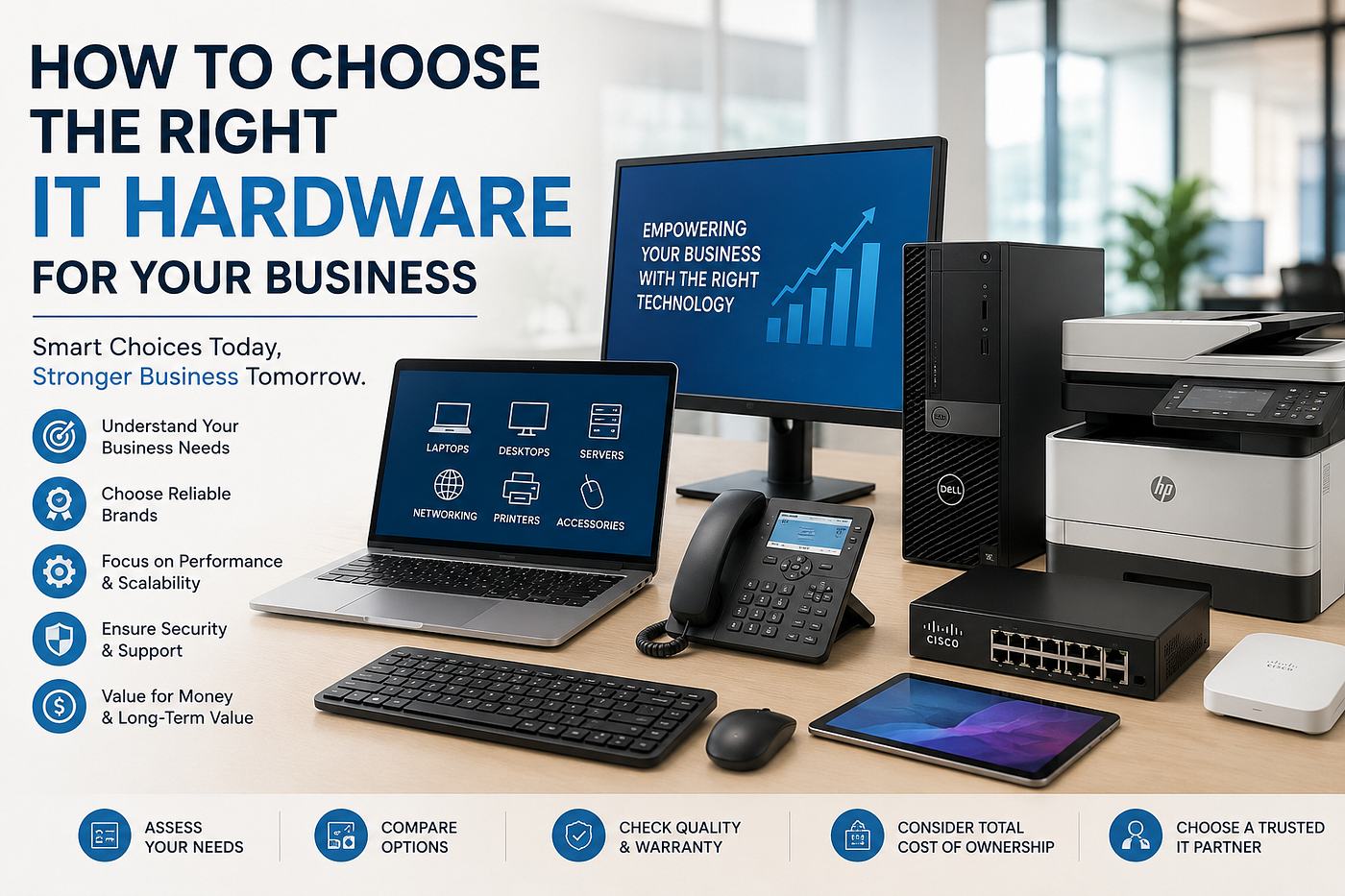
How to Choose the Right IT Hardware for Your Business (Without Overspending or Under-Buying)
Nobody thinks about IT hardware until it becomes a problem. A new hire shows up, and there’s no laptop for them. A server that’s been running since 2019 finally gives up. The office wifi starts choking because nobody planned for the extra twenty people who joined this year. That’s usually when the decision gets made — in a hurry, by whoever happens to be free, with a credit card and a deadline.
I’ve seen this play out at more companies than I can count, and it almost always goes one of two ways. Either they overspend on specs nobody actually needed, or they cheap out on something obsolete before the warranty even runs out. Both mistakes are avoidable if you slow down for even a day before buying.
Match the Hardware to the Job, Not the Hype
It’s tempting to buy whatever’s being advertised the loudest — this year’s thinnest laptop, the newest chip, whatever tech blogs are calling a “game changer.” None of that matters if it’s not what the role actually needs.
A rough way to think about it: your admin and salespeople don’t need powerhouse machines; they need something light, reliable, and with decent battery life. Your designers and engineers are a different story — skimping on RAM or graphics for them isn’t saving money, it’s just quietly wasting their time every single day. Finance and ops teams tend to care more about screen real estate and stability than raw speed. And your servers and networking gear need to be sized for where the company is going, not just where it is right now, because that’s the stuff nobody wants to rip out and redo in two years.
Buying one spec for the whole office feels simpler on paper. In practice, it just means half your team is overpaid-for, and the other half is underpowered.
The Price Tag Is Only Half the Story
The number on the quote is the easy part to compare. What actually determines whether a purchase was smart is everything that happens after you hit “buy”:
What kind of warranty and support actually comes with it? A cheaper machine with a flimsy one-year warranty can end up costing more over three years than something slightly pricier with real business support behind it. Does it play well with what you already have, or is IT going to be fielding compatibility headaches for the next six months? Can the RAM or storage be upgraded down the line, or is it maxed out the day you unbox it? And if you’re buying more than a handful of units, are you even getting wholesale pricing, or paying retail markup for volume you don’t need to pay for?
Don’t Skip the Authenticity Question
This is the part people skip most often, and it’s the one that can actually bite you. Grey-market hardware — stuff that’s technically real but never meant to be sold in your region, or diverted through channels it shouldn’t have gone through — is more common than most buyers realize. The warranty might not honour a claim. The firmware might behave differently than it should. It’s a risk that’s completely avoidable if you buy from a source with genuine, authorised relationships to the brands they’re selling.
This is honestly where the sourcing decision matters as much as the spec sheet. AFR Electronics, for example, is a Dubai-based wholesale distributor that’s been supplying laptops, desktops, servers, networking gear, printers, and storage to government, healthcare, and education clients across the UAE, GCC, Africa, and CIS since 2019 — and their whole setup is built around authorised-brand sourcing rather than picking up whatever inventory happens to be floating around. That kind of foundation is what makes buying at scale actually safe, not just cheaper on paper.
A Quick Checklist Before You Hit Buy
Whether you’re buying five laptops or five hundred, running through this before committing tends to save a lot of regret:
Match the spec to the actual role, not what looks impressive. Work out the real three-year cost, not just the invoice total. Confirm the supplier is authorized, not just cheap. Check whether there’s room to upgrade RAM or storage later. Ask about bulk pricing if you’re buying more than a handful — most distributors have tiers retail customers never see. And make sure there’s someone to actually call after the sale, because a supplier who vanishes the moment the invoice clears isn’t a partner; they’re a one-time transaction.
At the End of the Day
Choosing hardware well was never really about finding the cheapest laptop or the fastest server. It’s about matching the right machine to the right person, buying it from a source you can actually trust, and thinking past the invoice to what it’ll cost you over its whole lifespan. Companies that treat this as a once-a-year scramble tend to make the same mistakes every refresh cycle. The ones that treat it as an actual strategy end up with infrastructure that just quietly works in the background instead of causing a fire drill every eighteen months.
At the end of the day, hardware you don’t have to think about again is the whole point. Get it right once, and it just disappears into the background of running your business — which is exactly where you want it.
메타데이터
- post_id
- b9af3cbb9e1b
- slug
- how-to-choose-the-right-it-hardware-for-your-business-without-overspending-or-under-buying-b9af3cbb9e1b
- url
- https://medium.com/@fidhaismail645/how-to-choose-the-right-it-hardware-for-your-business-without-overspending-or-under-buying-b9af3cbb9e1b
- canonical_url
- https://medium.com/@fidhaismail645/how-to-choose-the-right-it-hardware-for-your-business-without-overspending-or-under-buying-b9af3cbb9e1b
- author_url
- https://medium.com/@fidhaismail645
- status
- ok
- fetched_at
- 2026-08-02 03:37:55

