How I Use Postman, Swagger, and Spring Boot to Level Up My Java APIs
A workflow every developer should master for smoother testing and documentation.
How I Use Postman, Swagger, and Spring Boot to Level Up My Java APIs
A workflow every developer should master for smoother testing and documentation.
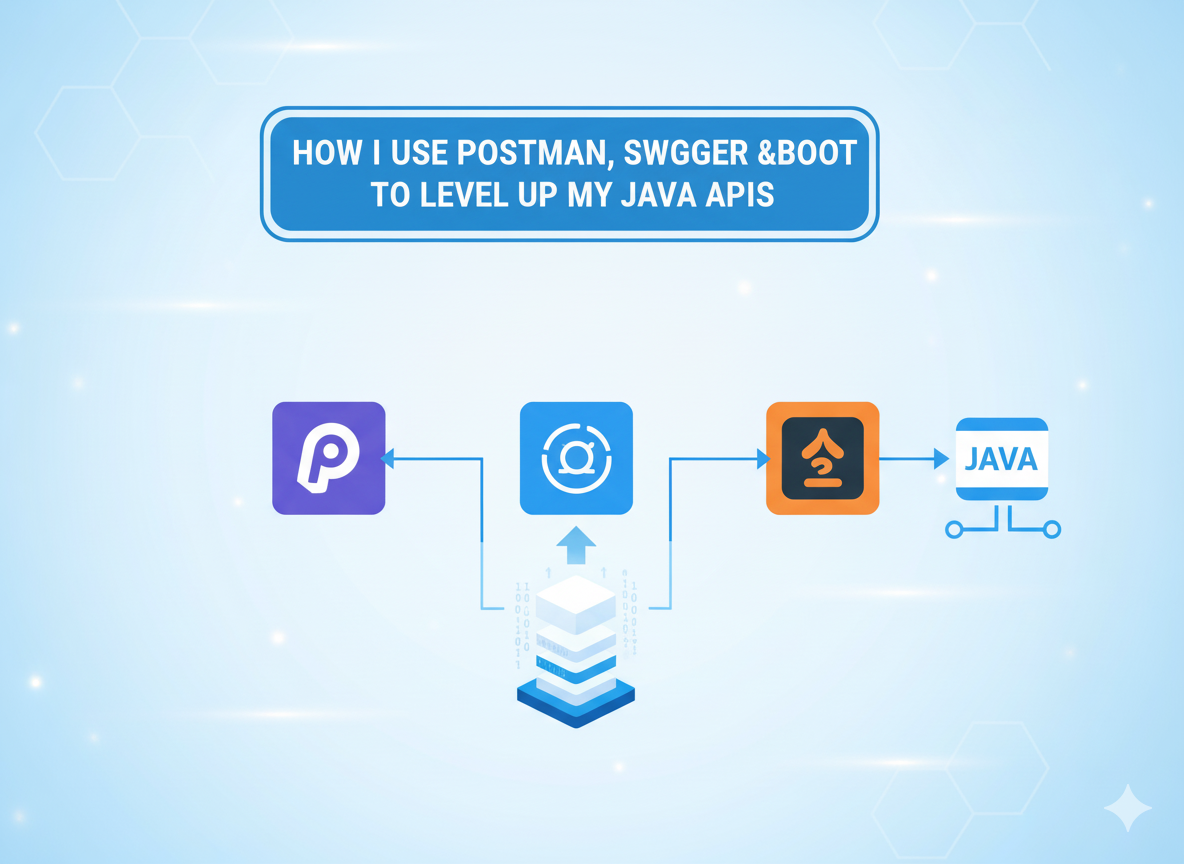
Google AI studio by Author
1. Why API Workflow Matters More Than Code
Early in my Java journey, I focused purely on writing the API logic — controllers, services, DTOs. But what I learned later is that a great API isn’t just one that works — it’s one that’s understood, testable, and easy to extend.
That’s where tools like Postman, Swagger, and Spring Boot completely changed my development rhythm. They made my workflow more predictable, my documentation self-updating, and my testing nearly frictionless.
2. Setting the Foundation with Spring Boot
Spring Boot gives you a fast way to spin up RESTful APIs without fighting endless XML configs. Here’s a minimal example I use to start almost every service:
@RestController
@RequestMapping("/api/v1/users")
public class UserController {

    @GetMapping("/{id}")
    public ResponseEntity<User> getUser(@PathVariable Long id) {
        User user = new User(id, "Michael", "Preston");
        return ResponseEntity.ok(user);
    }

    @PostMapping
    public ResponseEntity<User> createUser(@RequestBody User user) {
        user.setId(1L);
        return ResponseEntity.status(HttpStatus.CREATED).body(user);
    }
}
Within minutes, you have a running endpoint ready to test. But as soon as you start scaling — dozens of endpoints, complex payloads — manual testing becomes a pain. That’s when Postman and Swagger shine.
3. Testing APIs the Right Way with Postman
Postman is my command center for API testing. I create a workspace for every project and store collections for authentication, user management, payments — anything with multiple endpoints.
Here’s what a simple GET request looks like for testing the above API:
GET http://localhost:8080/api/v1/users/1In Postman, I attach environment variables like this:
{{base_url}}/api/v1/users/{{user_id}}That way, I can switch between local, staging, and production environments instantly.
For automated testing, Postman lets you script checks directly in JavaScript:
pm.test("Status code is 200", function () {
    pm.response.to.have.status(200);
});

pm.test("Response has valid user name", function () {
    const jsonData = pm.response.json();
    pm.expect(jsonData.firstName).to.eql("Michael");
});
These tests catch regressions before they reach staging, saving hours of debugging time.
4. Making APIs Self-Documenting with Swagger
Swagger (via Springdoc OpenAPI) is the secret to keeping documentation consistent with the codebase. I’ve seen teams maintain separate docs that go stale in weeks. Swagger solves that with auto-generated, interactive documentation.
You just add this dependency to your pom.xml:
<dependency>
    <groupId>org.springdoc</groupId>
    <artifactId>springdoc-openapi-starter-webmvc-ui</artifactId>
    <version>2.3.0</version>
</dependency>
Then restart your app and visit:
http://localhost:8080/swagger-ui.htmlSwagger automatically lists every endpoint, request body, and response model from your Spring annotations.
No extra effort. No outdated wikis. Just living, breathing API docs that evolve with your code.
5. The Power of Combining Them
Here’s my usual flow for any production-grade API:
- Design endpoints and models in Spring Boot.
- Auto-generate API docs using Swagger.
- Test functionality and edge cases in Postman.
- Automate tests and run them in CI/CD pipelines.
When used together, these three tools eliminate friction between development, testing, and communication. You stop wasting time explaining APIs and start focusing on improving them.
6. Adding Real Validation and Error Handling
A robust API isn’t just functional — it’s predictable under failure. Here’s how I use Spring Boot’s validation annotations for that:
@PostMapping
public ResponseEntity<User> createUser(@Valid @RequestBody User user) {
    user.setId(1L);
    return ResponseEntity.status(HttpStatus.CREATED).body(user);
}

@Data
@NoArgsConstructor
@AllArgsConstructor
public class User {
    private Long id;

    @NotBlank(message = "First name cannot be blank")
    private String firstName;

    @NotBlank(message = "Last name cannot be blank")
    private String lastName;
}
Spring automatically returns a 400 Bad Request with descriptive messages when validation fails.
That means you can catch invalid input early — long before the front end explodes.
7. Automating Postman Tests in CI/CD
One of my favorite integrations is running Postman collections in CI. Using Newman, Postman’s CLI runner, you can validate APIs automatically with every deployment.
Here’s an example of a GitHub Actions step I use:
- name: Run API tests
  run: |
    npm install -g newman
    newman run ./tests/api_collection.json \
      --environment ./tests/env.json \
      --reporters cli,json
This ensures that every endpoint still responds correctly after code changes or dependency updates — a lifesaver in large systems.
8. Making Documentation Interactive for the Team
Once Swagger generates the OpenAPI spec, I export it and embed it into project wikis or developer portals. Developers can try out endpoints directly from the browser, no Postman needed.
It’s a small touch, but it removes barriers for onboarding new devs or explaining APIs to non-technical stakeholders. Everyone can see — and test — the system without touching the code.
9. Final Thoughts
Using Postman, Swagger, and Spring Boot together turned my chaotic API development into a clean, documented, and repeatable process. The real magic isn’t in the tools themselves — it’s in how seamlessly they connect:
- Spring Boot builds.
- Swagger explains.
- Postman verifies.
Once you set up this trio, you’ll spend less time debugging miscommunication and more time building features that actually matter. That’s the kind of workflow every Java developer deserves.
메타데이터
- post_id
- cea835ce2066
- slug
- how-i-use-postman-swagger-and-spring-boot-to-level-up-my-java-apis-cea835ce2066
- url
- https://medium.com/javarevisited/how-i-use-postman-swagger-and-spring-boot-to-level-up-my-java-apis-cea835ce2066
- canonical_url
- https://medium.com/javarevisited/how-i-use-postman-swagger-and-spring-boot-to-level-up-my-java-apis-cea835ce2066
- author_url
- https://medium.com/@michaelpreston515
- status
- ok
- fetched_at
- 2026-07-25 12:44:45