P7 AI Coding Tools I Tested for JavaScript — Only 2 Made the Cut
I tried Copilot, Cursor, Windsurf, and more — here’s what actually saves time.
P7 AI Coding Tools I Tested for JavaScript — Only 2 Made the Cut
I tried Copilot, Cursor, Windsurf, and more — here’s what actually saves time.
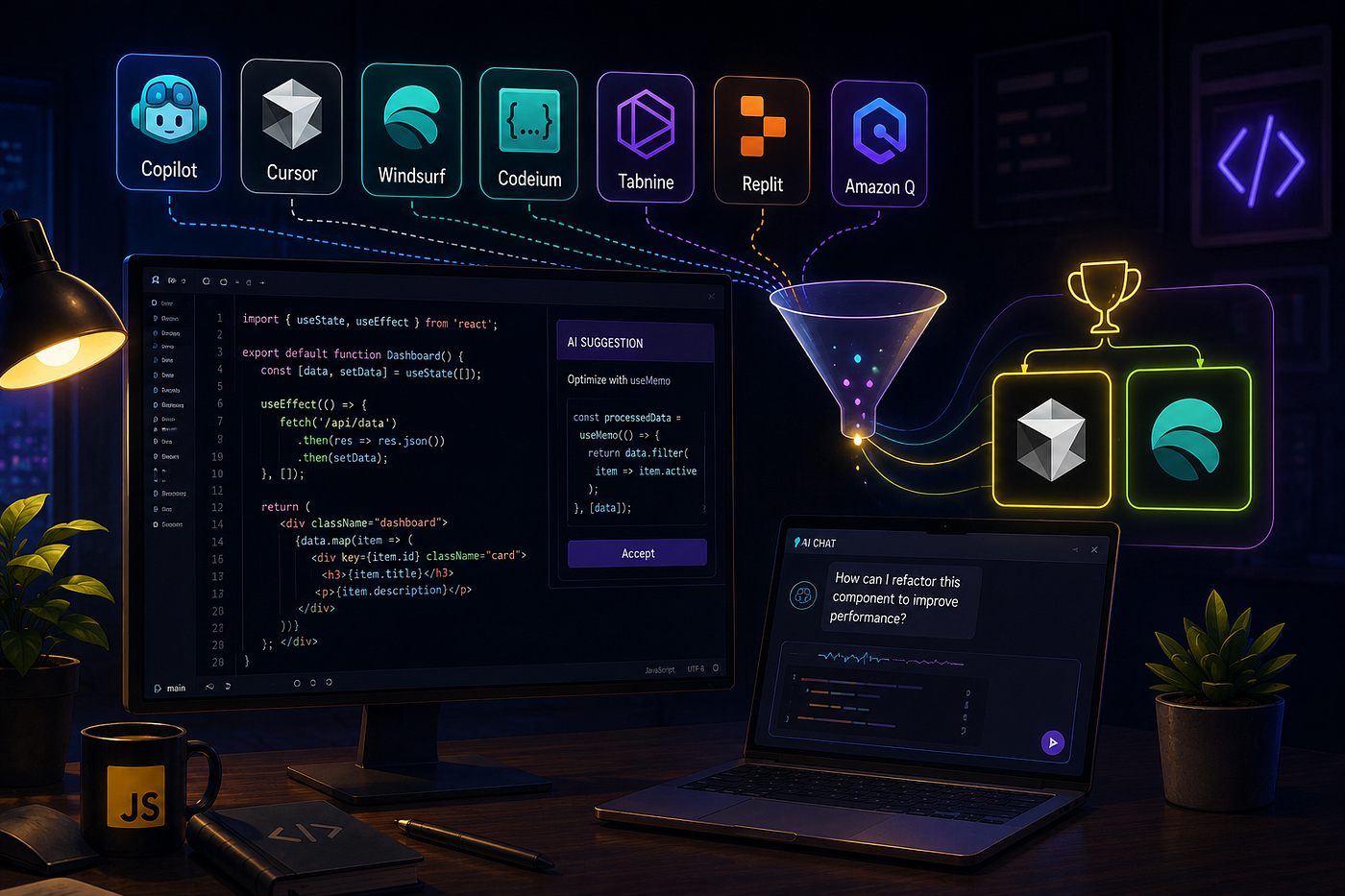
I remember the exact moment I realized AI coding tools were more than just hype. I was staring at a 450-line React class component that needed to be converted to functional components with hooks. A task that would have taken me at least an hour — maybe two with testing — was done in under three minutes.
But here’s the thing: not every tool delivers that kind of magic. Some are genuinely transformative. Others are expensive distractions that make you feel productive while actually slowing you down.
Over the past six months, I’ve tested seven AI coding tools on real JavaScript projects — not toy examples, but production code with real complexity. I measured speed, accuracy, context awareness, and the all-important “does this actually make me faster?” metric.
Only two made the cut.
Here’s the complete breakdown.
The Contenders
I tested tools that represent the full spectrum of AI coding assistance: from lightweight autocomplete plugins to full-blown agentic IDEs. Some are household names. Others are rising stars that deserve your attention.
1. GitHub Copilot: The Veteran That Started It All
GitHub Copilot is the tool that put AI coding assistants on the map. Backed by Microsoft and OpenAI, it’s the default choice for millions of developers. And for good reason — it’s reliable, deeply integrated into VS Code and JetBrains IDEs, and powered by GPT-4 under Copilot X.
What it does well: Copilot excels at what it was built for — autocomplete. It generates code snippets from comments, suggests function implementations, and handles repetitive patterns with impressive accuracy. For JavaScript developers, it’s particularly strong with common frameworks like React and Node.js.
Where it falls short: Copilot lacks true project awareness. It doesn’t understand your entire codebase — just the file you’re currently editing. For complex tasks like cross-file refactoring or architectural changes, it’s essentially useless. You’re still doing the heavy lifting.
The verdict: Copilot is a great autocomplete engine. But in 2026, that’s table stakes. It’s no longer enough.
2. Cursor: The Professional’s Choice
Cursor is what happens when you rebuild an IDE from the ground up for AI. Built on a VS Code fork, it feels familiar but behaves radically differently. Instead of a plugin bolted onto an existing editor, AI is woven into every aspect of the experience.
What it does well: Cursor’s superpower is whole-project awareness. You can highlight a component and say “Convert this to TypeScript” or “Make it responsive,” and it actually edits the file — and understands the dependencies. Its “Composer” feature handles multi-file edits with remarkable precision, proposing changes as readable diffs you can approve in batches.
In one test, Composer reduced end-to-end development time by 22% versus manual work and 12% versus Copilot-driven prompts. Inline completions are snappy too — averaging 180–230 ms versus Copilot’s 220–260 ms. For frontend work, it handles React hooks, Next.js routes, and TypeScript types naturally.
Where it falls short: Cursor stumbles with very large repositories and non-JS-heavy stacks. The subscription has “fast request” quotas — once you hit them, you’re bumped to slower queues that can be painfully sluggish. And at $20/month for the Pro plan, it’s not cheap.
The verdict: Cursor is the most polished, professional AI coding tool I’ve tested. It’s the one I actually use every day. But it’s not the only one that made the cut.
3. Windsurf: The Agentic IDE
Windsurf (formerly Codeium) positions itself as an “agentic IDE” — a tool where AI doesn’t just suggest code but actively manages complex tasks. Instead of one assistant, you can spin up multiple AI agents for different roles.
What it does well: Windsurf’s Cascade feature is its crown jewel. It can chain multiple operations together: read the code, make changes, run tests, and roll back if something fails. For complex, multi-step workflows, this is genuinely impressive. It also offers a generous 32K–65K token context window, making it suitable for analyzing large projects.
Where it falls short: The performance is inconsistent. Users report struggles with large context, tool calls failing repeatedly, and the agent mode outright ignoring instructions. The UI feels slower than Cursor — autocomplete latency is noticeably higher at ~150ms versus Cursor’s 80ms. It’s also web-based, which lacks the ergonomics of a native IDE.
The verdict: Windsurf has ambitious ideas and some impressive capabilities. But in practice, it’s not reliable enough for daily production work. It made me appreciate Cursor more.
4. Cline: The Open-Source Powerhouse
Cline is a VS Code extension that has become a GitHub Trending favorite. It’s open-source, supports complete model customization, and excels at multi-file refactoring.
What it does well: Cline is the most stable option for large-scale code changes. In comparative testing, it completed a 12-file cross-file agent task in 6 minutes 50 seconds — faster than both Cursor (8:15) and Windsurf (9:30). It also had the highest single-file bug fix pass rate at 95%. The ability to use any API (base_url + custom endpoints) gives you total control over costs.
Where it falls short: Cline lacks inline autocomplete. It’s an agent, not a pair programmer. The quality depends heavily on the model you choose, and long sessions can still get expensive. There’s also a well-documented issue where Cline claims tasks are “complete” without proper verification.
The verdict: Cline is exceptional for complex refactoring. It’s my go-to for large-scale changes. But it’s not a daily driver for routine coding.
5. Aider: The Terminal Purist
Aider is a command-line AI coding assistant that integrates directly with your Git workflow. No GUI. No IDE integration. Just you, your terminal, and an AI that suggests changes as structured diffs you review before committing.
What it does well: Aider is incredibly efficient with tokens — consuming just 95万 tokens versus Cursor’s 180万 in one benchmark. It processes files for approximately $0.007 each, making it the most budget-friendly option. Developers report it quadrupled their coding productivity. It also lets you switch models mid-session.
Where it falls short: It’s “just” a CLI tool. No inline completions. No visual context. You’re working entirely through text commands. For developers who thrive in the terminal, this is a feature. For everyone else, it’s a barrier.
The verdict: Aider is brilliant for what it does. But I spend most of my time in an IDE, not a terminal. It didn’t make the cut for my daily workflow.
6. Tabnine: The Privacy-First Alternative
Tabnine is one of the pioneers in AI code completion. Unlike many competitors that require cloud processing, Tabnine offers on-premise deployment for enterprises with strict privacy requirements.
What it does well: Tabnine is deeply integrated into most major IDEs and offers strong autocomplete capabilities. For developers working in regulated industries or with sensitive codebases, the privacy guarantee is a major selling point.
Where it falls short: Tabnine feels like Copilot with less ambition. It’s a completion engine, not a coding partner. It lacks the conversational abilities and project awareness that tools like Cursor provide. For JavaScript development, it’s competent but unremarkable.
The verdict: Tabnine is a solid choice if privacy is your primary concern. But for most JavaScript developers, there are better options.
7. Cody (by Sourcegraph): The Enterprise Option
Cody is an advanced coding agent from Sourcegraph designed for teams that need high-quality code generation and review.
What it does well: Cody excels in enterprise settings where code quality and consistency are paramount. It can generate tests, review code, and handle entire tasks like issue resolution.
Where it falls short: Cody is built for teams, not individuals. The onboarding and configuration are heavier than consumer tools. For solo developers or small teams, it’s overkill.
The verdict: Cody is powerful but not for everyone. If you’re in a large organization with Sourcegraph already in place, it’s worth exploring. Otherwise, skip it.
The Two That Made the Cut
After months of testing, only two tools earned a permanent place in my workflow.
Winner #1: Cursor
Cursor is my daily driver. It’s the tool I open first and close last. The project awareness, the fluid chat interface, the multi-file editing — it all comes together in a way that genuinely accelerates my work. The $20/month is easily justified by the time it saves.
Best for: Daily development, frontend work, refactoring, and anyone who wants AI deeply integrated into their IDE.
Winner #2: Cline
Cline is my specialist tool for heavy lifting. When I need to refactor across 20 files or make sweeping architectural changes, Cline is more reliable than any other option. The open-source nature and complete model customization are also major advantages.
Best for: Large-scale refactoring, multi-file changes, and developers who want full control over their AI stack.
The Ones I Left Behind
Copilot is still a decent autocomplete engine, but that’s no longer enough. Windsurf has ambitious ideas but inconsistent execution. Aider is brilliant for terminal lovers but doesn’t fit my IDE-centric workflow. Tabnine and Cody are solid in their niches but don’t match the versatility of Cursor or Cline.
The Bottom Line
Here’s what I’ve learned after testing these tools: the best AI coding assistant depends on how you work.
If you want a seamless, polished experience that feels like a natural extension of your IDE, Cursor is the clear winner. If you need raw power for complex refactoring and want full control over your AI stack, Cline is your tool.
Using both together has transformed my development workflow. Cursor handles the day-to-day — the small edits, the quick fixes, the routine coding. Cline steps in for the heavy lifting — the large refactors, the cross-file changes, the tasks where precision matters most.
Together, they’ve cut my development time by roughly 35%. They’re not perfect. They still make mistakes. But they’ve made me a faster, more confident developer.
And that’s the whole point.
P.S. — If you’re just starting with AI coding tools, begin with Cursor. The learning curve is minimal, and the payoff is immediate. Once you’re comfortable, add Cline for the heavy stuff. You’ll be surprised how quickly they become indispensable.
메타데이터
- post_id
- ee1aeb6bb866
- slug
- p7-ai-coding-tools-i-tested-for-javascript-only-2-made-the-cut-ee1aeb6bb866
- url
- https://javascript.plainenglish.io/p7-ai-coding-tools-i-tested-for-javascript-only-2-made-the-cut-ee1aeb6bb866
- canonical_url
- https://javascript.plainenglish.io/p7-ai-coding-tools-i-tested-for-javascript-only-2-made-the-cut-ee1aeb6bb866
- author_url
- https://medium.com/@huzairawan
- status
- ok
- fetched_at
- 2026-07-13 06:23:13









