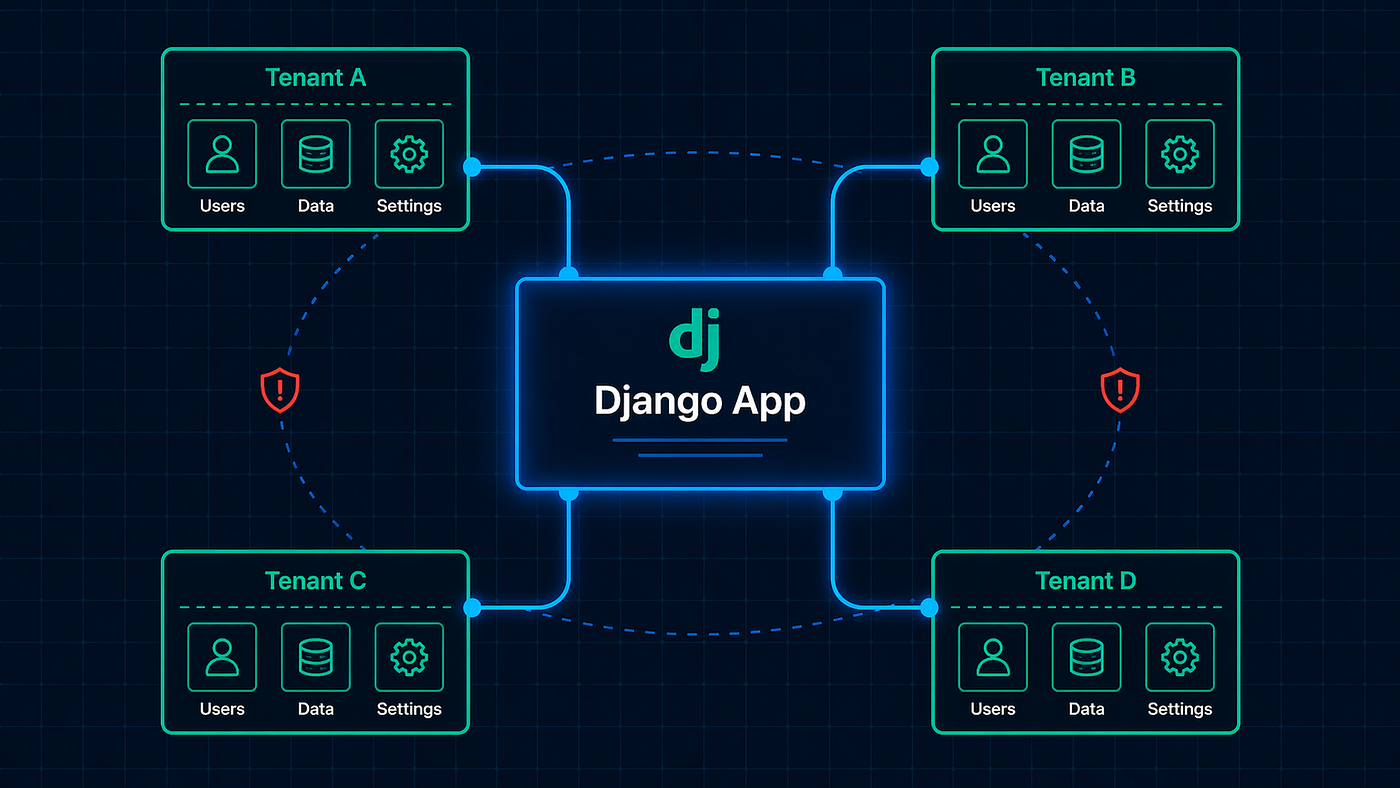
Django Database Transactions: The Bugs You Don’t Know You Have
atomic() prevents partial saves. It doesn’t prevent race conditions.
Django Database Transactions: The Bugs You Don’t Know You Have
atomic() prevents partial saves. It doesn’t prevent race conditions.
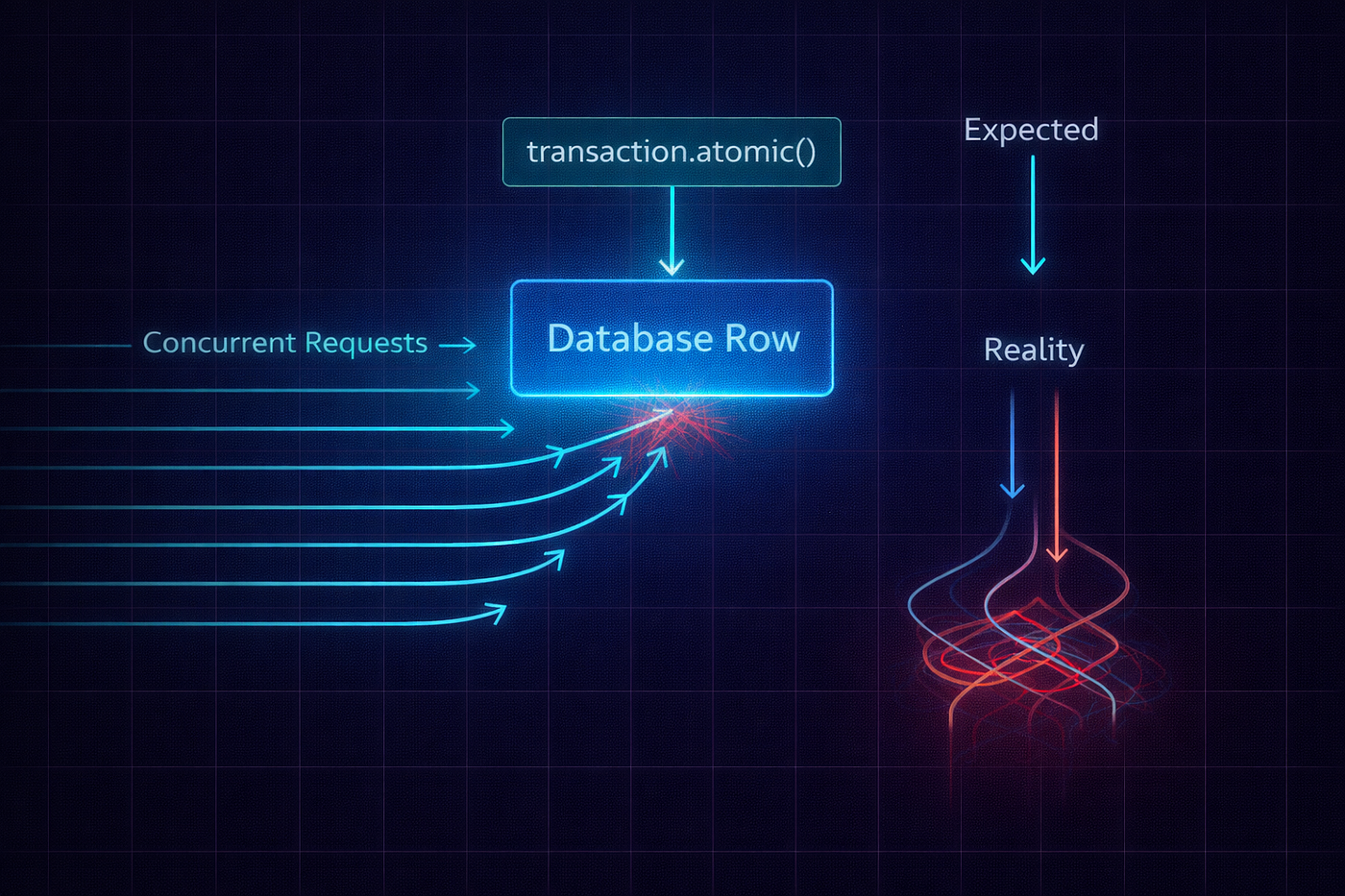
Atomic vs Reality — The Concurrency Illusion
We sold 117 tickets to a 100-seat event.
Not because our validation was wrong — the code clearly checked if event.tickets_remaining > 0 before creating each ticket. Not because someone bypassed the API — every purchase went through the same endpoint. And not because of a bug in any traditional sense.
The code worked perfectly. One request at a time.
But 30 users clicked “Buy” within the same two-second window during a flash sale. Each request read tickets_remaining = 5 from the database. Each request passed the validation check. Each request decremented the count and saved. Each request committed successfully. And because all 30 requests read the same starting value before any of them wrote, we ended up with more tickets sold than seats available.
This is a race condition. And transaction.atomic() — the tool most Django developers reach for when they hear "database safety" — did absolutely nothing to prevent it.

Concurrent Transaction Failure Timeline
That incident taught me more about Django transactions than any tutorial ever did. Here’s everything I learned, condensed into the patterns that would have prevented it.
What atomic() Actually Does (And Doesn’t Do)

What Developers Think vs What Actually Happens
Most developers think transaction.atomic() makes their code "safe." It does — but not in the way they expect.
Here’s what atomic() guarantees: all-or-nothing execution. If any operation inside the block fails, every operation rolls back. If you create an order, create three order items, and the third item fails — all of it rolls back. You don't end up with an order and two items but no third.
Here’s what atomic() does NOT guarantee: isolation from concurrent transactions. While your transaction is running, other transactions can read and write the same rows. Your transaction doesn't lock anything by default. It doesn't create a private snapshot of the data. It doesn't stop other requests from reading the same values you just read.
Let me show you exactly how this fails:
@transaction.atomic
def purchase_ticket(user, event_id):
    event = Event.objects.get(id=event_id)

    if event.tickets_remaining <= 0:
        raise ValidationError("Sold out")

    Ticket.objects.create(user=user, event=event)
    event.tickets_remaining -= 1
    event.save()
This looks bulletproof. It’s inside atomic(). It checks the count. It creates the ticket. It decrements the count. All in one transaction.
Now picture two requests hitting this code at the same millisecond:

Both transactions read tickets_remaining = 5. Both passed validation. Both wrote tickets_remaining = 4. We sold 2 tickets but only decremented by 1. The count is now wrong, and there's no error anywhere.
This is Django’s default behavior with PostgreSQL’s READ COMMITTED isolation level. Each SELECT inside a transaction sees the latest committed data at the time of that specific query — not a frozen snapshot from the start of the transaction.
Fix #1: select_for_update — Lock the Row

Row Locking with select_for_update()
The most direct fix. select_for_update() tells PostgreSQL: "I'm reading this row, and I intend to update it. Lock it until my transaction finishes."
@transaction.atomic
def purchase_ticket(user, event_id):
    # Lock the event row — other transactions will WAIT here
    event = Event.objects.select_for_update().get(id=event_id)

    if event.tickets_remaining <= 0:
        raise ValidationError("Sold out")

    Ticket.objects.create(user=user, event=event)
    event.tickets_remaining -= 1
    event.save()
Now when Transaction A locks the event row at line 3, Transaction B’s select_for_update() blocks — it waits until Transaction A commits or rolls back. Then Transaction B reads the updated value (tickets_remaining = 4) and makes its decision based on correct data.

Correct. Sequential. Safe.
The Trade-Off
select_for_update() serializes access to that row. Under high contention — 100 users trying to buy the last ticket simultaneously — all 100 requests queue up and process one at a time. This is safe but slow. If each transaction takes 50ms, the last user waits 5 seconds.
For most applications, this is perfectly fine. Ticket purchases, bank transfers, inventory decrements — these operations are fast enough that the queuing is barely noticeable. But if your transaction is slow (calling external APIs, doing heavy computation), those waits compound.
Variants for Different Needs
# nowait=True — fail immediately instead of waiting
try:
    event = Event.objects.select_for_update(nowait=True).get(id=event_id)
except DatabaseError:
    raise ValidationError("Someone else is purchasing. Please try again.")

# skip_locked=True — skip locked rows (great for job queues)
pending_jobs = (
    Job.objects
    .filter(status='pending')
    .select_for_update(skip_locked=True)[:10]
)
# Only returns jobs that aren't currently being processed by another worker
nowait=True is useful when you'd rather fail fast and ask the user to retry than make them wait behind a lock. skip_locked=True is perfect for worker patterns where multiple Celery tasks are pulling from the same queue.
Fix #2: F() Expressions — Atomic at the SQL Level

Single SQL Atomic Operation
For simple increment/decrement operations, you don’t need locks at all. Django’s F() expressions push the arithmetic into the SQL query itself:
from django.db.models import F

@transaction.atomic
def purchase_ticket(user, event_id):
    # Atomic decrement — happens in one SQL statement
    updated = Event.objects.filter(
        id=event_id,
        tickets_remaining__gt=0  # This is the validation, in SQL
    ).update(
        tickets_remaining=F('tickets_remaining') - 1
    )

    if updated == 0:
        raise ValidationError("Sold out")

    Ticket.objects.create(user=user, event_id=event_id)
The generated SQL looks like:
UPDATE events
SET tickets_remaining = tickets_remaining - 1
WHERE id = 42 AND tickets_remaining > 0;
This is a single atomic SQL statement. The database handles the read, the check, and the write all at once. No gap between read and write. No race condition possible. And updated tells you how many rows were affected — if it's 0, the event was sold out.
This is faster than select_for_update because there's no row lock held between queries. The lock only exists for the duration of the single UPDATE statement, which is microseconds.
When to use F() vs select_for_update:
Use F() when you can express your entire operation as a single SQL update — increments, decrements, simple conditional updates.
Use select_for_update() when you need to read the current value, do complex logic in Python, and then write back — like checking multiple conditions, computing values from multiple fields, or creating related objects based on the current state.
Fix #3: The on_commit Trap

on_commit Execution Lifecycle
transaction.on_commit() lets you schedule a function to run after the transaction commits. It's commonly used to send emails, fire Celery tasks, or clear caches — things that should only happen if the database change actually persisted.
from django.db import transaction

@transaction.atomic
def create_order(user, items):
    order = Order.objects.create(user=user, status='pending')

    for item in items:
        OrderItem.objects.create(order=order, product=item['product'])

    # Only send email if the order actually saved
    transaction.on_commit(
        lambda: send_order_confirmation.delay(order.id)
    )

    return order
This is the correct pattern. But here’s where developers get burned:
Trap 1: on_commit Inside Nested atomic Blocks
@transaction.atomic
def outer():
    Thing.objects.create(name="A")

    try:
        with transaction.atomic():  # Creates a SAVEPOINT
            Thing.objects.create(name="B")
            transaction.on_commit(lambda: print("B committed"))
            raise Exception("Oops")  # Rolls back to savepoint
    except Exception:
        pass

    transaction.on_commit(lambda: print("A committed"))
What prints? Only "A committed". The inner on_commit is discarded when the savepoint rolls back. This makes sense — "B" was never committed, so its side effect shouldn't fire.
But I’ve seen developers register an on_commit callback inside a nested block, have the block roll back, and then wonder why the email never sent. The callback silently disappears. No error. No warning. It just doesn't run.
Trap 2: on_commit Runs After Response in ATOMIC_REQUESTS Mode
If you’re using ATOMIC_REQUESTS = True (which wraps every view in a transaction), on_commit callbacks don't fire until after the response is sent. That means your view can't observe the effects of the callback.
# With ATOMIC_REQUESTS = True
def my_view(request):
    order = create_order(request.user, items)

    # on_commit hasn't fired yet — the Celery task hasn't been sent
    # The transaction commits AFTER this view returns

    return Response({"order_id": order.id})
This is usually fine for fire-and-forget tasks like emails. But if you’re counting on the side effect being visible before the response, you’ll be confused.
Trap 3: on_commit Never Fires Without a Transaction
If on_commit is called outside of a transaction (in autocommit mode), it runs immediately. That seems helpful, but it means your code behaves differently depending on whether it's called inside or outside a transaction — which makes it harder to reason about.
# Inside atomic: callback runs after commit
with transaction.atomic():
    transaction.on_commit(lambda: print("after commit"))
    print("inside block")
# Output: "inside block" → "after commit"

# Outside atomic (autocommit): callback runs immediately
transaction.on_commit(lambda: print("immediately"))
print("after register")
# Output: "immediately" → "after register"
My rule: always use on_commit inside an explicit transaction.atomic() block. Never rely on it working correctly in autocommit mode.
The Patterns I Use in Production
Pattern 1: The Safe Decrement
For any counter that can’t go below zero — inventory, tickets, credits, quotas:
from django.db.models import F

def safe_decrement(model_class, pk, field_name, amount=1):
    """
    Atomically decrement a field, ensuring it doesn't go negative.
    Returns True if successful, False if insufficient.
    """
    updated = model_class.objects.filter(
        pk=pk,
        **{f'{field_name}__gte': amount}
    ).update(
        **{field_name: F(field_name) - amount}
    )
    return updated > 0

# Usage
if not safe_decrement(Event, event_id, 'tickets_remaining'):
    raise ValidationError("Sold out")
One function. Works for any model and any field. No race conditions. I’ve used this exact pattern for ticket sales, wallet balances, and API rate limit counters.
Pattern 2: Optimistic Locking with Version Fields
Instead of pessimistic locking (select_for_update), you can add a version field that detects concurrent modifications:
class Order(models.Model):
    status = models.CharField(max_length=20)
    total = models.DecimalField(max_digits=10, decimal_places=2)
    version = models.IntegerField(default=0)

def update_order_status(order_id, new_status, expected_version):
    updated = Order.objects.filter(
        id=order_id,
        version=expected_version
    ).update(
        status=new_status,
        version=F('version') + 1
    )

    if updated == 0:
        raise ConflictError(
            "Order was modified by another request. Please reload and try again."
        )
The frontend sends the version it last saw. If someone else modified the order between the read and the write, the version won't match and the update affects zero rows. The user gets a clear message to reload.
This is the pattern behind every “this page has been modified by another user” message you’ve ever seen in a web application. No locks. No waiting. Just detection and graceful failure.
Pattern 3: Keep Transactions Short

Bad vs Good Transaction Design
The longer a transaction runs, the longer locks are held, and the more likely you are to block other requests or hit deadlocks:
# BAD — holds a lock while calling an external API
@transaction.atomic
def process_payment(order_id):
    order = Order.objects.select_for_update().get(id=order_id)
    order.status = 'processing'
    order.save()

    # This HTTP call takes 2 seconds — lock is held the entire time
    result = payment_gateway.charge(order.total)

    order.payment_id = result['id']
    order.status = 'paid'
    order.save()

# GOOD — minimize lock duration
def process_payment(order_id):
    # Step 1: Quick transaction to claim the order
    with transaction.atomic():
        updated = Order.objects.filter(
            id=order_id, status='pending'
        ).update(status='processing')

        if not updated:
            raise ValidationError("Order already being processed")

    # Step 2: External call OUTSIDE the transaction
    try:
        result = payment_gateway.charge(order.total)
    except PaymentError:
        # Revert status if payment fails
        Order.objects.filter(id=order_id).update(status='pending')
        raise

    # Step 3: Quick transaction to record the result
    with transaction.atomic():
        Order.objects.filter(id=order_id).update(
            status='paid',
            payment_id=result['id']
        )
The lock in the good version lasts milliseconds — just long enough to claim the order. The external API call (the slow part) happens outside any transaction. The final update is another quick transaction.
The Debugging Trick

Concurrent Threads Simulation
Race conditions are notoriously hard to reproduce because they depend on timing. Here’s how I test for them:
import threading
from django.test import TestCase

class RaceConditionTest(TestCase):
    def test_concurrent_ticket_purchase(self):
        event = Event.objects.create(tickets_remaining=1)
        results = []
        errors = []

        def buy_ticket():
            try:
                purchase_ticket(user=self.user, event_id=event.id)
                results.append('success')
            except ValidationError:
                results.append('sold_out')
            except Exception as e:
                errors.append(str(e))

        # Simulate 10 concurrent purchases for 1 ticket
        threads = [threading.Thread(target=buy_ticket) for _ in range(10)]
        for t in threads:
            t.start()
        for t in threads:
            t.join()

        # Exactly 1 should succeed, 9 should fail
        event.refresh_from_db()
        self.assertEqual(results.count('success'), 1)
        self.assertEqual(event.tickets_remaining, 0)
        self.assertEqual(Ticket.objects.count(), 1)
If this test is flaky — sometimes 2 successes, sometimes 1 — you have a race condition. If it consistently returns 1 success, your locking is working. I run this kind of test for every function that modifies shared counters or stateful fields.
Bottom Line

Concurrency Safety Decision Tree
Django’s transaction.atomic() prevents partial writes. It doesn't prevent concurrent reads from seeing stale data. The word "atomic" means your transaction succeeds or fails as a unit — it doesn't mean you have exclusive access to the data.
For counters and simple updates, use F() expressions. For complex read-modify-write operations, use select_for_update(). For external side effects, use on_commit() carefully. And always keep transactions as short as possible — do external API calls outside the transaction, not inside.
The 117 tickets to a 100-seat event? That was fixed with two lines of code — a select_for_update() on the event row and a tickets_remaining__gt=0 filter on the update. Two lines that would have prevented a very apologetic email to 17 customers and a very uncomfortable conversation with the event organizer.
Some lessons you learn from tutorials. Others you learn from production at 2 AM. This was the 2 AM kind.
What’s the worst race condition you’ve dealt with in production? I know the payment and inventory folks have stories. Drop yours in the comments — the community learns more from real incidents than from textbook examples.
Thanks for reading! ❤
If this helped you, consider clapping (50 👏 s), following, or sharing it. A writer without readers is just talking to themselves — so your time means everything.
Let’s keep building better, together.
메타데이터
- post_id
- f89308281a16
- slug
- django-database-transactions-the-bugs-you-dont-know-you-have-f89308281a16
- url
- https://levelup.gitconnected.com/django-database-transactions-the-bugs-you-dont-know-you-have-f89308281a16
- canonical_url
- https://levelup.gitconnected.com/django-database-transactions-the-bugs-you-dont-know-you-have-f89308281a16
- author_url
- https://medium.com/@anas-issath
- status
- ok
- fetched_at
- 2026-06-24 11:06:28