I Wrote 100 Grasshopper Programs with RhinoMCP × Claude Code
Where AI drives, where it hits a wall, and what that means for daily Grasshopper work.
I Wrote 100 Grasshopper Programs with RhinoMCP × Claude Code
Where AI drives, where it hits a wall, and what that means for daily Grasshopper work.
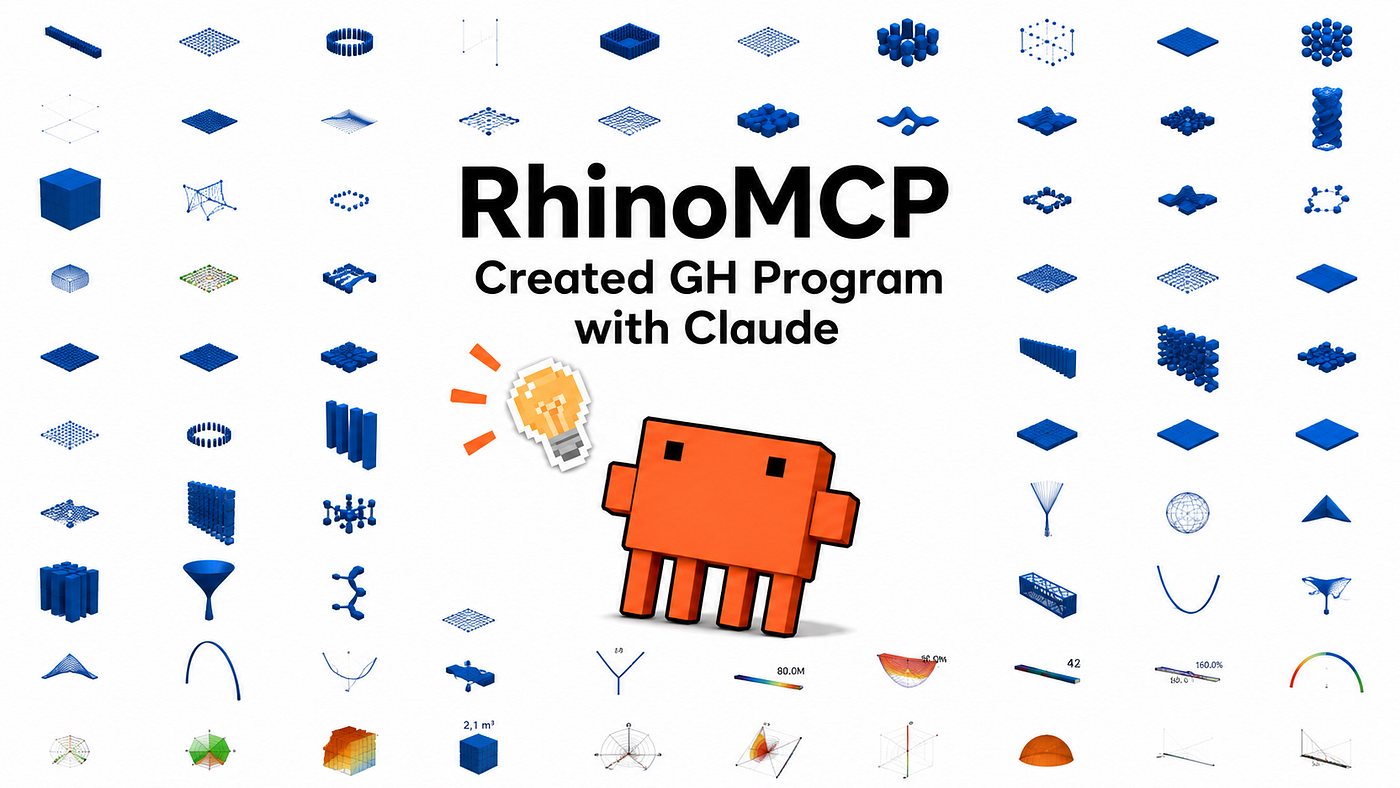
I let Claude Code drive Rhino directly and crank out 100 models.
Most write-ups about RhinoMCP have stopped there: prompt the AI, get a 3D mesh.
This time I tried the other side. I made Claude write the Grasshopper canvas itself — 100 different programs, from default-component facade tilings all the way to physics relaxation, environmental analysis, and optimization setups.
Some of it worked further than I expected. Some of it hit a clear wall. Either way, I wanted to share where the line is, in practice.
A note on framing. This isn’t a controlled study. Everything you’ll see was Claude’s first-pass take, on its own. So when I say something “worked,” I mean the canvas built and computed something; whether the result is correct down to the last index is another conversation. Treat this as a first impression at scale, not a benchmark.
What I did

Combining McNeel’s official RhinoMCP with Claude Code, I let the agent:
- drop components onto the Grasshopper canvas
- wire them up
- move sliders
- run the computation
- bake the resulting geometry
- capture both the canvas image and the rendered model
…across 100 programs, labeled L001–L100.

Claude Code → RhinoMCP → Grasshopper. Workflow at a glance.
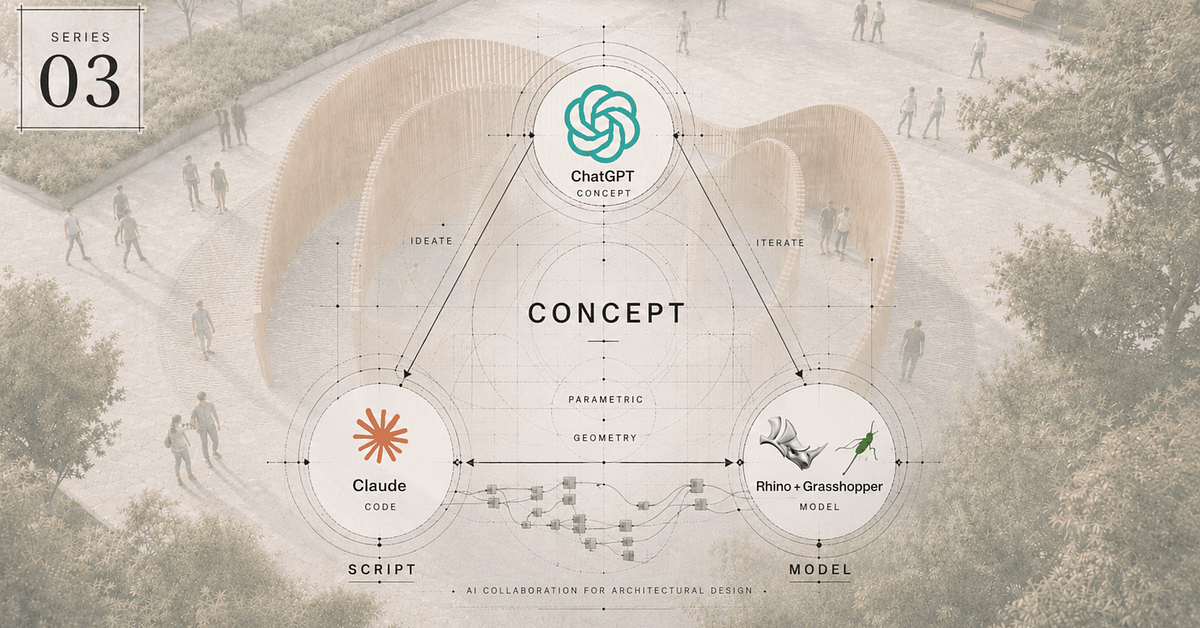
The flow, end to end: Claude Code (AI agent) → RhinoMCP (bridge server, executes AI commands safely in Rhino) → Grasshopper (Rhino 8, where components get placed, wired, computed, baked, and rendered). Once that handshake is up, the agent drives the canvas; you describe what you want.
Last time (the 100 Rhino models), I was asking Claude to write Python that directly draws geometry.This time I’m asking it to author the Grasshopper definition that draws the geometry. For anyone who actually uses Grasshopper day to day, the second route is dramatically more useful — once it’s done, you can open the file, grab a slider, and explore.
What’s inside the 100

Ten groups, gradually widening in scope and difficulty. The grouping itself was Claude’s call.
Group 1 — Basics & data structures (L001–008). Range, Series, List Item. Warm-up.
Group 2 — Parametric geometry (L009–038). Voronoi, Delaunay, attractor-driven patterns, L-systems. 30 programs.
Group 3 — Facade form operations (L039–063). Panel tilings, opening gradients, twists, ripples, layer-banded openings. 25 programs.
Group 4 — Structural intent (L064–070). Diagrid, octet truss, Pratt truss, reciprocal frame, geodesic dome, tensile sail. 7 programs.
Group 5 — Environmental visualization (L071–074). Sun paths, shadow casting, sightlines, orientation-based coloring — all built from simple math. 4 programs.
Group 6 — Integrated workflows (L075–078). FAR-style massing, twisted-stack massing, parametric studies, performance comparison dashboards. 4 programs.
Group 7 — Form-finding (L079–085). Catenary curves, hung nets, tensile saddles, hanging shells, ETFE-style cushion domes, branching columns. Built with Kangaroo. 7 programs.
Group 8 — Structural analysis (L086–090). Beam deflection, moment diagrams, cantilever, truss axial force, arch axial force. All from default math components, no specialized plugins. 5 programs.
Group 9 — Environmental analysis (L091–098). Annual sun path dome, annual direct sun hours, cumulative radiation, sky view factor, wind rose, etc. Built with Ladybug Tools. 8 programs.
Group 10 — Optimization (L099–100). Optimization setups handed to Claude. Built with Galapagos and Wallacei X. 2 programs.
What worked
1. It assembles surprisingly far on its own

Level 047 — Twisted Ribbon
For Groups 2–4 (sixty-plus programs) I let Claude work with only the default Grasshopper components — no extra plugins. Voronoi, attractor-driven opening gradients, hex/triangle/diamond panel tilings, twisted ribbon towers, ripple-pattern facades, diagrid, octet truss, geodesic domes — these come back from a chat prompt, more or less ready to read on the canvas.
For early-stage design, when you just want to see five different directions for a form, this part feels close to image-generation AIs in spirit: you’re asking for a quantity of options, not the final design.
2. The agent can run a physics solve

Level 083 — Kangaroo wireframe
Group 7 is Kangaroo. I genuinely expected this to be the line — physics in Grasshopper usually means clicking “Simulate” and watching the form relax. But Kangaroo ships with ZombieSolver, a component that runs the same solve in one shot, no interactive panel. Claude reached for it.
That meant the loop define geometry → run the solve → bake → capture image completed without a human pressing a button. For a hung shell, a tensile saddle, an ETFE cushion dome — the AI got there.
3. Ladybug ran end-to-end, hands off

Level 093 — Incident Radiation Box
Groups 9–10 leaned on Ladybug. Eight programs:
- annual sun path dome
- annual direct sun hours on a floor surface
- cumulative incident radiation across a cube’s surfaces
- sky view factor on a floor
- Tokyo wind rose
- orientation-binned cumulative radiation
- wind speed profile by elevation
- hemispheric radiation distribution
The EPW was fixed to Tokyo (Chiyoda) for the run. Saying “annual direct sun, in Tokyo, with a 25 m tower in context” and getting back a working Ladybug definition is, honestly, a moment that felt like crossing a threshold. Environmental analysis suddenly feels less ceremonial.
4. Even simple structural analysis came together

Level 086 — Simple beam deflection
Group 8 was beam deflection, moment diagrams, cantilever, truss axial force, arch axial force — all five built without any specialized analysis plugin. Just the deflection equation δ(x) wired up from default arithmetic components, the beam itself represented as a chain of Center Boxes, color-graded blue → green → red by deformation.
Whether the numbers are correct down to standard textbook tolerances is a separate validation pass. But as “a structural-analysis-shaped image” it holds up. I’d want to put Karamba through the same exercise next, to see how far the agent can go with a proper FEA plugin.
What didn’t work
1. Optimization “Solve” buttons stay on the human side

Level 100 — Wallacei X canvas
This was the cleanest boundary line I hit. L099 and L100 are optimization setups:
- target sliders → Genome
- evaluation expression → Fitness
- correctly wired into Galapagos / Wallacei X
All of that, Claude built from a chat prompt. Reliably.
But the “Start” button — the one that launches the optimization in the dialog window — the agent can’t press. Both Galapagos and Wallacei X open their own conversational UI to step through generations. That UI was outside the agent’s reach in this run.
I expect this barrier comes down eventually. For now, write that one down: interactive UI solves stay manual.
2. Component name collisions cause silent wrong picks
A few cases where Claude grabbed the wrong component because two have the same name:
- Gradient — the default one vs. the one shipped by ClimateStudio
- Square — x² vs. the grid-square geometry one
- Addition — vector sum vs. numeric sum
When the wrong one is picked, the canvas builds, computes, and produces something — just not what you asked for. Now I instruct Claude “if there’s any ambiguity, name the category explicitly,” and the rate drops sharply.
3. Hallucinated components
Claude sometimes searches for a component that should exist and silently fails when it doesn’t. In a real working session you’d catch this and redirect. I left it alone deliberately for this run, so a few programs stalled in odd places.
If you actually use this for work, just stay in the loop and tell it when it’s reaching for thin air.
4. Ladybug’s first connections take a few tries
Anyone who’s used Ladybug Tools knows: getting the right input, in the right order, on the right index is its own little puzzle.
- Sun vector wants Analysis Period in the chain
- Legend position has to be specified or it embeds in the geometry
- A handful of input/output indices don’t match intuition
Claude tripped on these in the first few Ladybug levels and self-corrected. After it gets through one, the rest are stable. So it’s a learnable cost, not a wall.
Honest takeaways
As a “canvas drafting assistant,” it has real use. Image-generation-style “give me five directions.” Onboarding a plugin you’ve never used and want to see the basic shape of. Teaching first-time Grasshopper users the standard wiring. Those scenarios feel within range.
For high-craft, deeply-considered programs — the kind of definitions you’d ship in a real project — this run doesn’t tell you yet. I want to do a follow-up where I actually mentor the agent through one substantial program, with my own working knowledge in the room, before I claim more.
Anything that requires watching a UI and judging when to stop is still human territory.
- Watching Galapagos generations and deciding when to halt
- Letting Kangaroo relax a form in real time and stopping at the shape that feels right
- Looking at a Wallacei X Pareto front and choosing a compromise
In the runs I tried, the human-in-the-loop is faster, and in some cases the agent simply can’t initiate the action.
Building from default components is more valuable than it sounds. About 80% of the 100 ran on built-in Grasshopper components only. That matters because:
- whoever opens the file can run it immediately
- version mismatches across plugins don’t break things
- it travels well as a deliverable
I gave Claude the explicit policy “prefer default components,” and it respected it. That’s worth knowing — directing the agent up-front saves a lot of plugin-dependency cleanup later.
See all 100 on the site
All 100 programs are on the site, each with:
- the main components used (top 5)
- canvas image
- rendered model image
- a short note
If you read Grasshopper at all, the canvas image often tells you the wiring at a glance.
→ **studio.allelishi.com/mcp-gh100**
Note: Claude is auto-capturing the canvases, so a few are partially clipped at the edges. I’m cleaning that up over time.
If you want to try this yourself
Stack:
- McNeel RhinoMCP — github.com/mcneel/RhinoMCP
- Rhino 8 (this run was on Rhino 8)
- Claude Code (Anthropic), or any MCP-capable LLM client
- An EPW file if you want to try Ladybug analyses (I used Tokyo Chiyoda)
The setup is essentially: open Rhino → start Claude Code → connect the MCP session. Once that handshake is up, you describe what you want, and the canvas builds itself.
Closing — this is “tried it” stage
To be clear: everything in this report is what Claude came up with on its own, working at first-pass quality. “Worked” doesn’t mean “verified to project-grade accuracy.” There are absolutely better ways to wire some of these. I plan to revisit each group with proper craftsmanship over time.
For now, two honest impressions from running 100:
- The range that builds is wider than I expected.
- Anything with an interactive UI is still a human’s job.
The next experiment won’t be another wide sweep. I want to take one real project and see how far I can push the agent inside it, with my own Grasshopper knowledge fully in the room.
Want the whole workflow in one place?
I put the full setup, the Claude Code prompting patterns, and the environmental-analysis walkthroughs into a practical guide — plus the 5 ready-to-run Grasshopper definition files Claude generated, so you can open them and explore on your own.
Already 100+ copies sold on the Japanese release.
→ Get the guide + 5 GH files (Gumroad): https://allelishi.gumroad.com/l/rhinomcp-guide
📚 Read more in this series
- 🇯🇵 Japanese original (note): RhinoMCP × Claude Code で、Grasshopper のプログラムを 100 個書かせてみた
- 🇯🇵 First post — Rhino direct modeling (note): Rhinoモデルを100個、ほぼ自動でつくってみた
- 🇬🇧 First post — Rhino direct modeling (Medium): I Built 100 Rhino Models Almost on Autopilot
Studio.Allelishi is a one-person studio working at the intersection of architecture, parametric design, environmental analysis, and AI.
Ongoing experiments and writeups: studio.allelishi.com · @allelishi on X
메타데이터
- post_id
- f8d493160260
- slug
- i-wrote-100-grasshopper-programs-with-rhinomcp-claude-code-f8d493160260
- url
- https://medium.com/@allelishi/i-wrote-100-grasshopper-programs-with-rhinomcp-claude-code-f8d493160260
- canonical_url
- https://medium.com/@allelishi/i-wrote-100-grasshopper-programs-with-rhinomcp-claude-code-f8d493160260
- author_url
- https://medium.com/@allelishi
- status
- ok
- fetched_at
- 2026-06-09 15:37:30