Why Image Compression Is One of the Easiest Ways to Speed Up Your WordPress Website
Large, unoptimized images are one of the most common reasons WordPress websites load slowly. Whether you run a blog, an online store, a…
Why Image Compression Is One of the Easiest Ways to Speed Up Your WordPress Website
Large, unoptimized images are one of the most common reasons WordPress websites load slowly. Whether you run a blog, an online store, a portfolio, or a news website, every image you upload affects page speed, server storage, and the overall user experience.
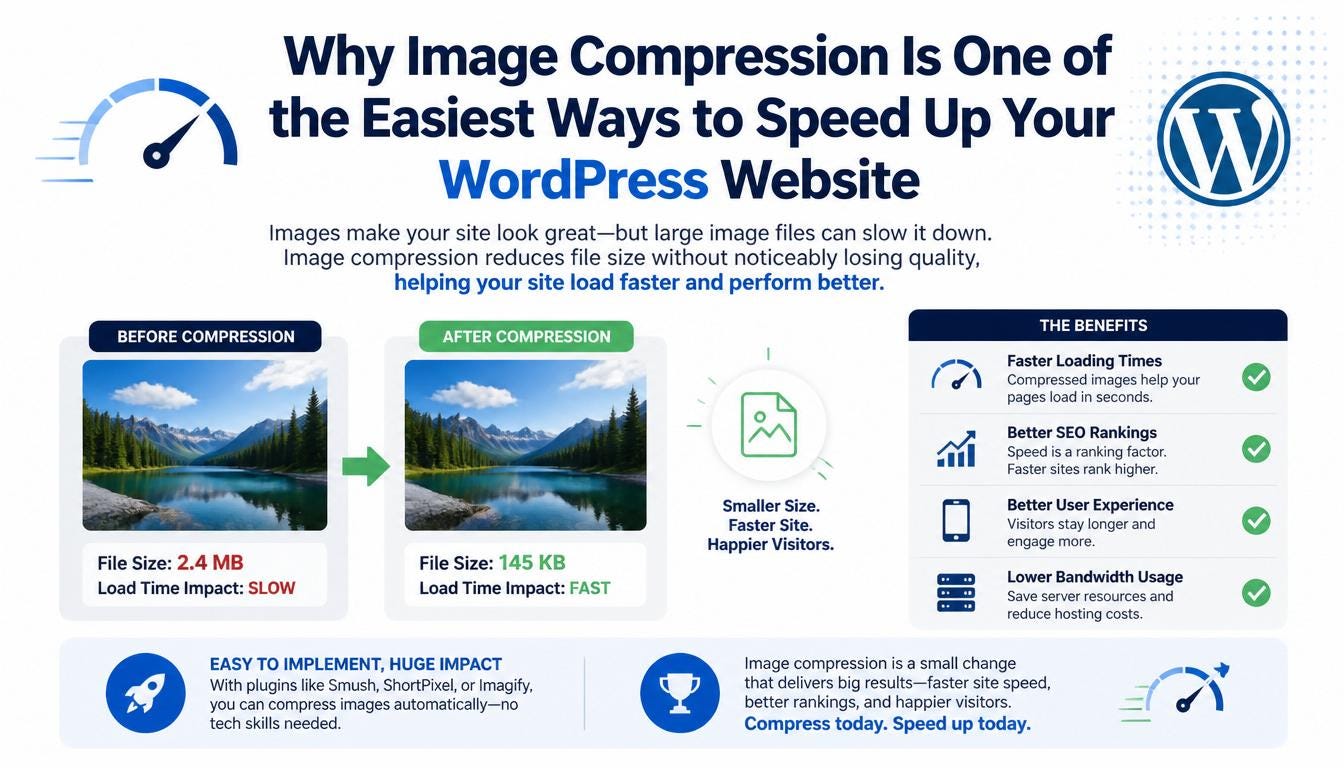
The good news is that improving image performance doesn’t have to be complicated. With automatic image compression, you can optimize every image as it’s uploaded, saving time while keeping your website fast and efficient.
Why Image Compression Matters
Modern websites rely heavily on visual content. High-resolution images make pages more engaging, but they also increase file sizes, consume more bandwidth, and slow down loading times.
Proper image compression helps you:
- Improve page load speed
- Reduce storage usage
- Lower bandwidth consumption
- Improve Core Web Vitals
- Deliver a better experience on mobile devices
- Support better search engine performance
For websites with hundreds or thousands of images, these benefits add up quickly.
Lossless vs. Lossy Compression
There are two common methods of image compression.
Lossless Compression
Lossless compression reduces file size without affecting image quality. It’s a great option for logos, graphics, screenshots, and images where every detail matters.
Lossy Compression
Lossy compression achieves much smaller file sizes by removing data that is less noticeable to the human eye. When used correctly, it delivers excellent visual quality while significantly improving website performance.
Choosing between the two depends on your website’s needs. Many site owners use lossless compression for important graphics and lossy compression for photos and featured images.
Why Manual Compression Doesn’t Scale
Compressing images one by one before uploading might work for a small website, but it’s not practical for businesses or publishers that upload content regularly.
Imagine managing:
- A WooCommerce store with thousands of product images
- A news website publishing dozens of articles every day
- A photography portfolio
- A growing company blog
Manual optimization quickly becomes time-consuming and inconsistent.
Automate Image Optimization
A better approach is to automate the process.
Automatic image compression ensures every uploaded image is optimized without requiring extra steps from your team. This keeps your media library consistent and prevents oversized files from slowing down your website.
An ideal image optimization workflow should include:
- Automatic optimization during upload
- Bulk optimization for existing images
- Support for both lossless and lossy compression
- Safe preservation of original files
Optimize Existing Images in Bulk
Many websites already have years of uploaded media.
Instead of optimizing images individually, bulk optimization lets you process thousands of existing images in a single workflow. This can dramatically reduce storage usage while improving performance across your entire website.
It’s one of the fastest ways to improve page speed without redesigning your site.
Keep Original Files Safe
Website owners often hesitate to compress images because they’re concerned about losing the original versions.
A reliable optimization solution preserves the original files while creating optimized versions for your website. This provides peace of mind and allows you to restore originals whenever needed.
A Smarter Way to Manage WordPress Images
Modern WordPress websites need more than basic image compression. They benefit from a workflow that automates optimization, reduces server storage, and simplifies media management.
That’s where solutions like Next3 Offload can help. In addition to cloud media offloading, it includes built-in image optimization features that allow you to:
- Compress images automatically during upload
- Choose between lossless and lossy compression
- Bulk optimize thousands of existing images
- Preserve original files for added safety
Instead of manually preparing every image before publishing, you can automate the process and focus on creating content.
Final Thoughts
Image compression is one of the simplest and most effective ways to improve WordPress performance. Smaller images mean faster pages, reduced storage requirements, lower bandwidth usage, and a better experience for your visitors.
Whether you’re launching a new website or optimizing an existing one, automating image compression can save countless hours while helping your site perform at its best.
If you’re interested in simplifying both image optimization and cloud media management, learn more about Next3 Offload at **https://next3offload.com/**.
메타데이터
- post_id
- 5ce77b226b9c
- slug
- why-image-compression-is-one-of-the-easiest-ways-to-speed-up-your-wordpress-website-5ce77b226b9c
- url
- https://medium.com/@andrewecookcook/why-image-compression-is-one-of-the-easiest-ways-to-speed-up-your-wordpress-website-5ce77b226b9c
- canonical_url
- https://medium.com/@andrewecookcook/why-image-compression-is-one-of-the-easiest-ways-to-speed-up-your-wordpress-website-5ce77b226b9c
- author_url
- https://medium.com/@andrewecookcook
- status
- ok
- fetched_at
- 2026-07-13 06:23:13