💡 Mastering AWS RDS Instance Types: A Practical Guide to Characteristics and Core Differences
Choosing the correct AWS Relational Database Service (RDS) instance type is one of the most critical decisions in deploying a scalable…
💡 Mastering AWS RDS Instance Types: A Practical Guide to Characteristics and Core Differences
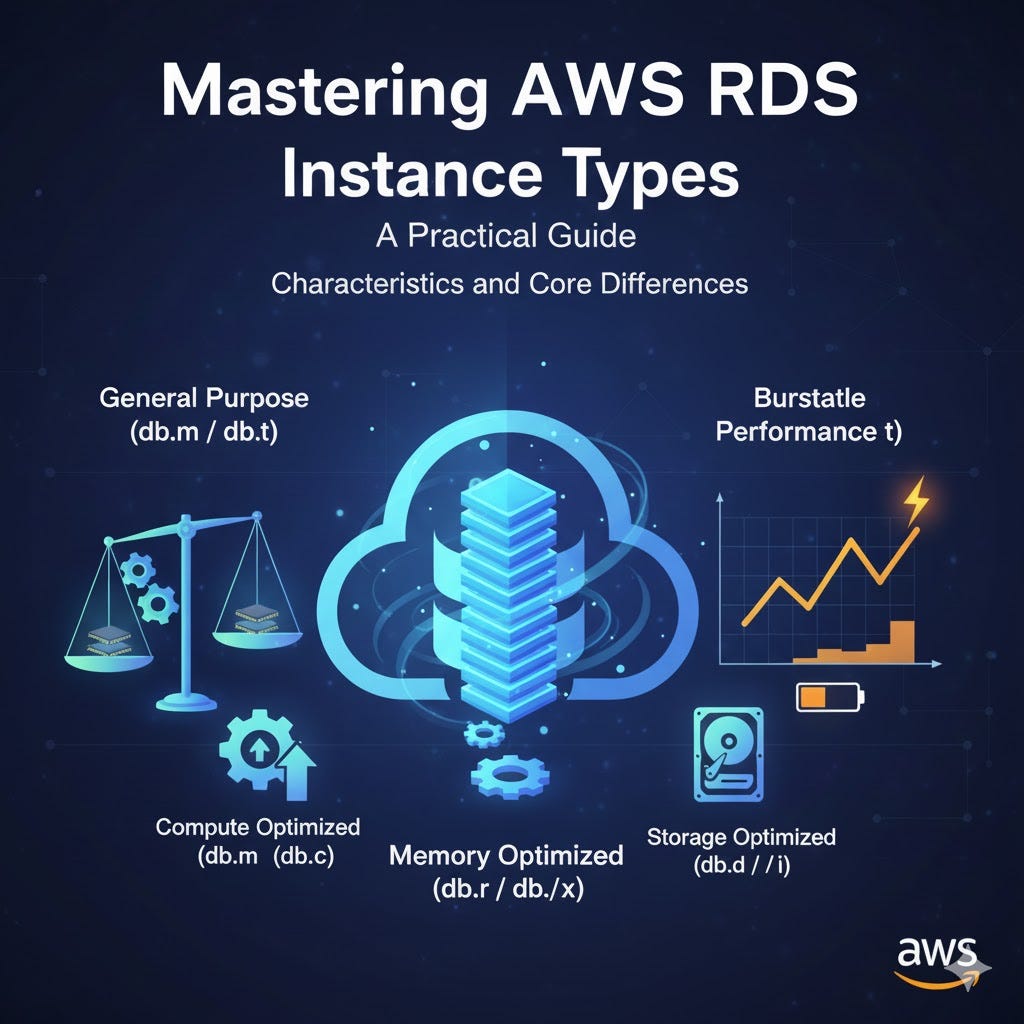
Choosing the correct AWS Relational Database Service (RDS) instance type is one of the most critical decisions in deploying a scalable, performant, and cost-effective cloud database. These instance types, known as DB Instance Classes, dictate the underlying resources — CPU, memory, storage, and network throughput — that your database engine (like PostgreSQL, MySQL, or SQL Server) will utilize.
AWS organizes these classes into distinct families: General Purpose, Memory Optimized, and Burstable Performance, each tailored for dramatically different workloads, ranging from low-traffic development environments to mission-critical, high-throughput enterprise applications. Understanding the core characteristics and key differences between these families is the essential first step toward optimizing your database infrastructure and ensuring your application always has the right foundation.
1. The Workhorse: General Purpose (db.m)
The General Purpose family, notably the db.m series (like db.m6g or db.m7i), represents the most balanced and versatile option. These instances are designed as the "Goldilocks" choice, offering a near-equal ratio of vCPU to memory (typically 1:4 to 1:8).
They deliver consistent, moderate baseline performance without relying on burstable CPU credits. This makes them ideal for the vast majority of standard relational database workloads, including enterprise applications, content management systems (CMS), and typical Online Transaction Processing (OLTP) systems that require predictable, steady performance across CPU, memory, and networking.
- db.m8gAWS Graviton4
• Powered by AWS Nitro System. Up to 3x more vCPUs and memory than db.m7g. Larger instance sizes available
> Balanced Performance: Delivers balanced compute, memory, and networking resources.
> High-Scale General Workloads: Best for broad workloads that require the highest performance per price and significantly larger instance sizes than previous Graviton generations.
2. db.m7i 4th Gen Intel Xeon Scalable
• SAP Certified. Up to 40,000 Mbps EBS bandwidth. Up to 50 Gbps network bandwidth. 15% better price performance vs db.m6i
> Enterprise High-Performance: Balanced resources with a focus on high continuous CPU capability.
> Enterprise & Heavy Compute: Ideal for enterprise applications needing large instance sizes, high continuous CPU usage, or specific SAP certifications.
3. db.m7g AWS Graviton3
• Powered by AWS Nitro System. Newer generation than db.m6g
> Balanced Efficiency: Standard balanced compute, memory, and networking.
> Cost-Effective General Workloads: Excellent for a broad range of general-purpose workloads looking for better efficiency than x86 equivalents.
4. db.m6i3rd Gen Intel Xeon Scalable
• SAP Certified. Up to 200 Gbps network bandwidth (db.m6in). Up to 7.6 TB local NVMe storage (db.m6id/n)
> Versatile Enterprise: Balanced resources with options for high local storage or networking.
> Backend & Development: Ideal for backend servers, gaming servers, caching fleets, and application development environments.
5. db.m6g AWS Graviton2
• Local NVMe SSDs available (db.m6gd). Balanced compute/memory/net
> Cloud-Native General: Balanced resources for cloud-native applications.
> Low Latency Storage Needs: The db.m6gd variant is specifically useful for applications requiring high-speed, low-latency local block-level storage.
6. db.m5 Intel Xeon (Gen not specified)
• Powered by AWS Nitro System. NVMe-based SSD storage available (db.m5d). Higher capacity than legacy db.m4
> Standard General Purpose: Provides a reliable balance of compute, memory, and network resources.
Difference between Graviton(ARM64) and Intel Xeon(x86)
g (e.g.,
db.m8g) AWS GravitonARM64 Built by AWS specifically for the cloud. They are designed for the best price-performance ratio. They generally offer lower costs for equivalent performance compared to x86 chips.
i (e.g.,
db.m7i) Intel Xeonx86 Built by Intel. These are the industry standard for enterprise applications. They are designed for high continuous clock speeds, maximum compatibility, and heavy throughput.
Which is more powerful ?
Winner for Raw Compute & Enterprise capability: The “i” Series (db.m7i)
- Why: The text explicitly states
db.m7iis ideal for "high continuous CPU usage" and "enterprise applications." - Strengths:
- Throughput: High EBS bandwidth (up to 40,000 Mbps) and Network bandwidth (up to 50 Gbps).
- Compatibility: They are SAP Certified and run on x86, which is required for certain legacy databases or specific enterprise software licenses (like some versions of Oracle or SQL Server).
- Use Case: If you have a massive, heavy-hitting legacy database that needs sustained high clock speeds, the “i” series is usually the “stronger” workhorse.
Winner for Scalability & Efficiency: The “g” Series (db.m8g)
- Why: The text mentions the new
db.m8g(Graviton4) provides "up to 3x more vCPUs and memory" compared to the previous generation.
Strengths:
- Sheer Size: The
db.m8gallows for massive instance sizes, meaning you can scale vertically significantly higher than older generations. - Efficiency: They deliver better performance per dollar. If you are running open-source databases (PostgreSQL, MySQL, MariaDB), these often process transactions faster for less money.
Summary Recommendation
- Choose “i” (Intel) if you need raw, sustained horsepower for heavy enterprise apps, need SAP certification, or are using a database engine that doesn’t support ARM processors (like older SQL Server versions).
- Choose “g” (Graviton) if you want the most “bang for your buck,” are using modern open-source databases, or need massive memory/vCPU counts (via the new
m8g) without paying the Intel premium.
2. Memory-optimized instance class types
🧠 Memory-Optimized X and Z Families
The Memory-Optimized instances (identified by the **R** prefix) are the workhorses for serious database needs. They offer a much higher ratio of RAM to vCPU compared to the General-Purpose (M) class, which is vital for databases to cache data.
The db.z1d (Z Family) is a specialized class focused on raw CPU speed and large memory. It is unique because it offers an extremely high sustained all-core frequency (up to 4.0 GHz) alongside a high memory footprint, making it perfect for applications that are bottlenecked by CPU clock speed and require high performance per core, often used to minimize software licensing costs.
The X Family (db.x2g, db.x2i, db.x1) is the definitive choice for sheer memory capacity and the lowest cost per GiB of RAM. The Intel-based db.x2i classes offer the highest memory (up to 4 TiB) and fast networking/storage for enterprise systems like SAP HANA. For the most cost-effective approach to scale memory, the db.x2g class uses AWS Graviton2 processors to deliver memory optimization at a significantly reduced price point.
🧠 Memory-Optimized DB Instance Classes (R-Series)
- db.r8g AWS Graviton4
• Up to 3x more vCPUs and memory than db.r7g. Features the latest DDR5–5600 memory for high bandwidth. Offers local NVMe SSD storage in the r8gd variant.
> Extreme Memory Scale: Designed for maximum efficiency and scale for in-memory processing. (Typically 8:1 ratio)
> High-Performance OLTP & Analytics: Best-in-class price-performance for modern, memory-intensive database engines (PostgreSQL, MySQL, MariaDB) that require massive cache (buffer pool) size.
2. db.r7i 4th Gen Intel Xeon Scalable
• Features latest DDR5 memory for increased bandwidth. Offers excellent single-threaded performance within the memory-optimized family.
> High Clock Speed Memory: Optimized for high-speed memory access and single-core performance. (Typically 8:1 ratio)
> Enterprise OLTP & X86 Compatibility: Ideal for memory-intensive commercial databases (Oracle, SQL Server) or workloads where maximizing x86 single-thread performance is critical (e.g., complex stored procedures).
3. db.r7g AWS Graviton3
• Up to 25% better performance than R6g. Uses DDR5 memory (50% higher bandwidth than DDR4).
> Balanced Memory Efficiency: High memory ratio with a focus on price-performance. (Typically 8:1 ratio)
> General Memory-Bound Workloads: A major upgrade over the R6g for general memory-intensive workloads, delivering great value for money.
4. db.r6i 3rd Gen Intel Xeon Scalable
• Supports up to 30 Gbps network bandwidth (db.r6in). Offers local NVMe SSD storage in the r6id variant.
> Proven X86 Stability: Reliable, memory-optimized performance on Intel architecture. (Typically 8:1 ratio)
> Cost-Optimized X86: Suitable when you need x86 compatibility but do not require the absolute latest performance of the R7i, offering a good balance of cost and power.
5. db.r6g AWS Graviton2
• Offers local NVMe SSD storage in the r6gd variant. Strong entry point for Graviton adoption.
> Entry-Level ARM Memory: Provides memory optimization using the Graviton2 processor. (Typically 8:1 ratio)
> Initial Graviton Migration: A great option for migrating non-critical memory-intensive workloads to the Graviton architecture to realize immediate cost savings.
Example Use Cases
Memory-Optimized instances are mandatory for applications that are either transaction-heavy or analytics-heavy:
Example Scenario — Problem Solved by R-Series
> E-commerce Platform: Handling thousands of concurrent read/write transactions per second (OLTP). The large buffer pool ensures that database indices and frequently accessed product data are always in RAM for instant access.
> Financial Services: Running real-time risk calculations or complex business intelligence (BI) queries against live data. The large memory capacity supports complex join and sort operations without resorting to slow temporary disk storage.
In-Memory Caching: Leveraging database features like PostgreSQL’s shared buffers or MySQL’s InnoDB Buffer Pool to cache large amounts of data entirely in RAM, functioning as a high-speed primary data store.
3. Compute-optimized instance class type
- db.c6gd — Instance classes that are ideal for running advanced compute-intensive workloads. Powered by AWS Graviton2 processors, these instance classes offer local NVMe-based SSD block-level storage for applications that need high-speed, low latency local storage.
- The c6gd instance classes are supported only for Multi-AZ DB cluster deployments. They’re the only instance class supported for Multi-AZ DB clusters that offer the
mediuminstance size
4. Burstable-performance instance class types
The Burstable-Performance instance classes, currently represented by the db.t3 and the Graviton-based db.t4g families, are AWS's most cost-effective option for workloads that do not require consistently high CPU utilization. They are defined by a unique mechanism called CPU Credits.
Core Concept: CPU Credits
Unlike the dedicated performance of M- and R-class instances, T-class instances operate on a variable performance model:
- Baseline Performance: Every T-class instance size is guaranteed a specific, low-level baseline CPU performance (e.g., a
db.t4g.smallmight have a baseline of 20% of one vCPU). You are guaranteed and pay for this baseline. - Earning Credits: When your database’s CPU utilization operates below its baseline, it accumulates CPU credits. These credits are stored in a credit balance (up to a maximum cap).
- Bursting Credits: When your workload spikes (e.g., a complex query runs, or heavy traffic hits), the instance spends its accumulated credits to burst its performance above the guaranteed baseline, often reaching 100% vCPU utilization for a short time.
This model allows for optimal resource sharing on the host server, leading to significant cost savings for the user.
Two Modes of Operation (T3/T4g)
Modern T-class instances (T3 and T4g) offer two modes to manage credit usage:
Standard Mode : Once the credit balance is depleted, the instance’s CPU performance is throttled back to the guaranteed baseline level.You are never charged more than the fixed hourly rate.
Unlimited Mode: The instance can burst above the baseline even when it has no credits, by going into a negative balance.You pay the fixed hourly rate plus an additional charge for any CPU utilization that exceeds the baseline for an extended period. This provides guaranteed performance during spikes.
Example Use Case
Example Scenario why burstable works
- db.t4g.microDevelopment and Staging Environment: The database is mostly idle overnight and during off-peak hours (earning credits). During the day, developers run tests and imports, causing a brief, high CPU spike (spending credits).
- db.t3.mediumSmall Marketing Website or Blog: The site experiences a predictable, heavy traffic surge once a week (e.g., when a new article is posted) but is very quiet the rest of the time.
- db.t4g.smallInternal Ticketing/ERP System: The system is used heavily during business hours (9 AM — 5 PM) and is idle at night. The saved credits ensure smooth performance during the morning login rush.
5. Specialized Acceleration: Optimized Reads Instance Class Types
Optimized Reads is a performance enhancement feature for RDS that leverages the local NVMe Solid State Drives (SSDs) physically attached to certain host EC2 instances. This is a crucial distinction, as standard RDS instances (without the ‘d’ suffix) use network-attached Amazon Elastic Block Store (EBS) volumes for all storage, including temporary files.
The goal of Optimized Reads is to significantly accelerate read-heavy and computationally intensive query operations by offloading temporary data to the high-speed local disk.
Key Benefits
- Faster Query Processing: Queries that require the creation of temporary tables on disk — such as those involving large sorts (
ORDER BY), hash aggregations (GROUP BY), and complex joins—are dramatically accelerated. AWS often cites performance improvements of up to 50% faster query processing. - Reduced EBS I/O Bottleneck: By moving temporary I/O traffic to the local NVMe drive, the network-attached EBS volumes are freed up to handle persistent reads and writes, improving overall database throughput and stability.
- Tiered Caching (Aurora): For Amazon Aurora, the Optimized Reads feature often includes a Tiered Cache that uses the NVMe storage to hold database pages that have been evicted from the main in-memory buffer pool. This allows data to be fetched from the fast local SSD rather than the slower network storage, drastically reducing latency for certain read operations.
Ideal Use Cases and Examples
Optimized Reads instances are perfect for workloads where the database engine frequently spills data to disk to complete operations.
> Complex Reporting: Running on-demand, non-indexed, dynamic reports with heavy GROUP BY and ORDER BY clauses that exceed the available memory (work_mem).db.m6gd (General Purpose with local SSD)
> Data Analytics: Performing large-scale analytical queries, complex joins, or using Common Table Expressions (CTEs) on a relational database.db.r6d or db.r5d (Memory Optimized with local SSD)
> Read Replicas: Offloading complex, resource-intensive queries from the primary instance to a dedicated Read Replica.db.r5d.4xlarge as a Read Replica
To utilize this feature, you must select an instance class with the local storage capabilities (the ‘d’ or ‘gd’ suffix) and be running a supported version of the database engine (e.g., specific versions of RDS for PostgreSQL, MySQL, or MariaDB).
— — — — — — — — — — — — — — — — — — — — — — — — — — — — — — — — — — — — —
메타데이터
- post_id
- e8933a1e9dc6
- slug
- mastering-aws-rds-instance-types-a-practical-guide-to-characteristics-and-core-differences-e8933a1e9dc6
- url
- https://medium.com/@kathirnithish13199/mastering-aws-rds-instance-types-a-practical-guide-to-characteristics-and-core-differences-e8933a1e9dc6
- canonical_url
- https://medium.com/@kathirnithish13199/mastering-aws-rds-instance-types-a-practical-guide-to-characteristics-and-core-differences-e8933a1e9dc6
- author_url
- https://medium.com/@kathirnithish13199
- status
- ok
- fetched_at
- 2026-06-23 19:38:28